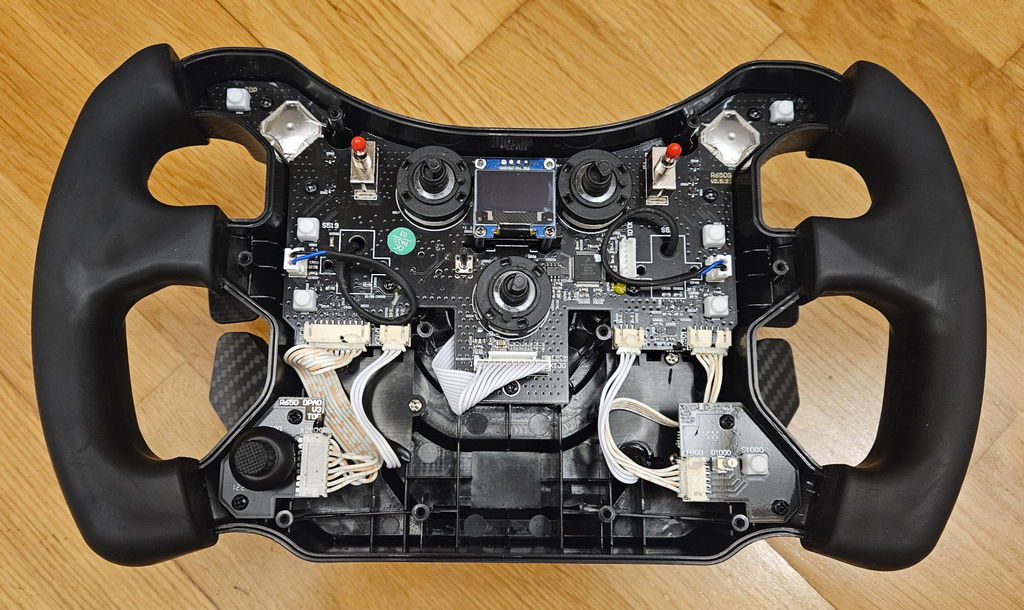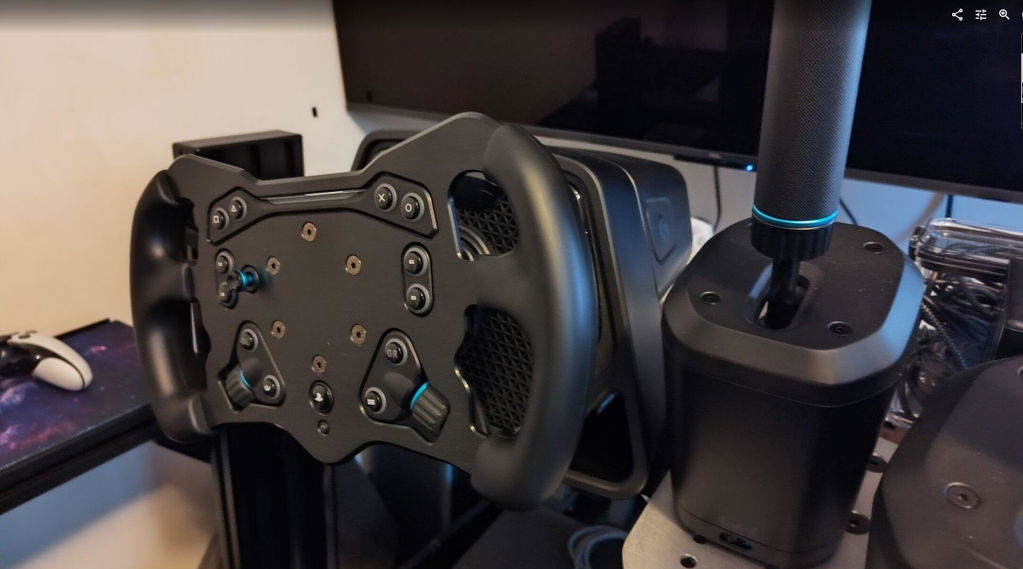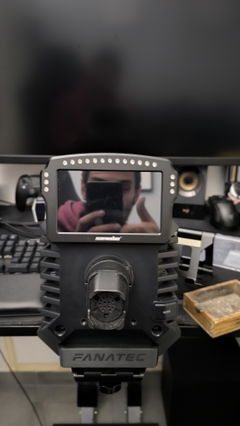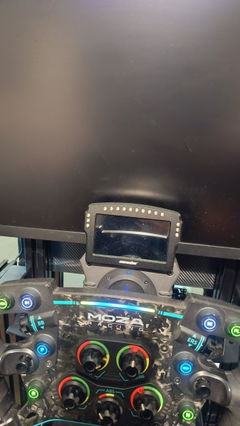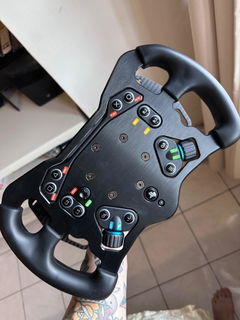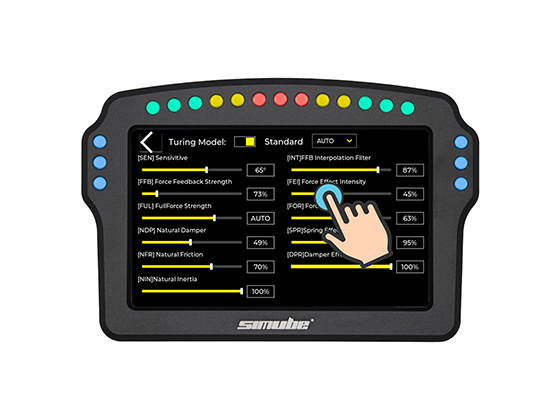
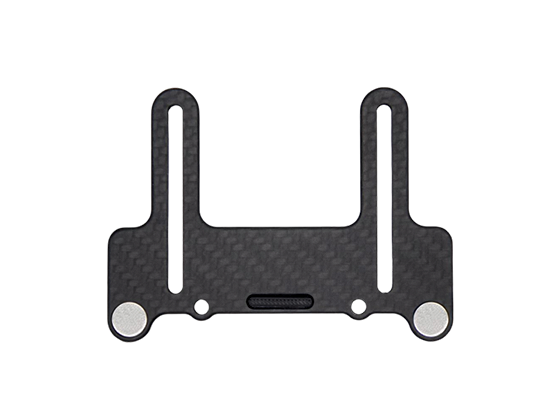
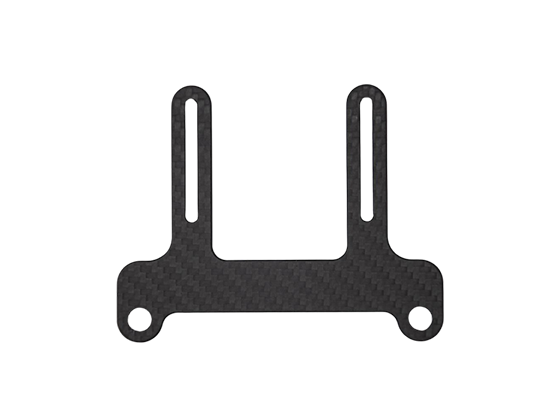
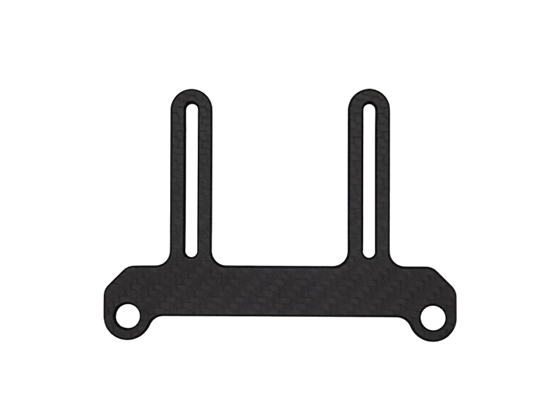
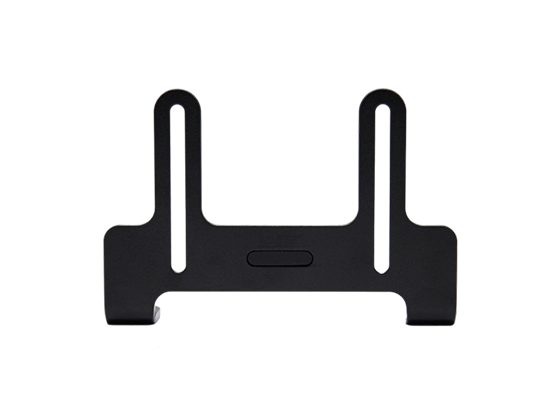
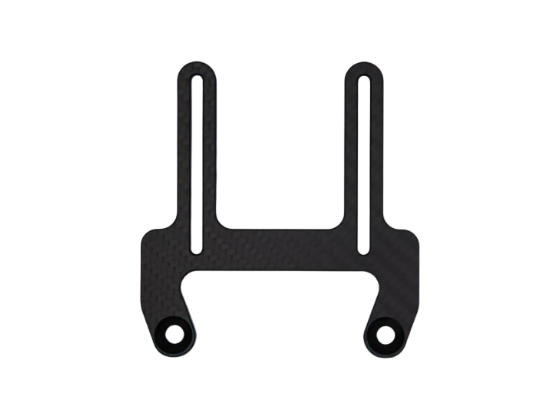
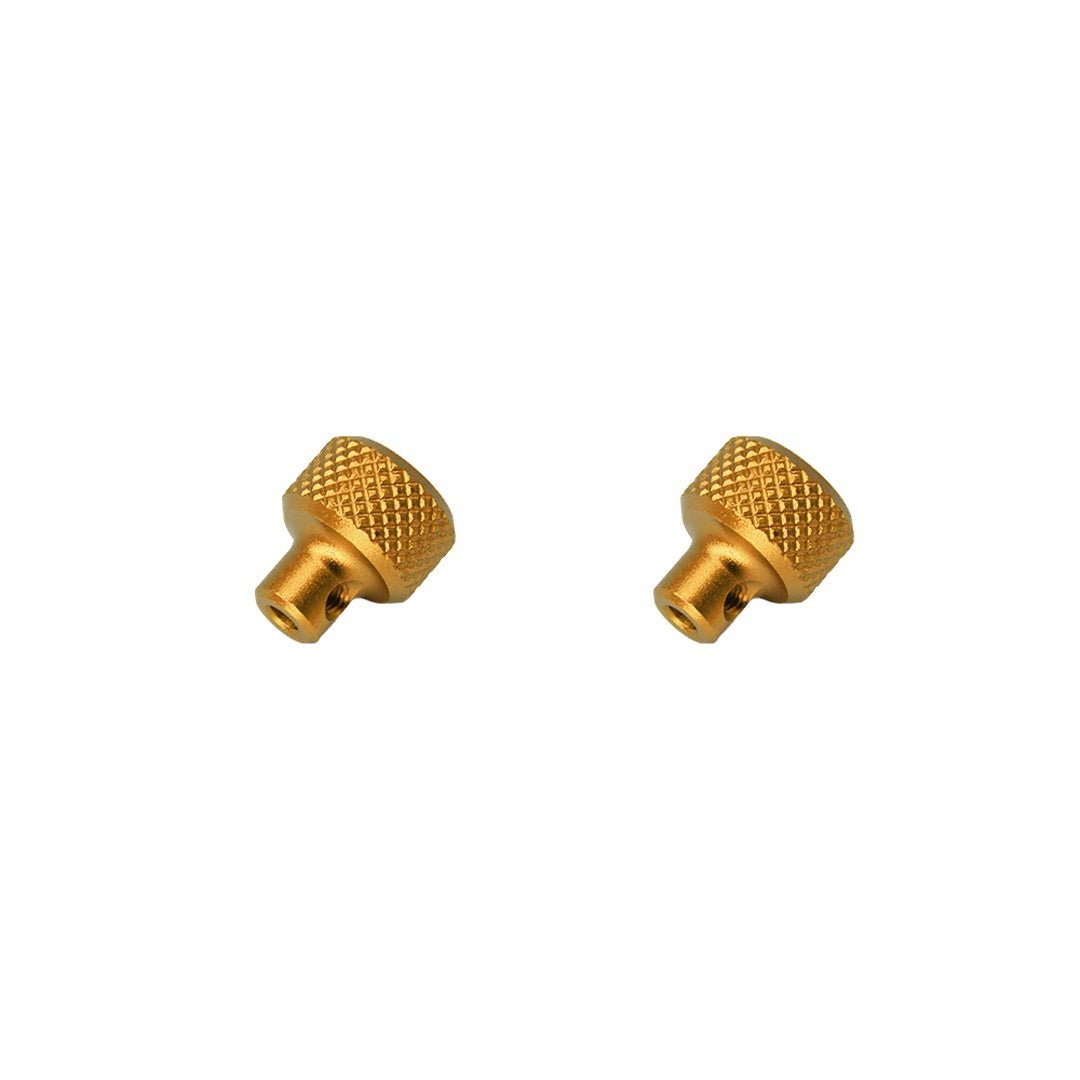
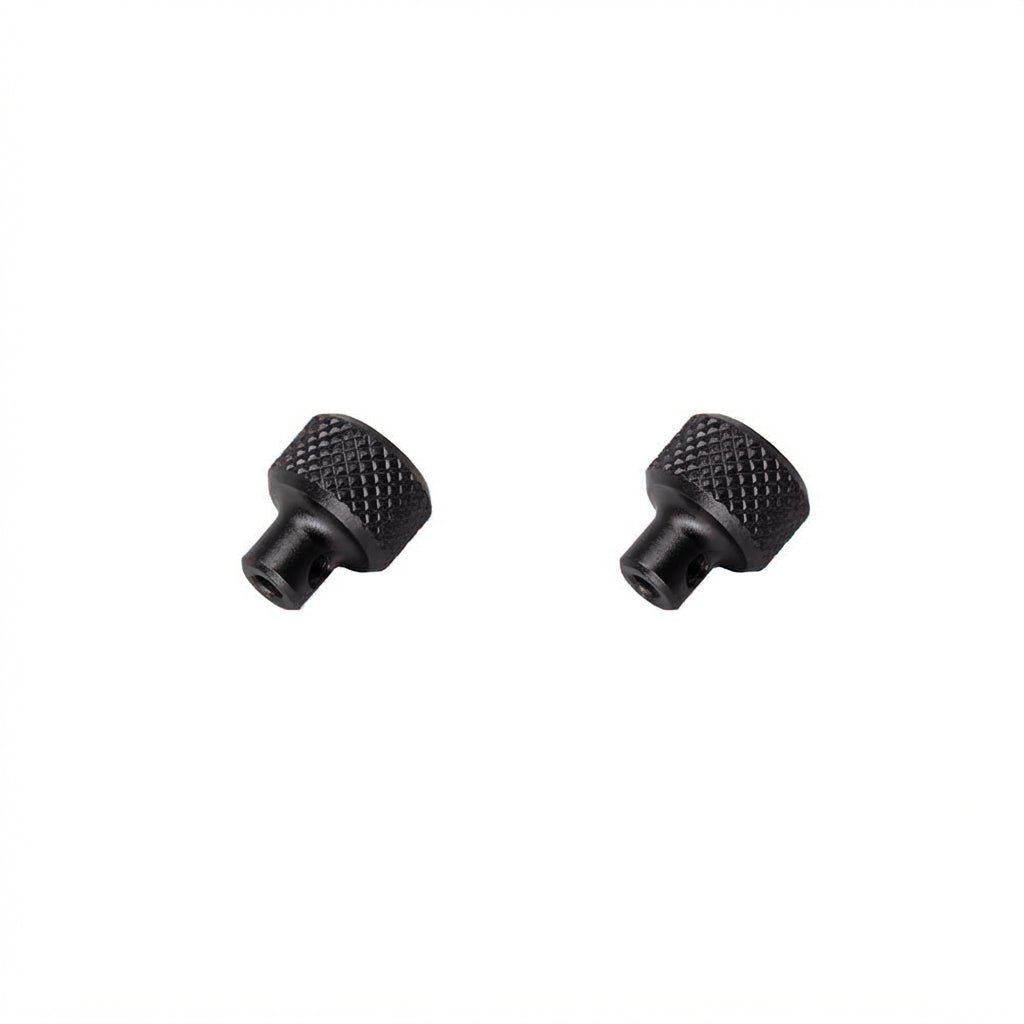
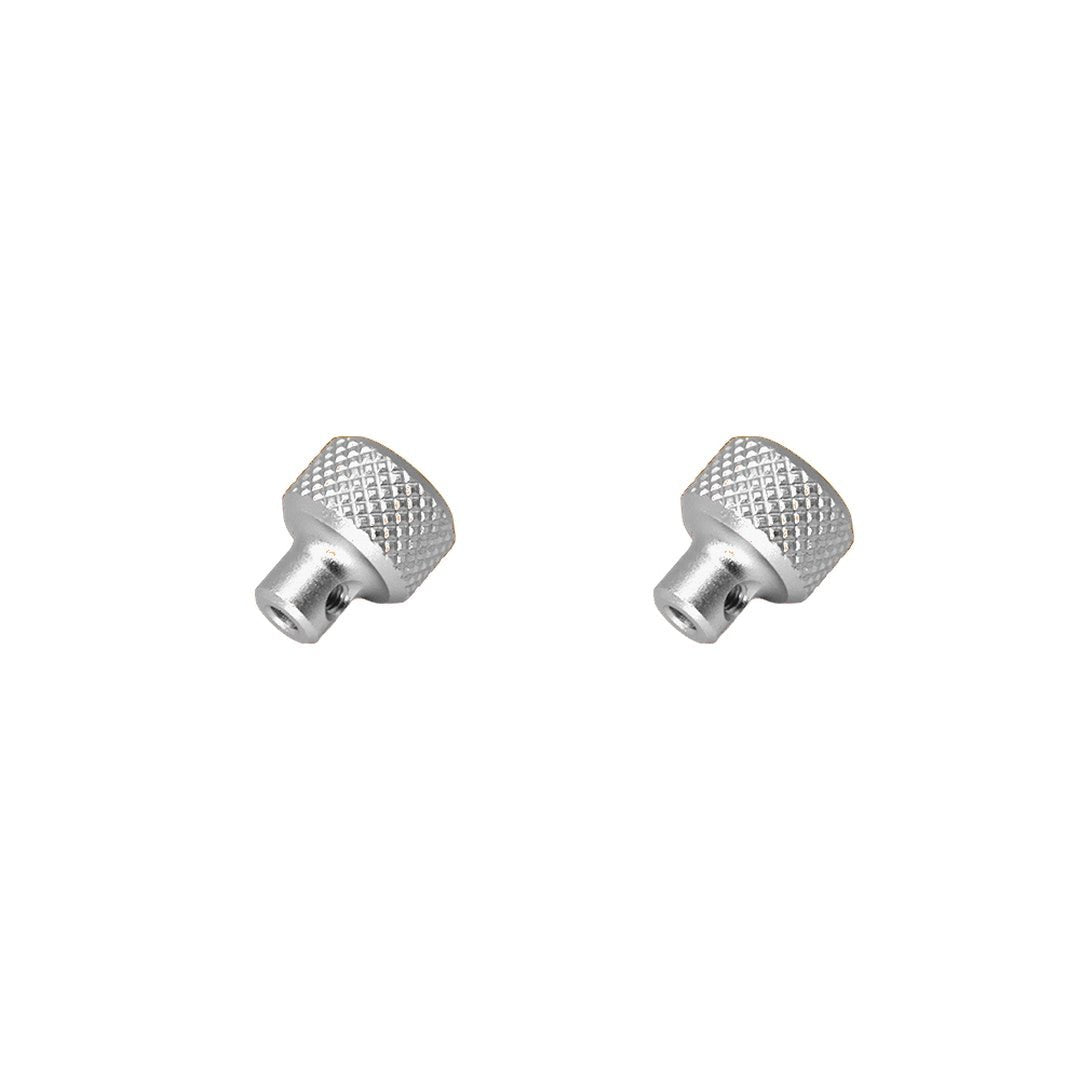
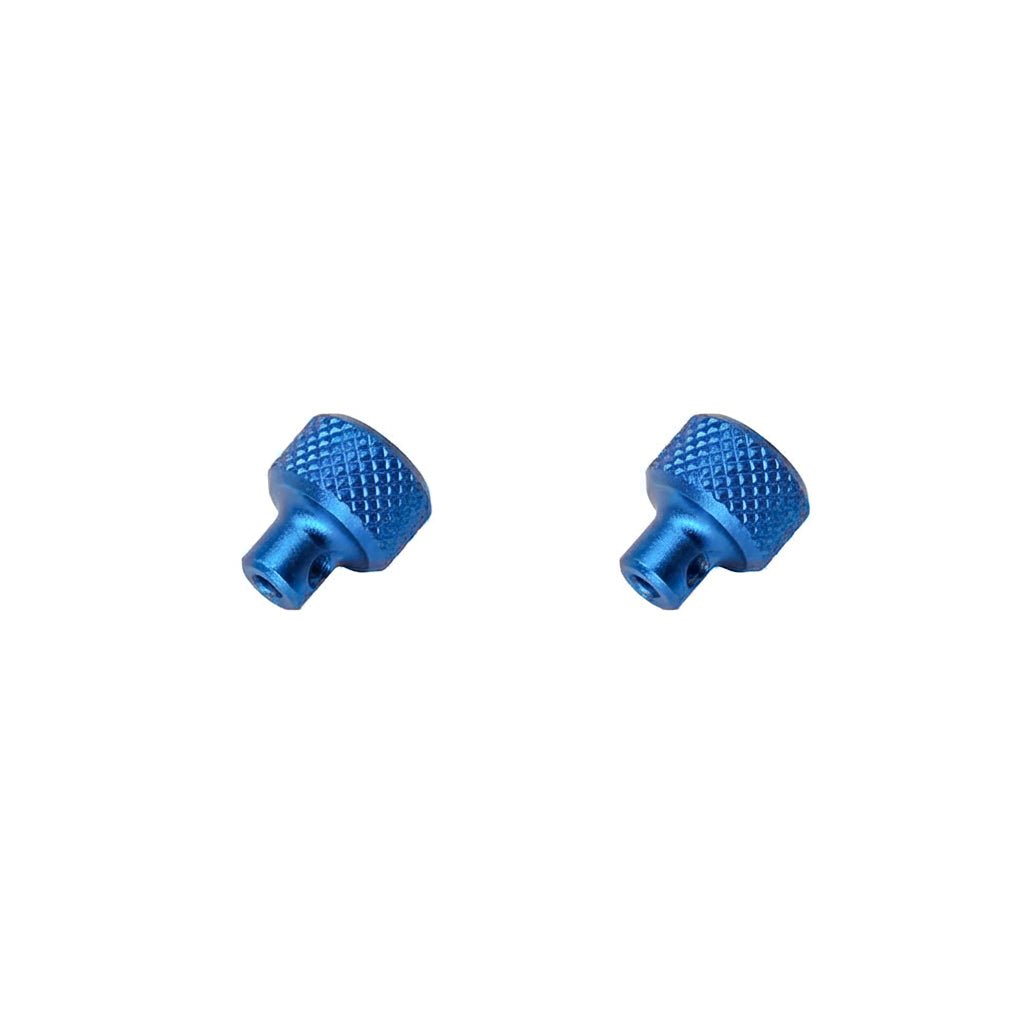
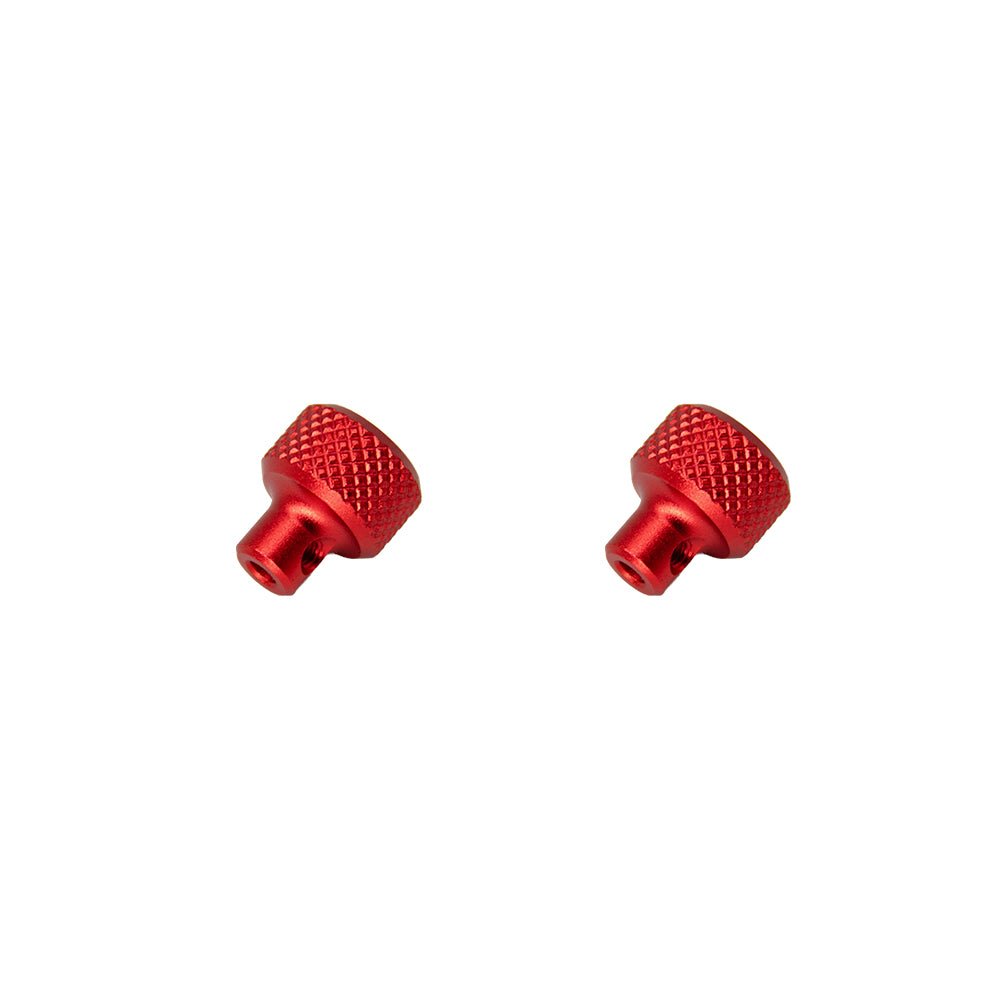
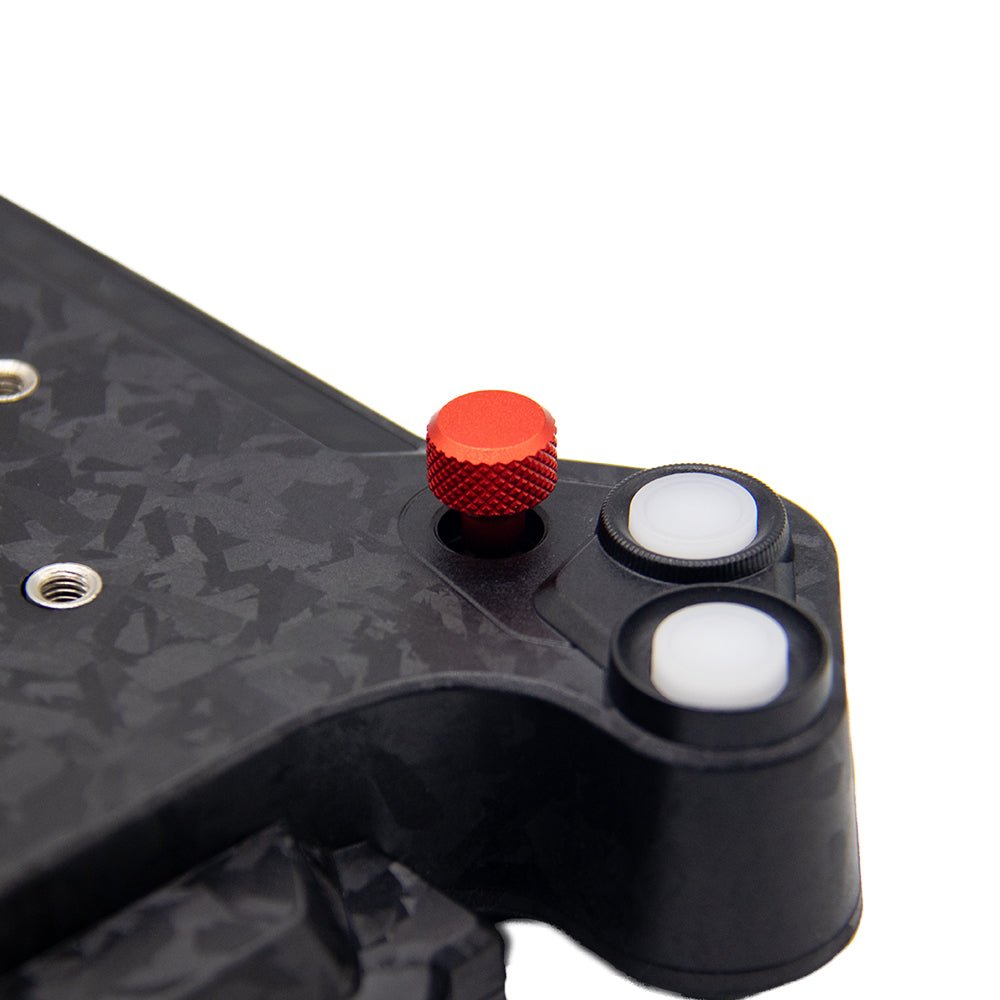
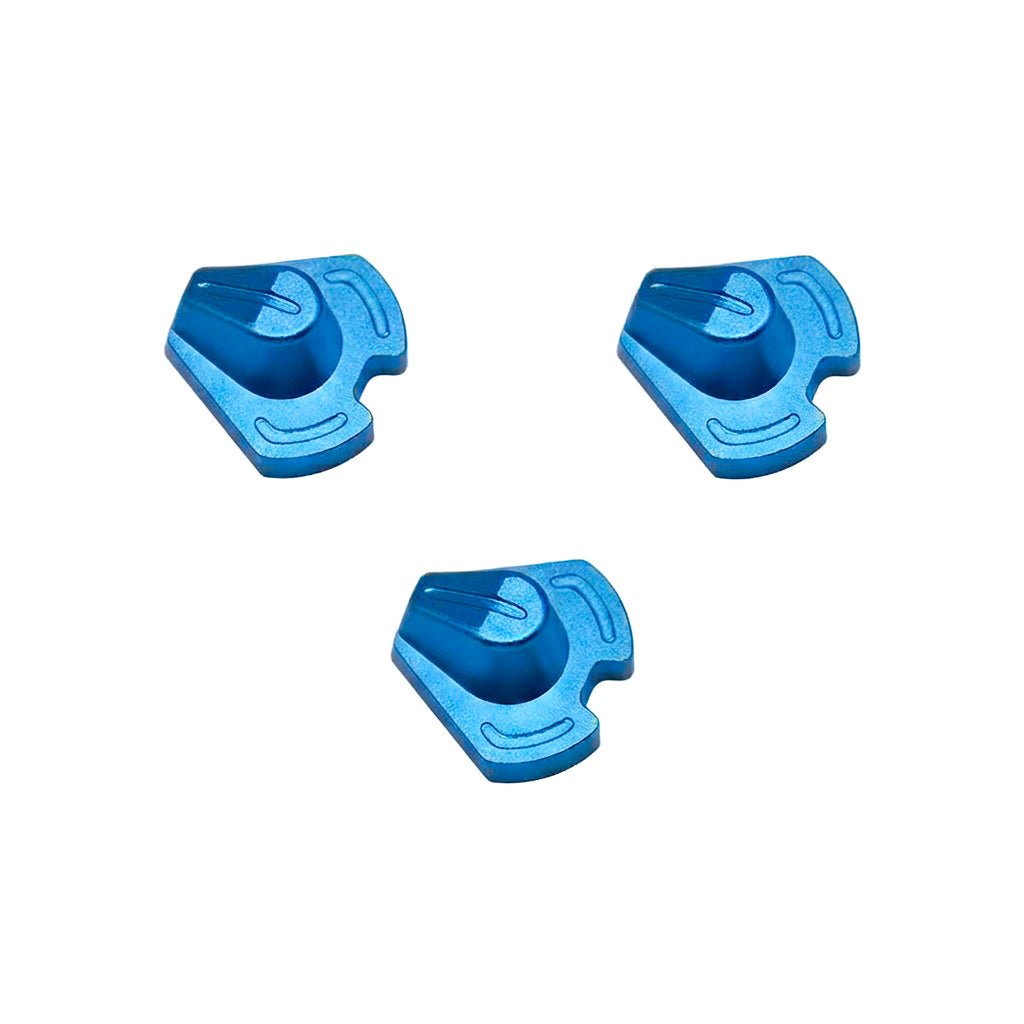
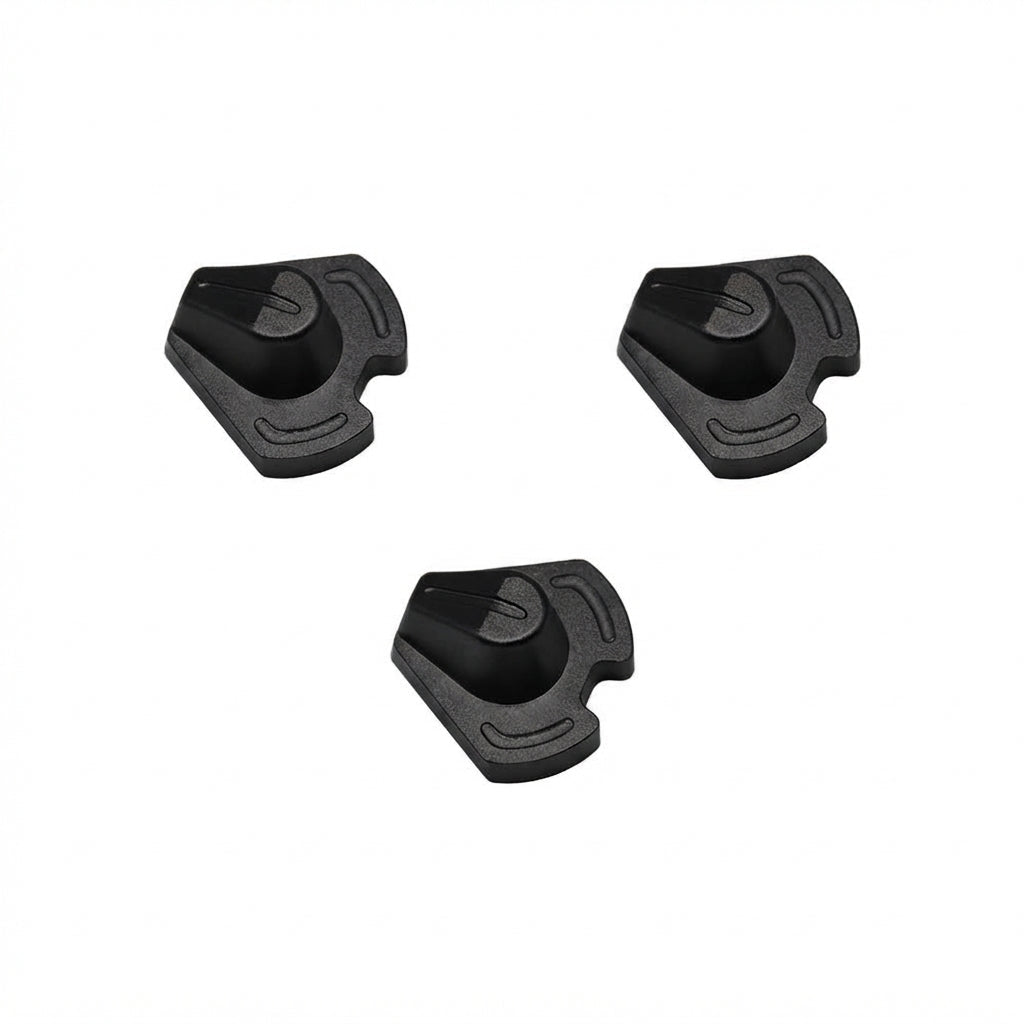
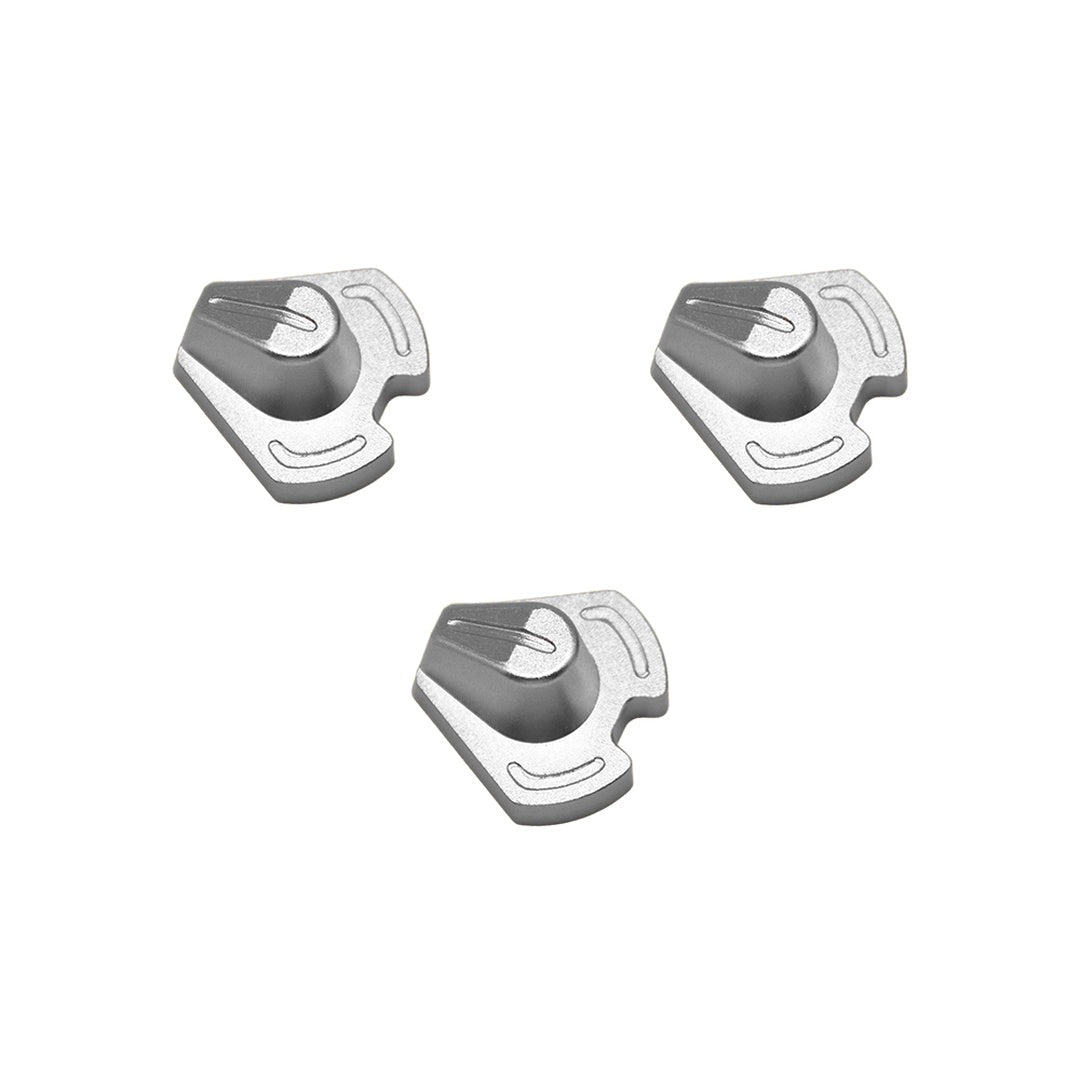
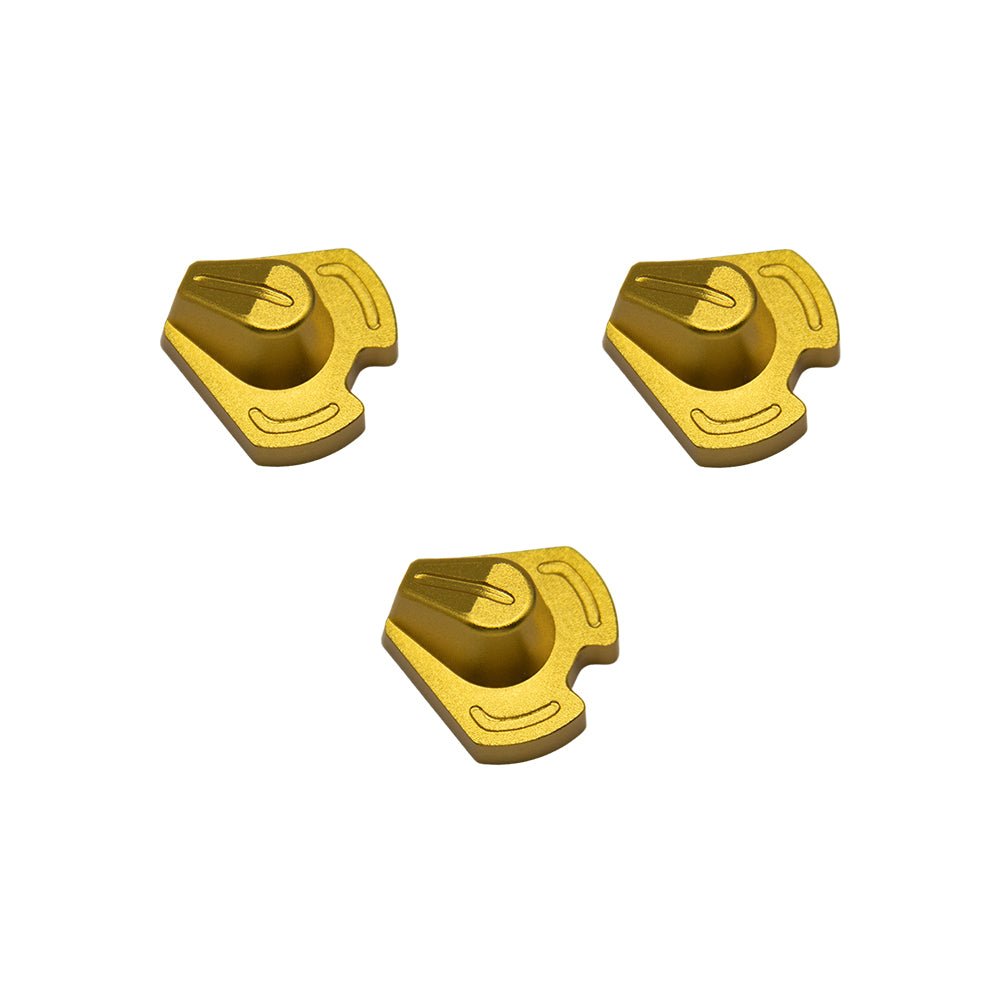
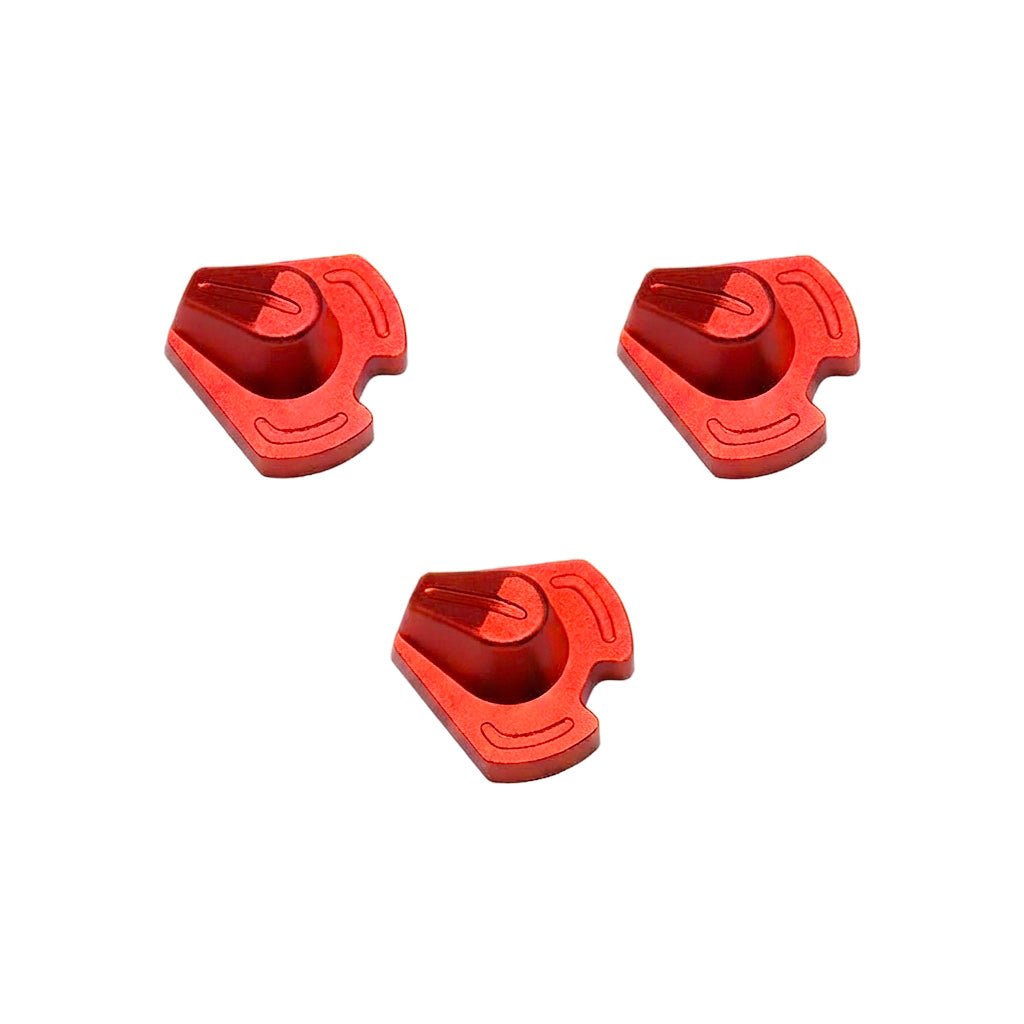
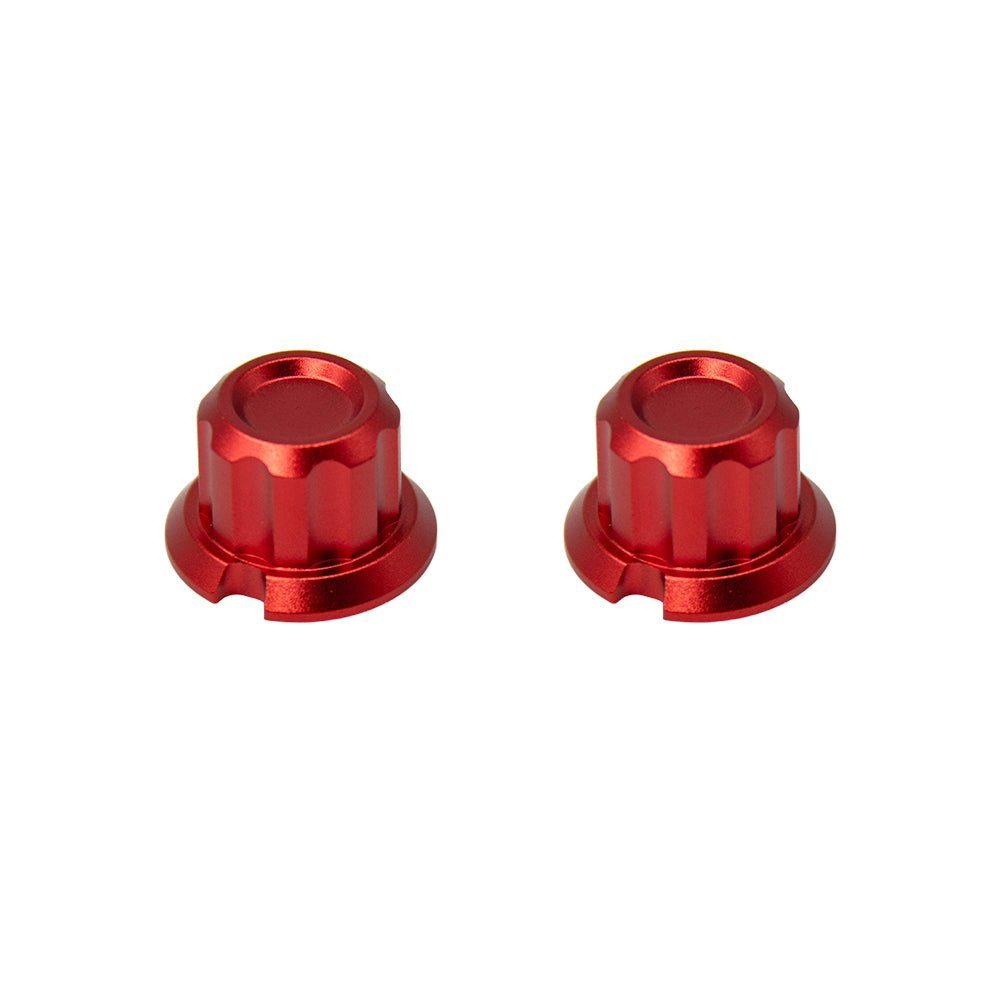
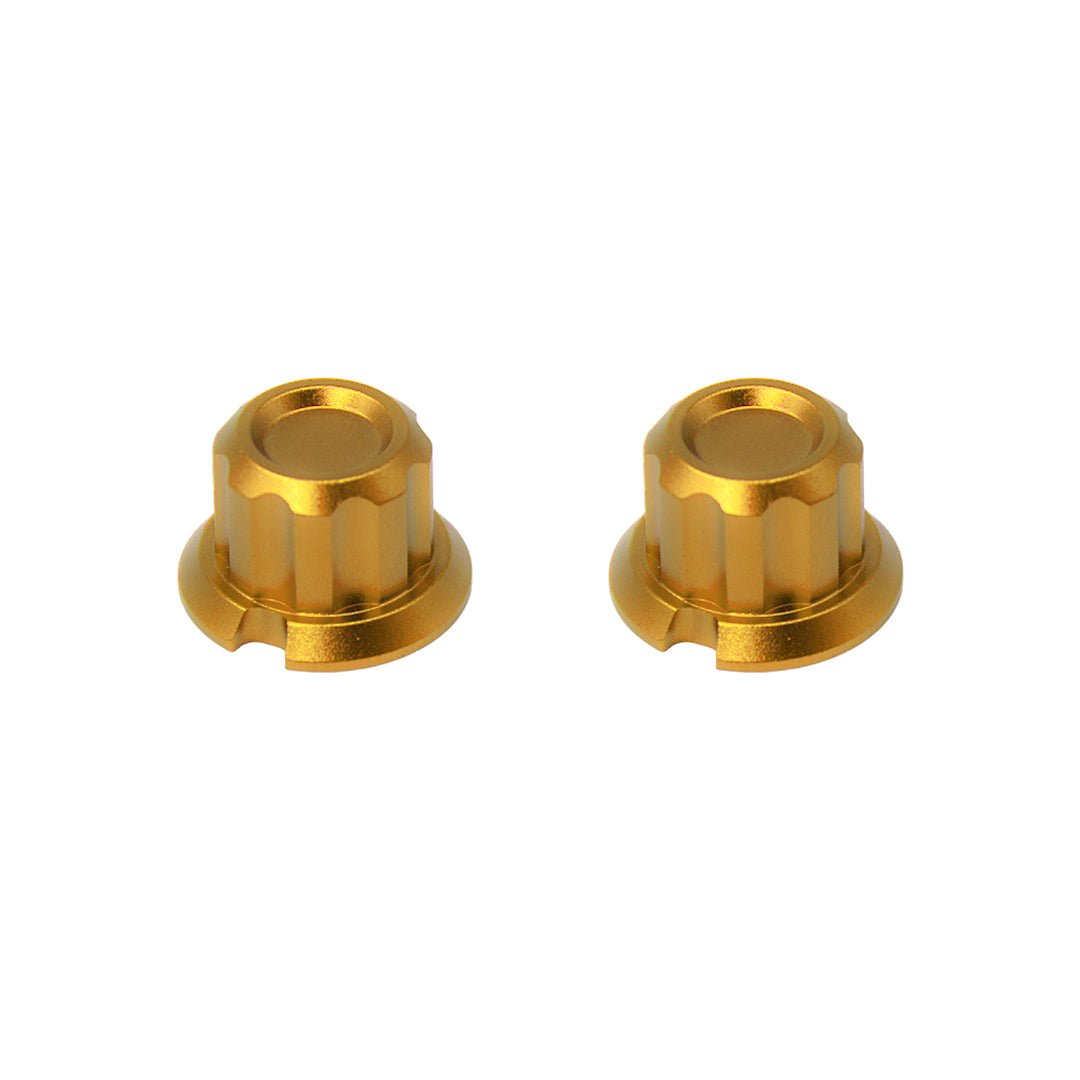
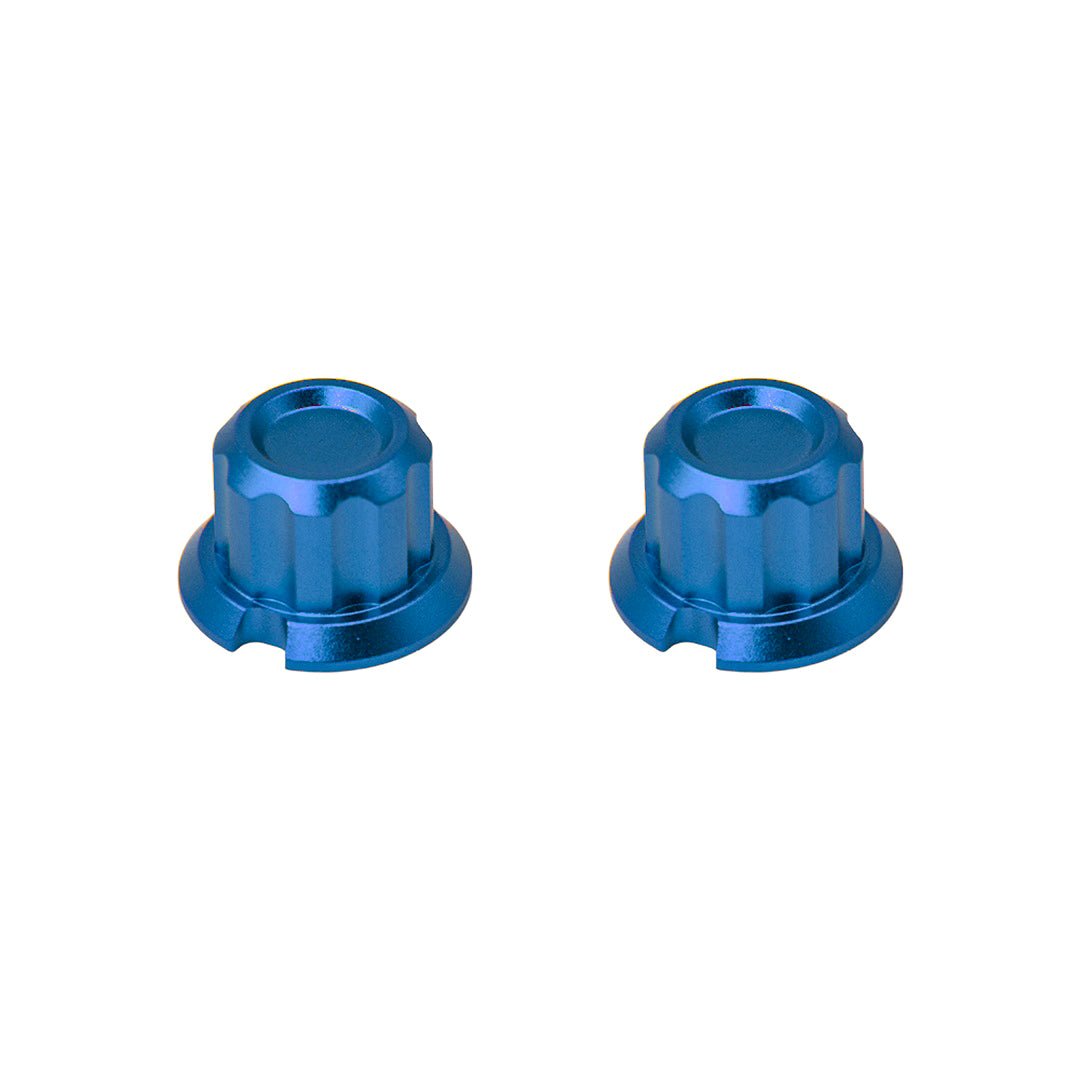
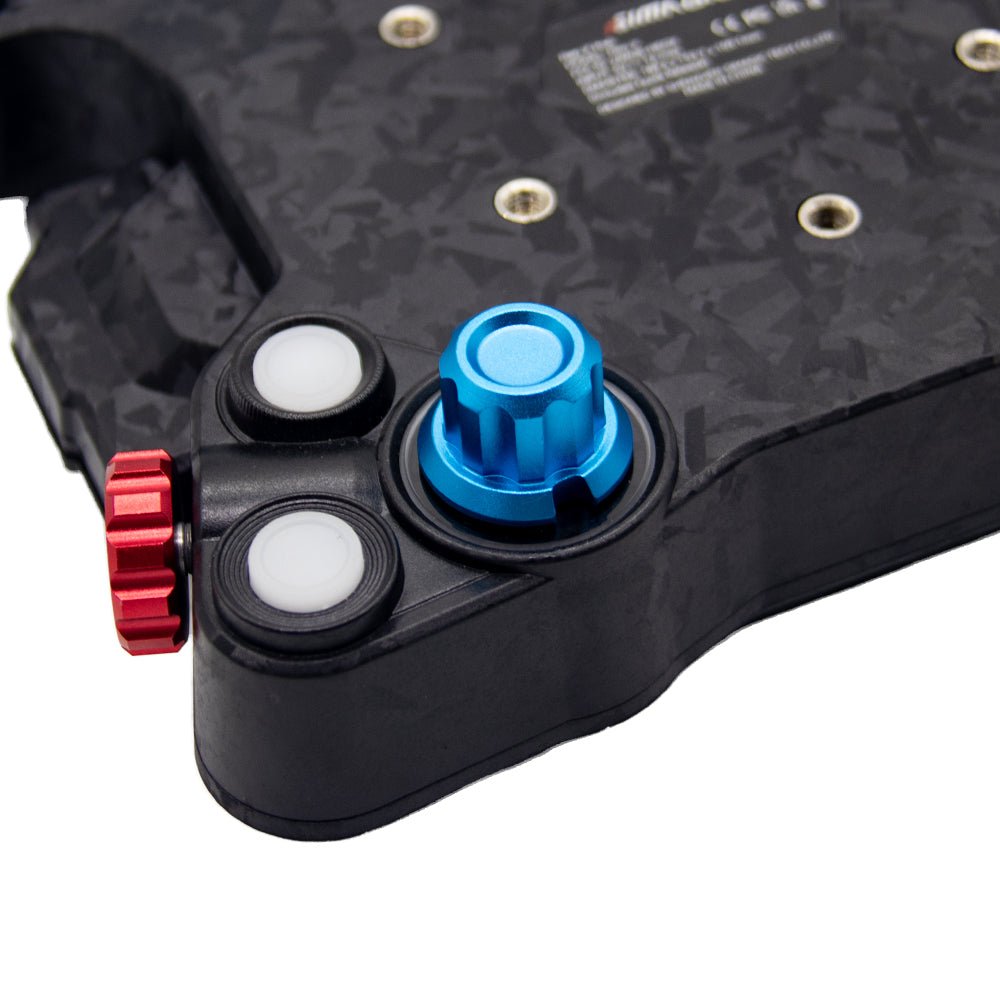
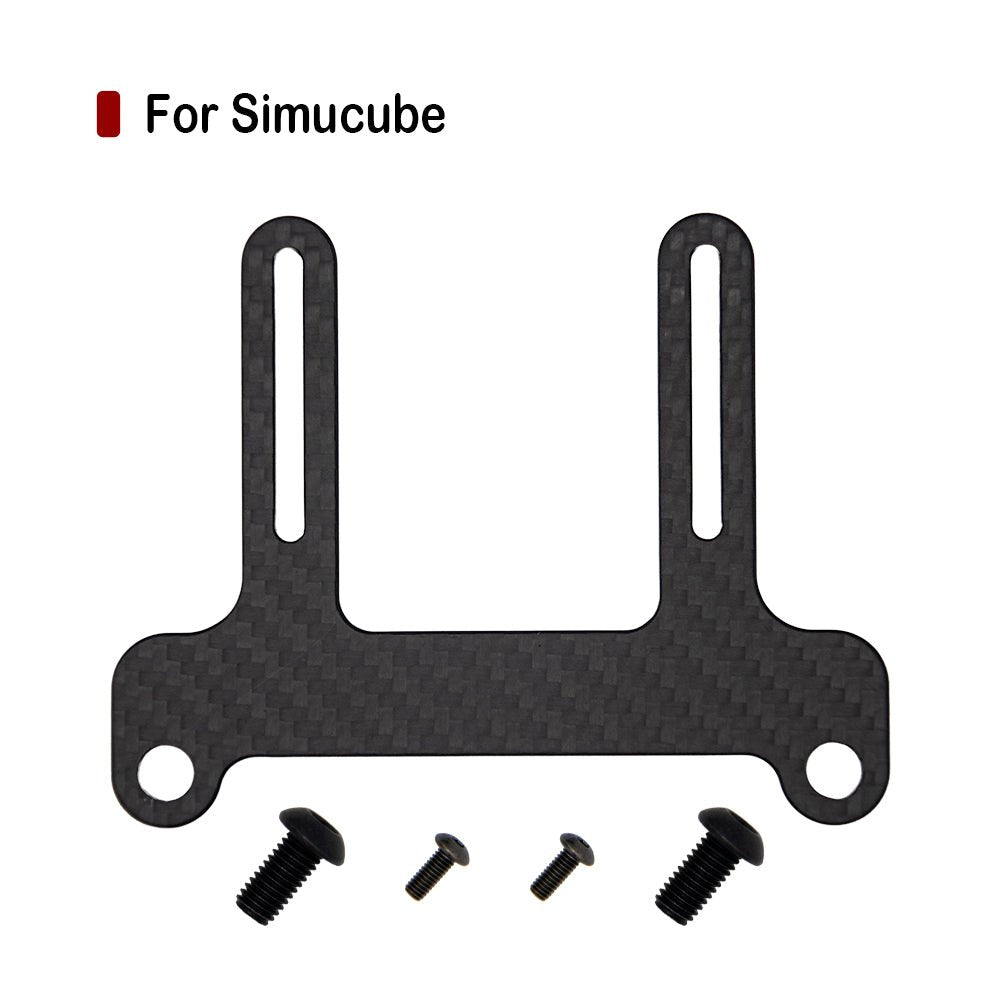
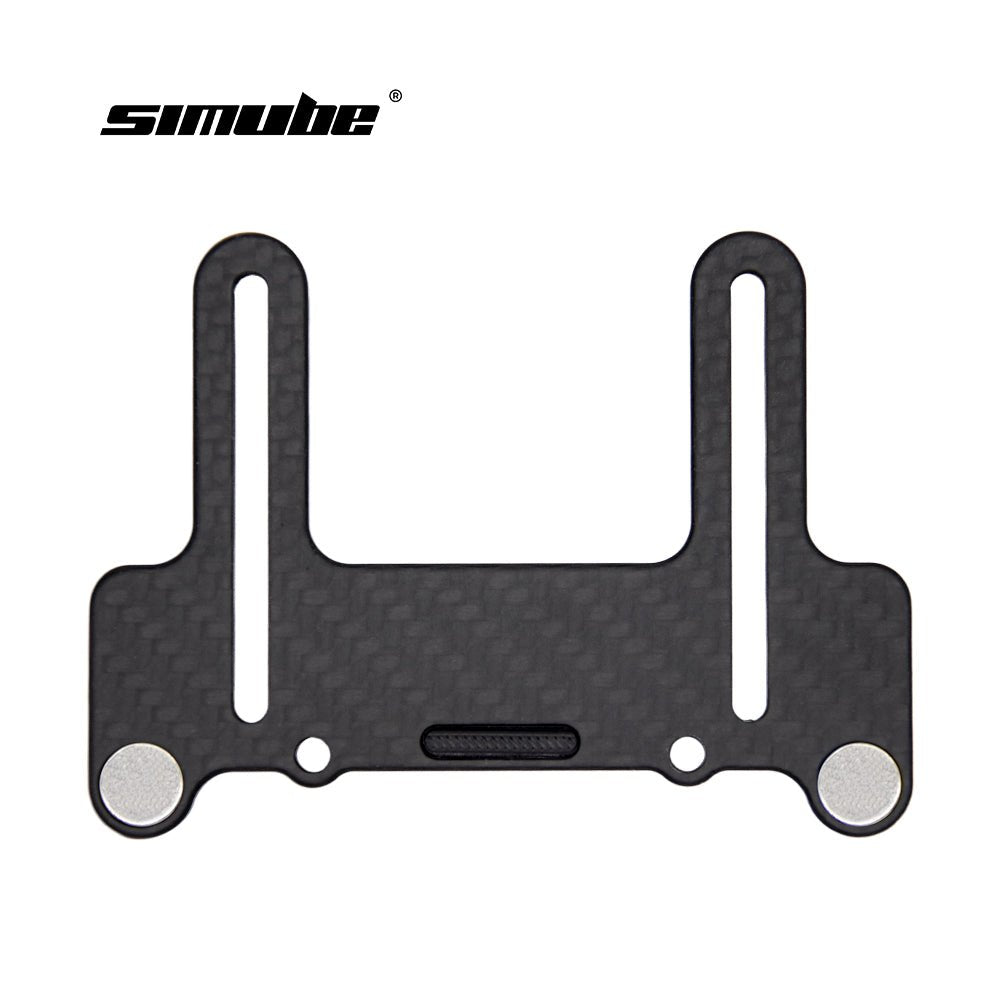
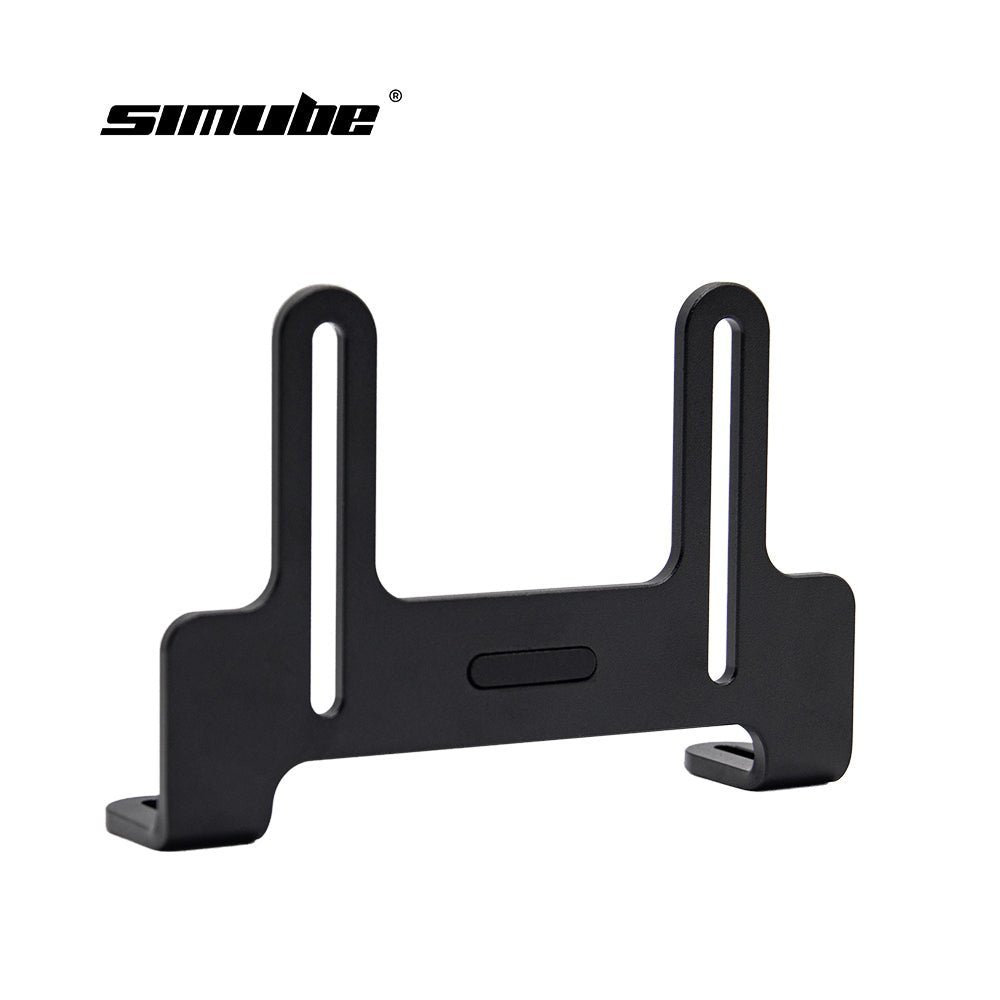
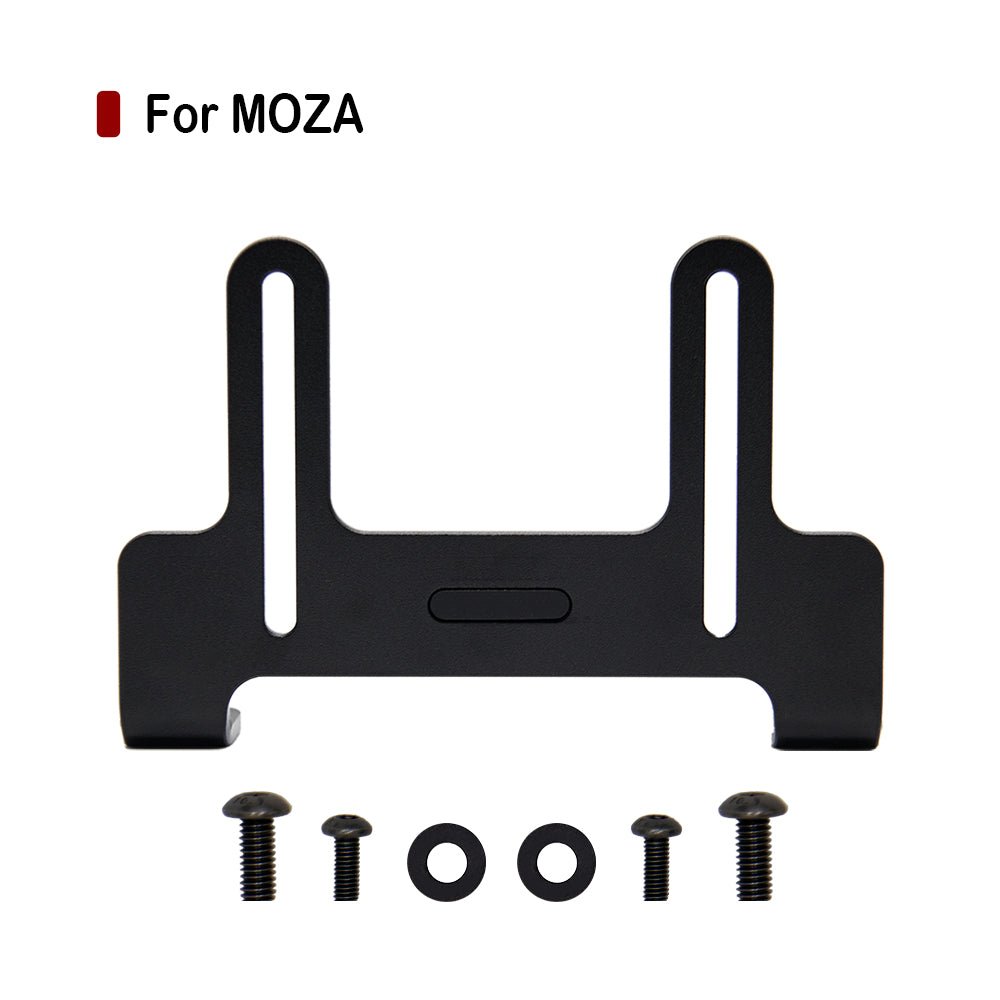
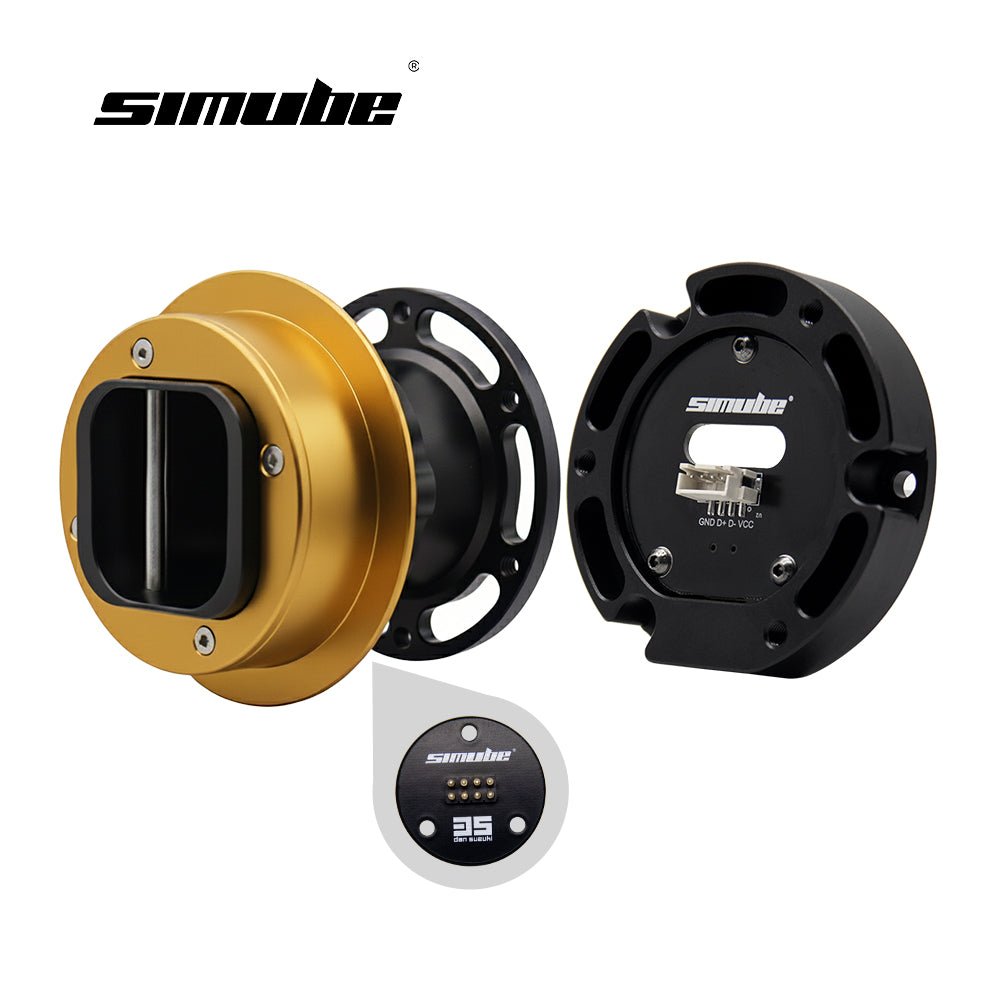
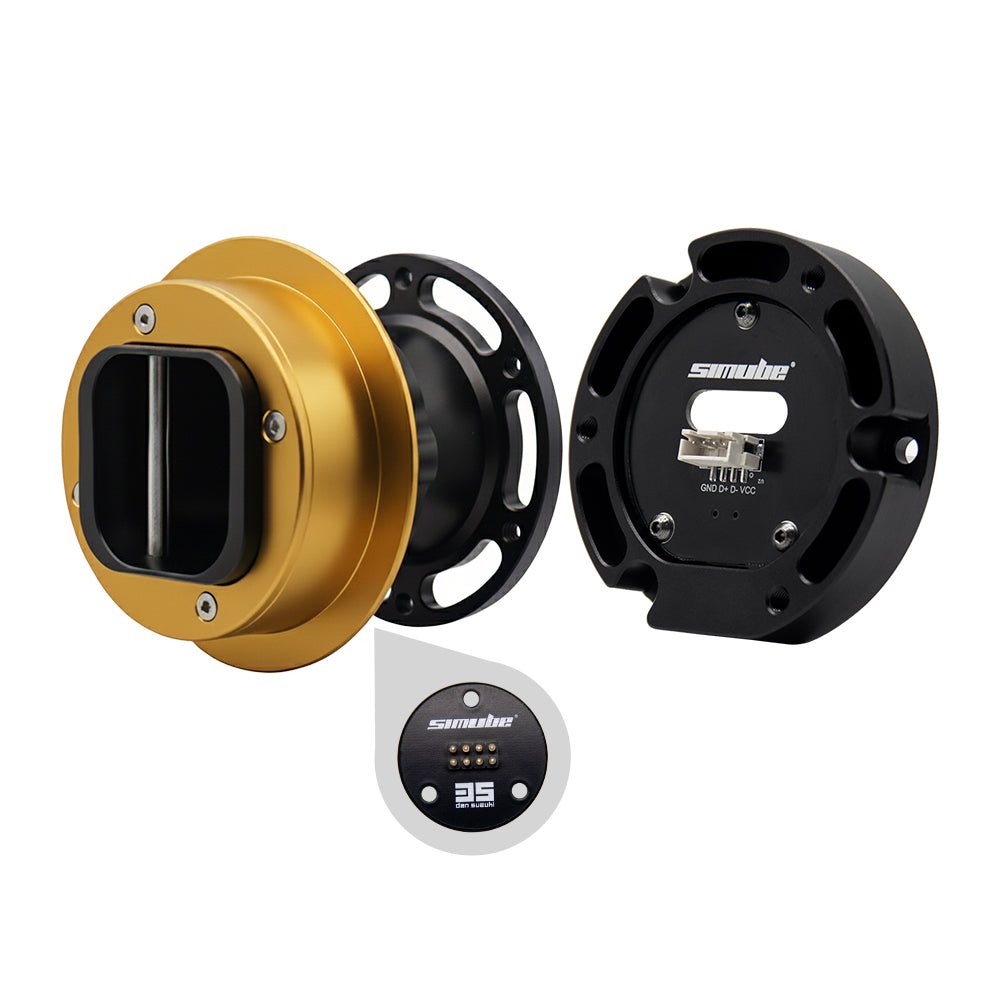
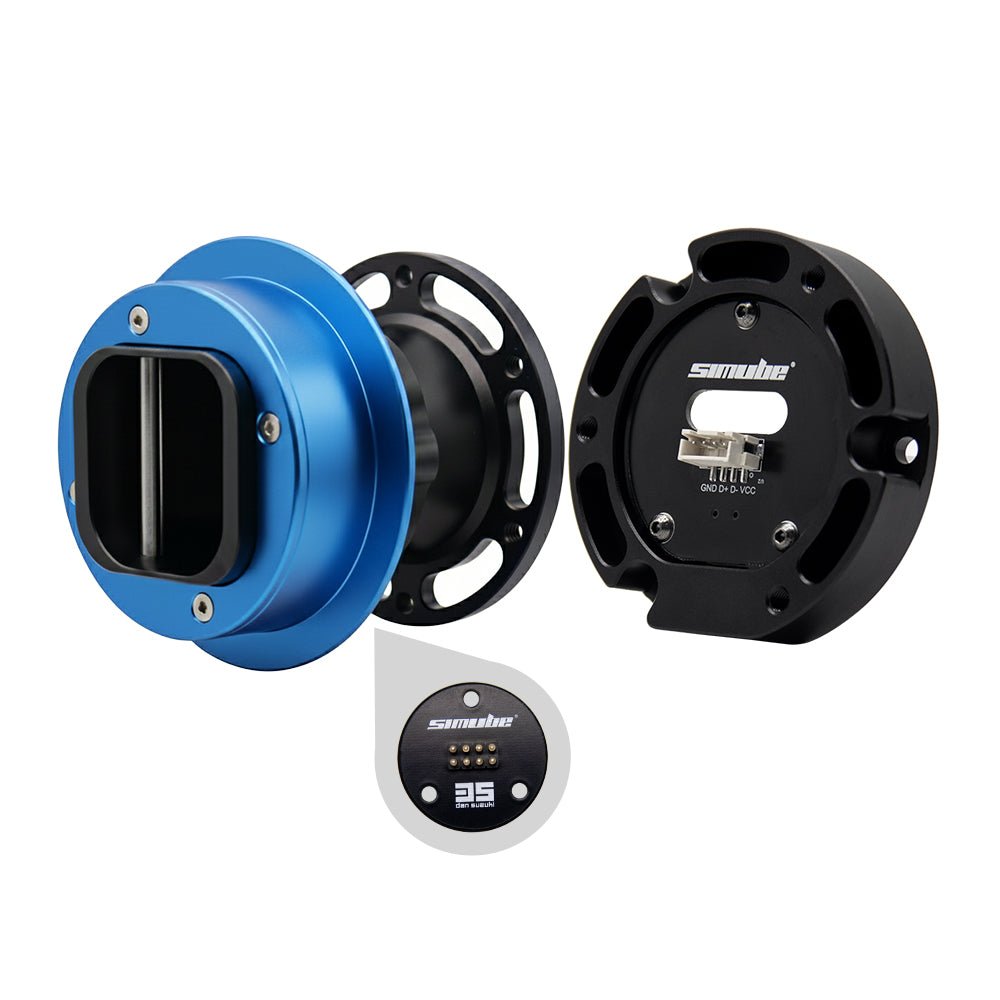
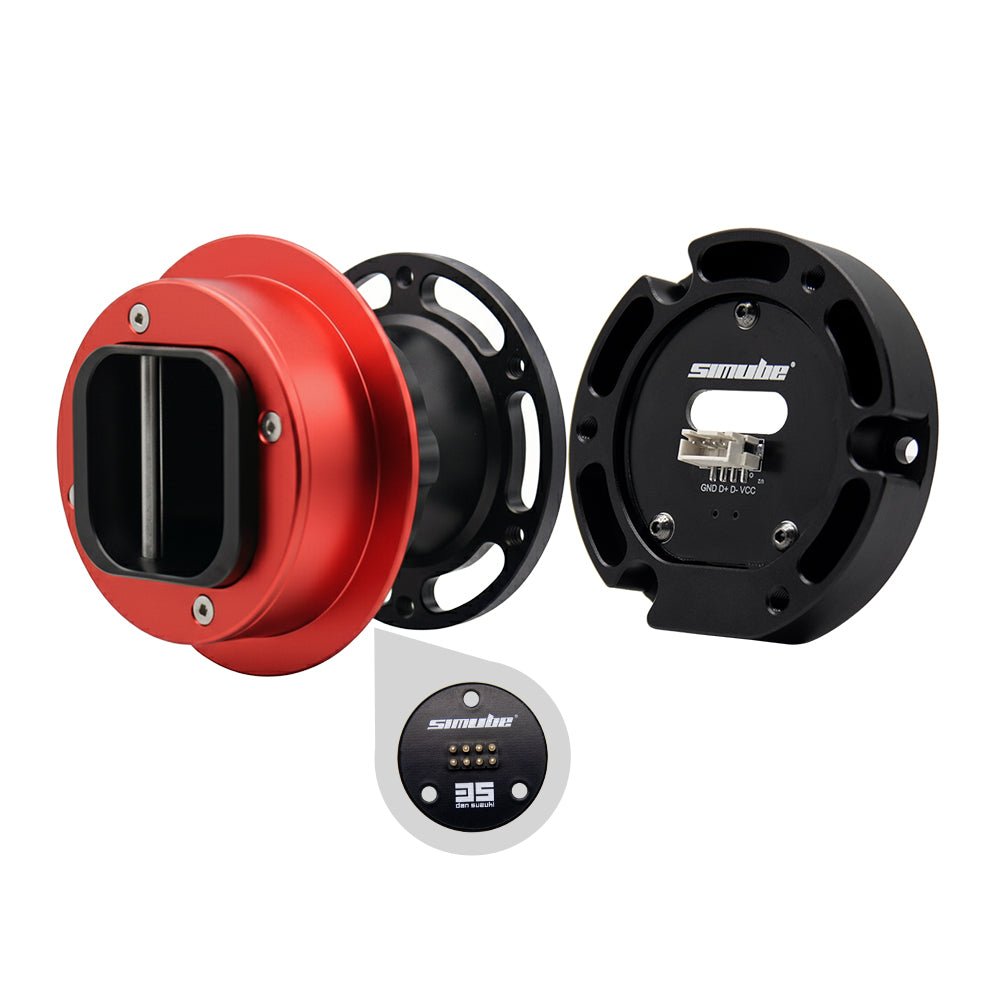
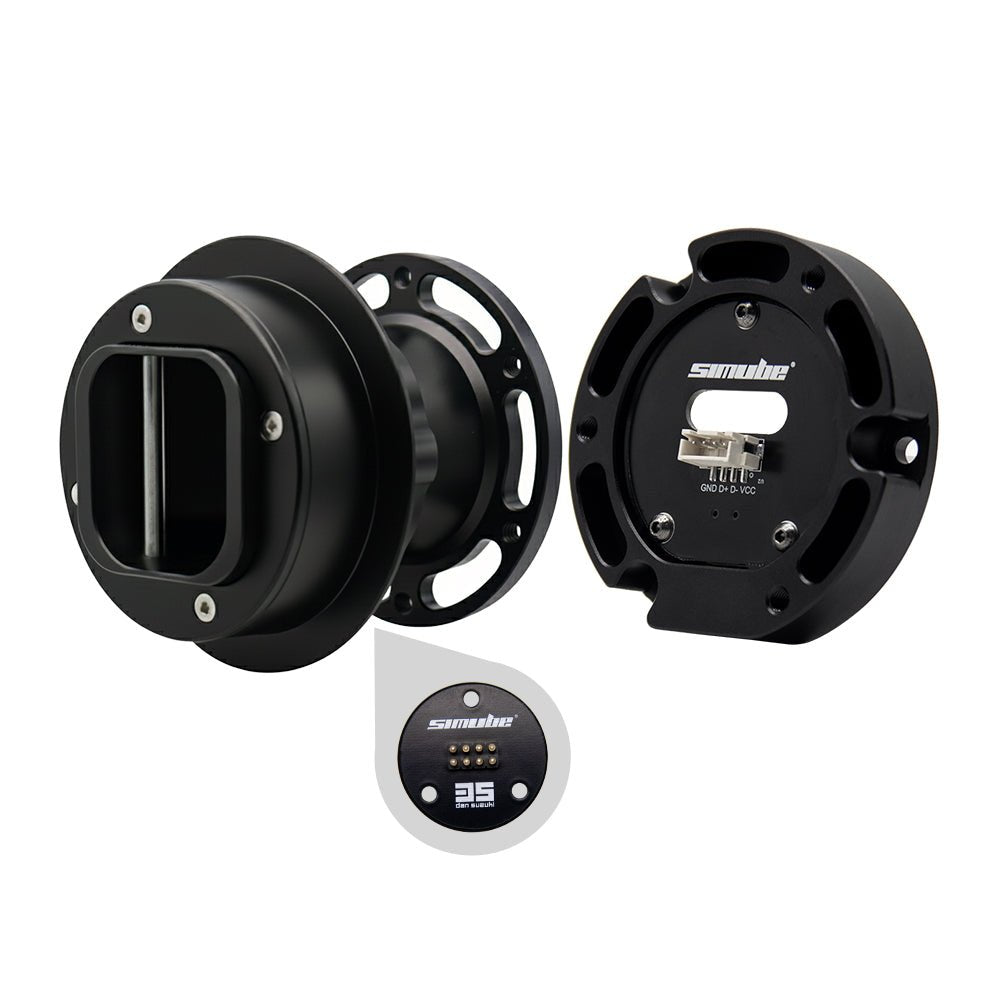
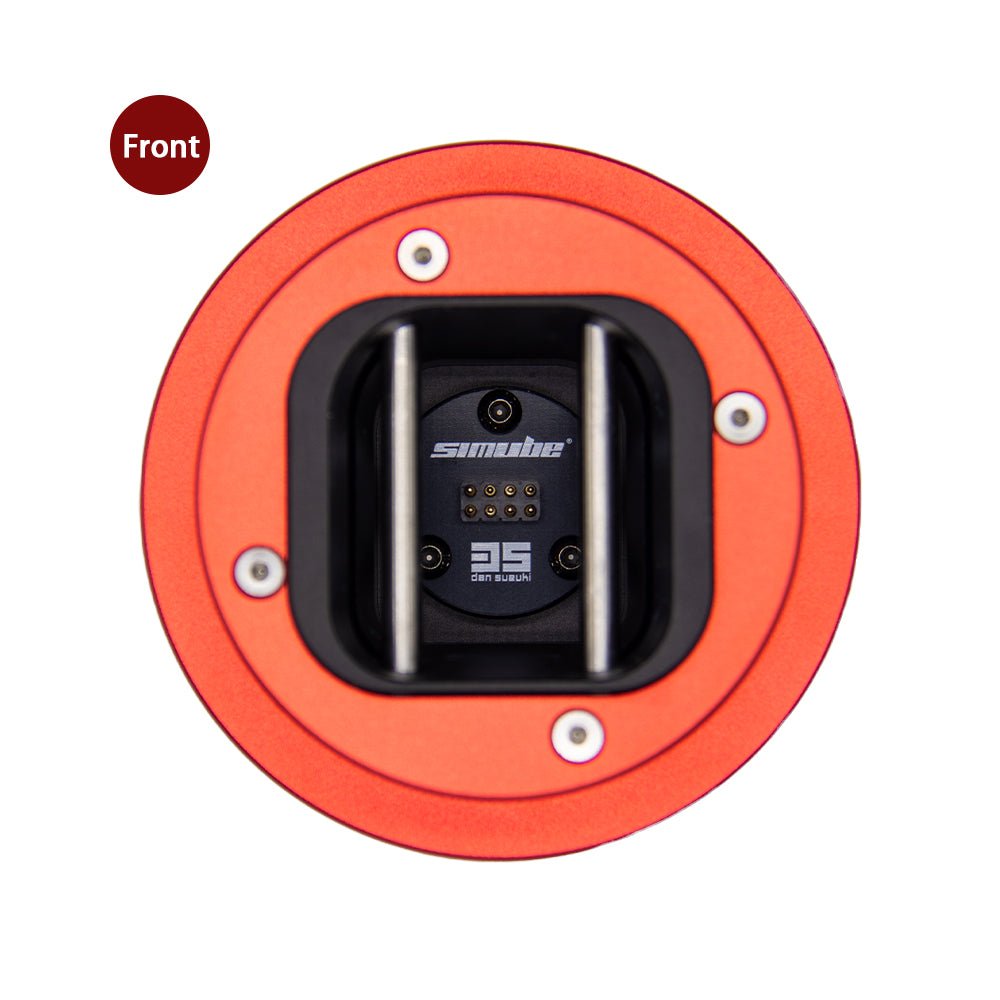
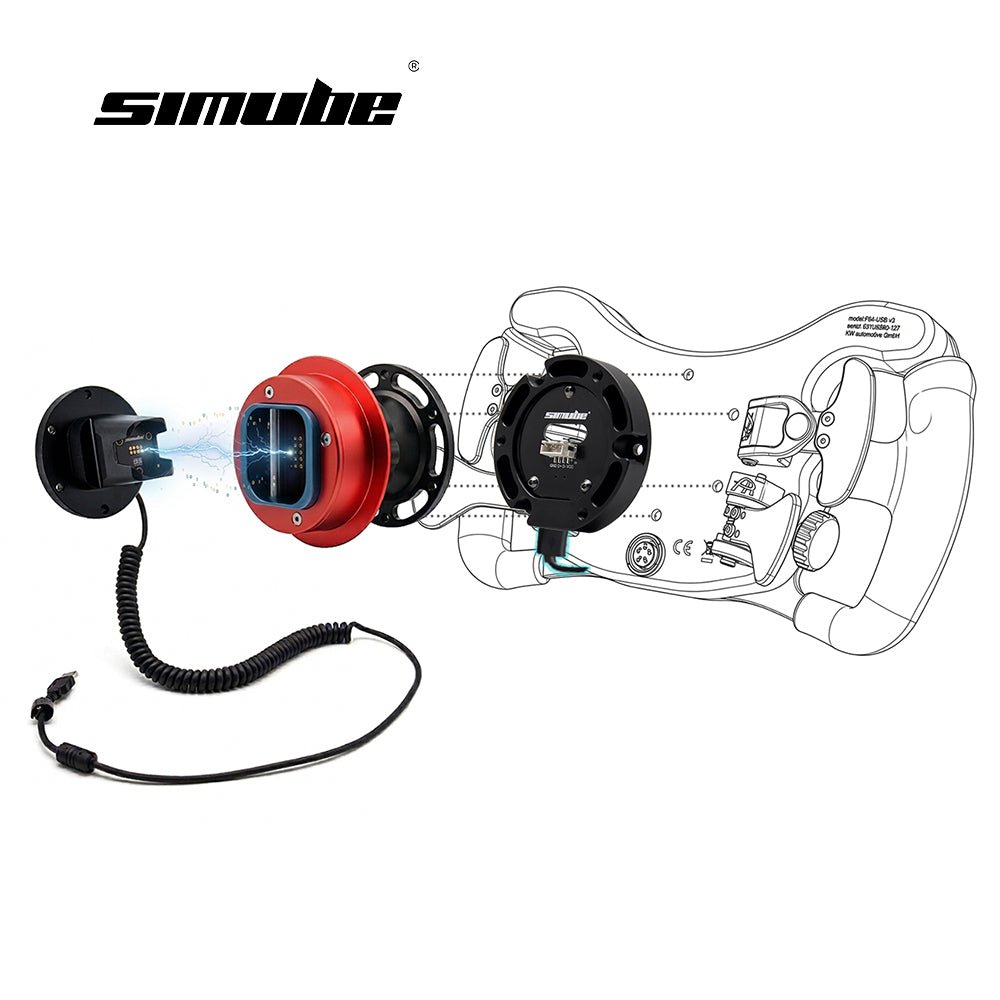
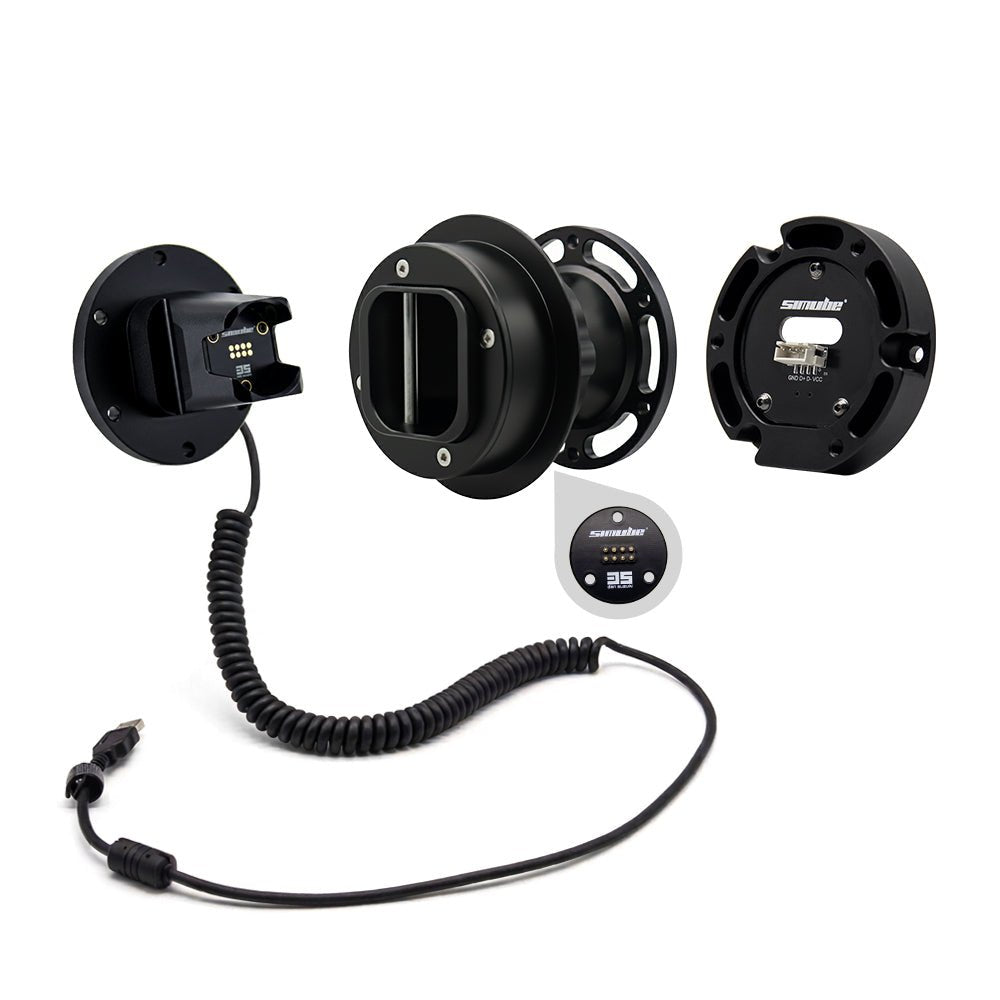
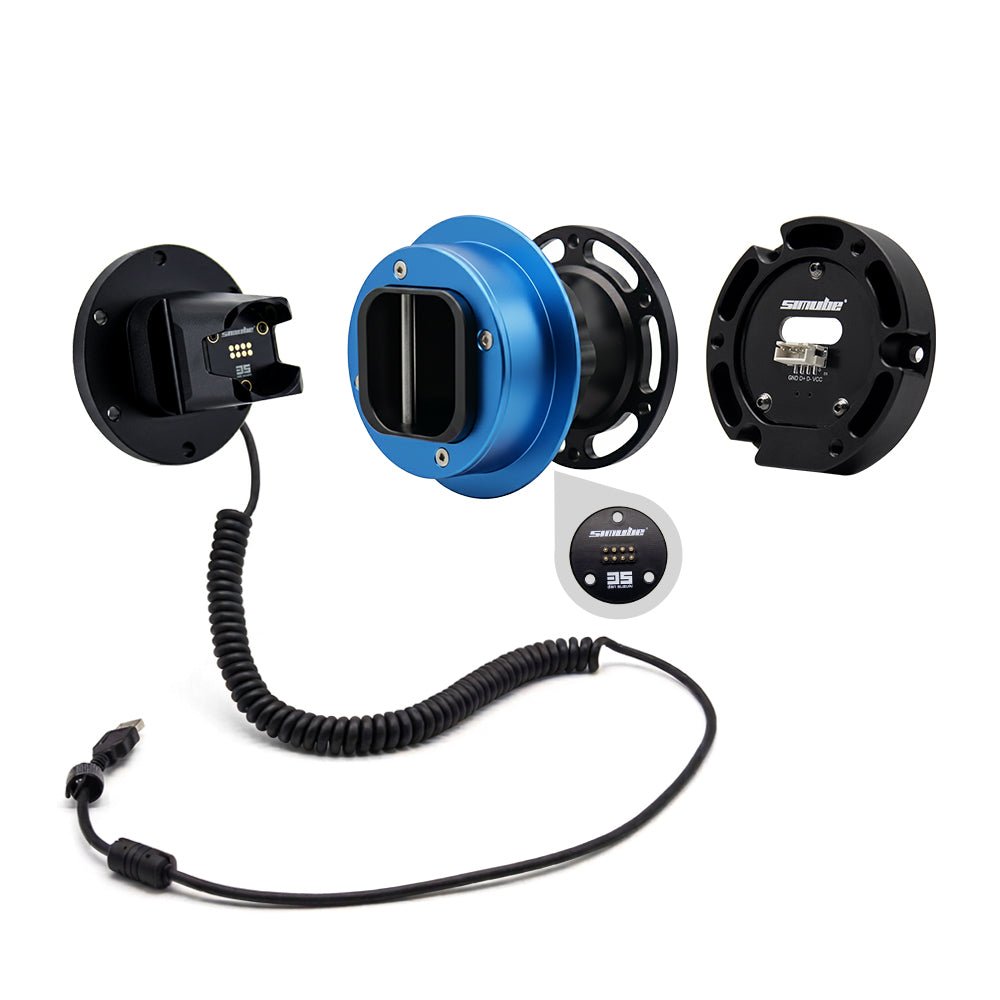
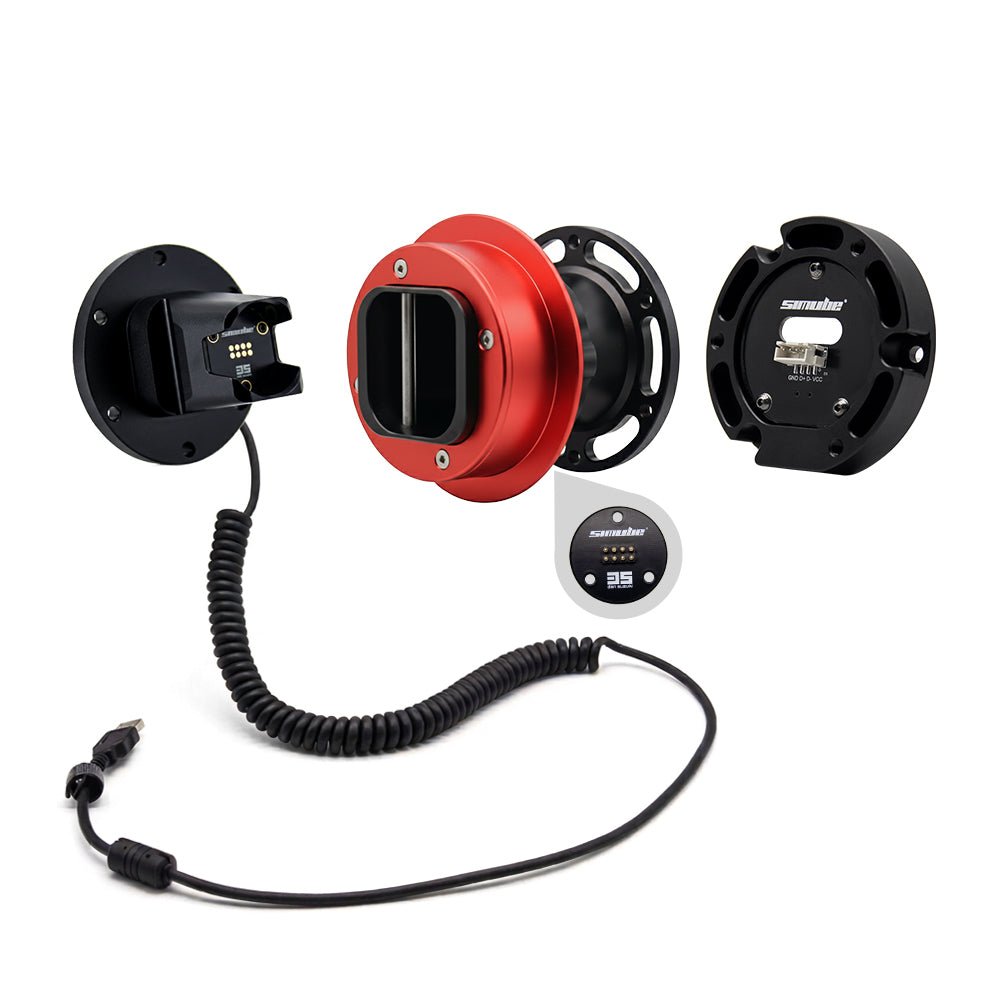
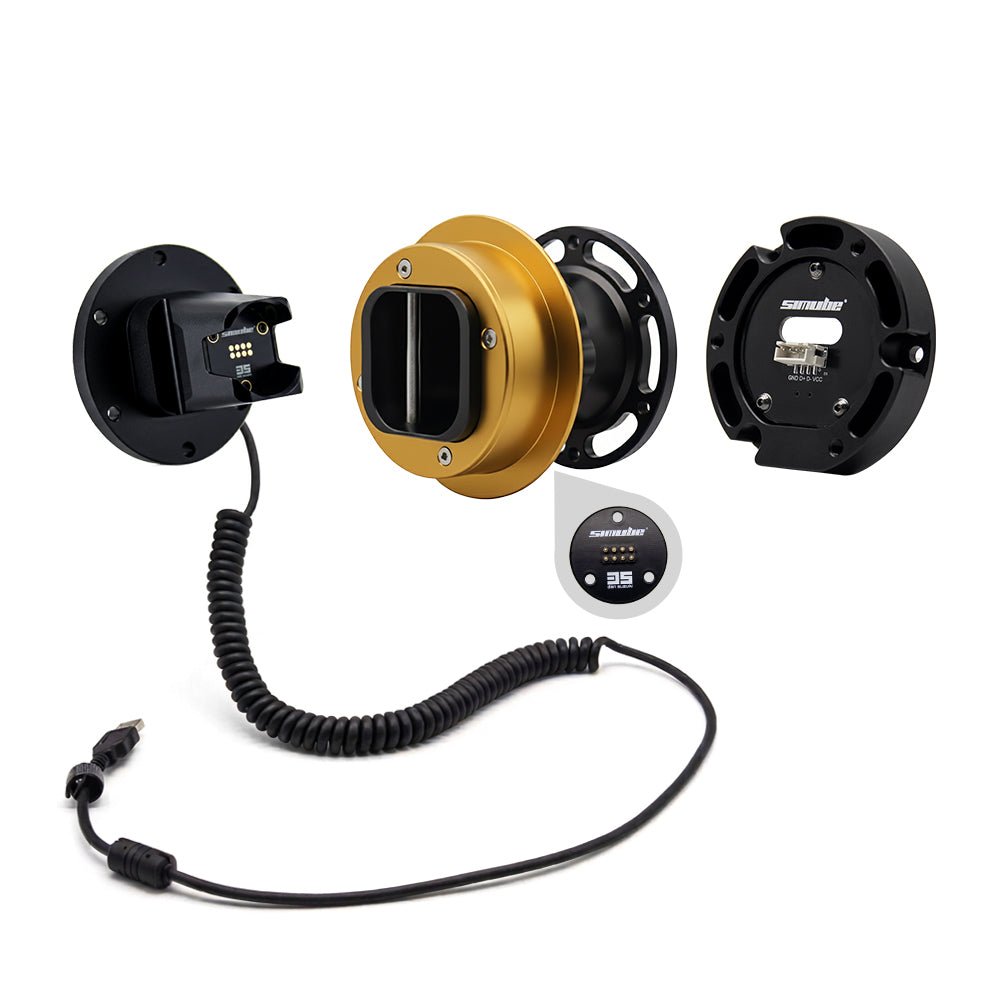
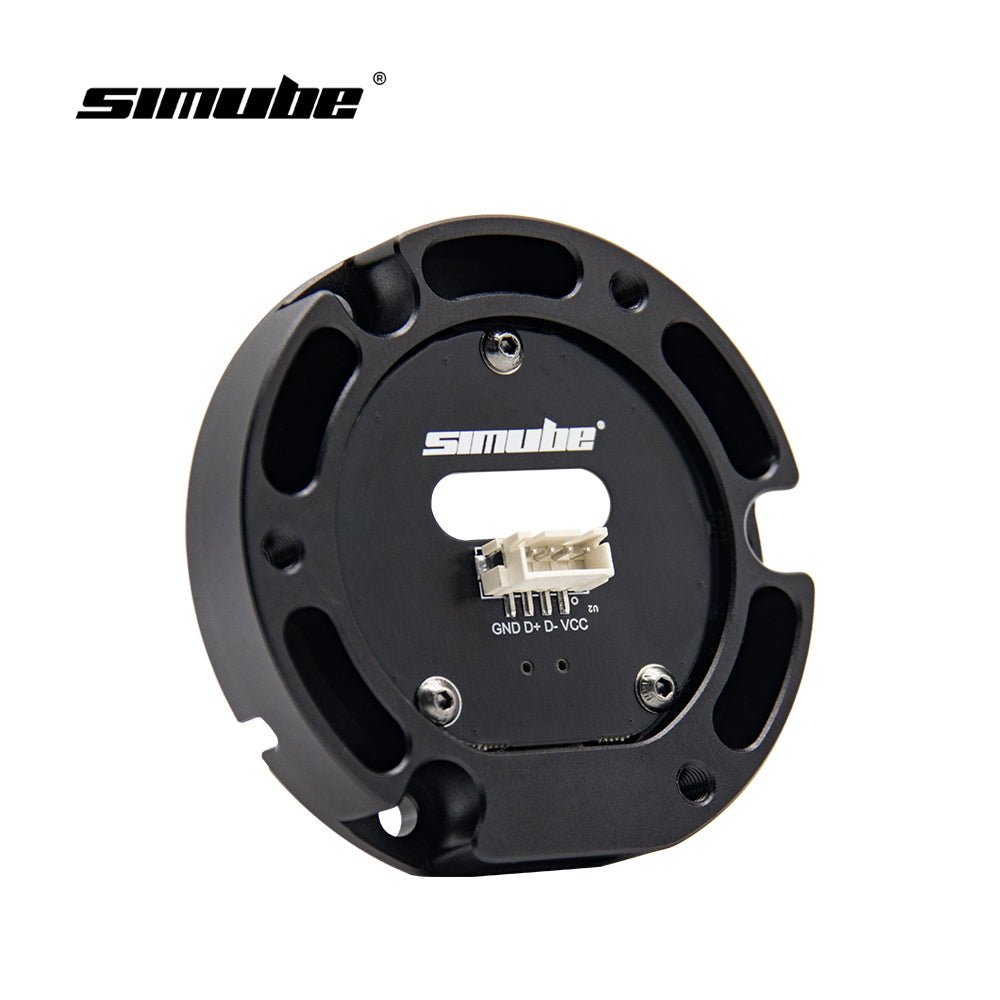
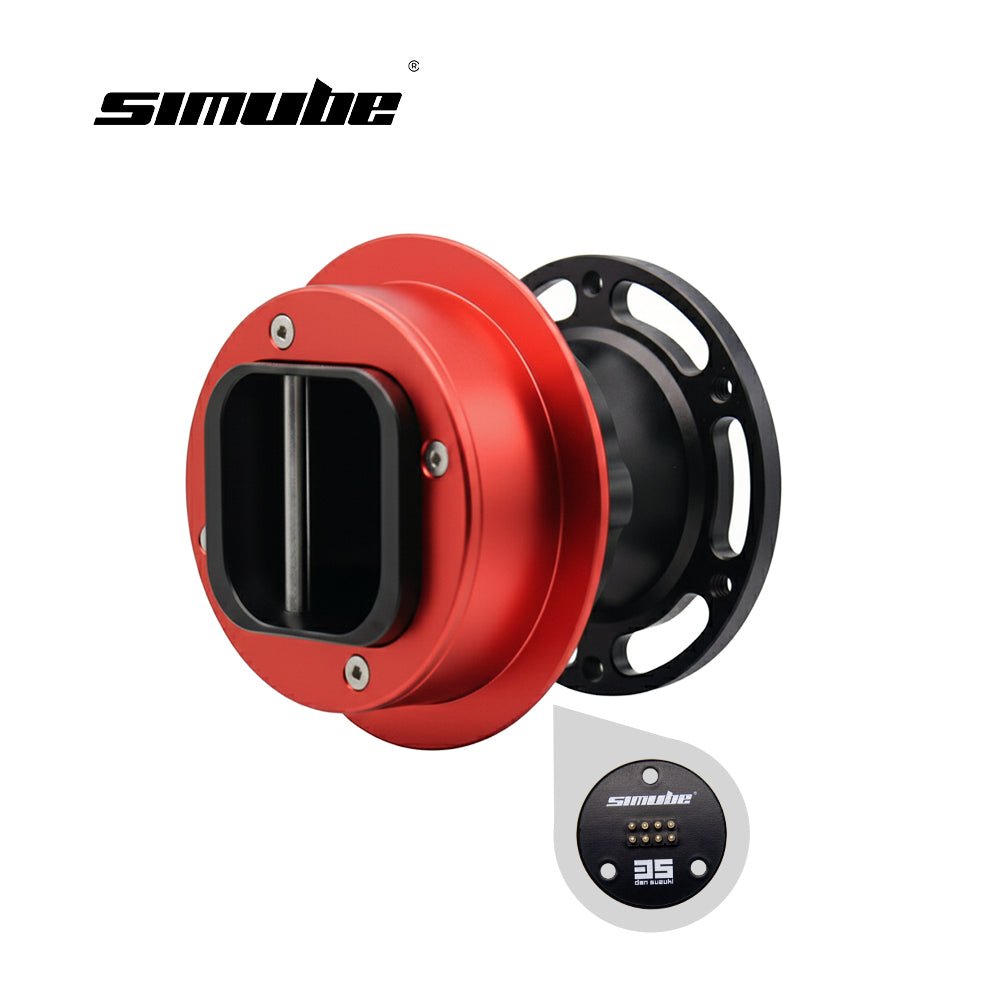
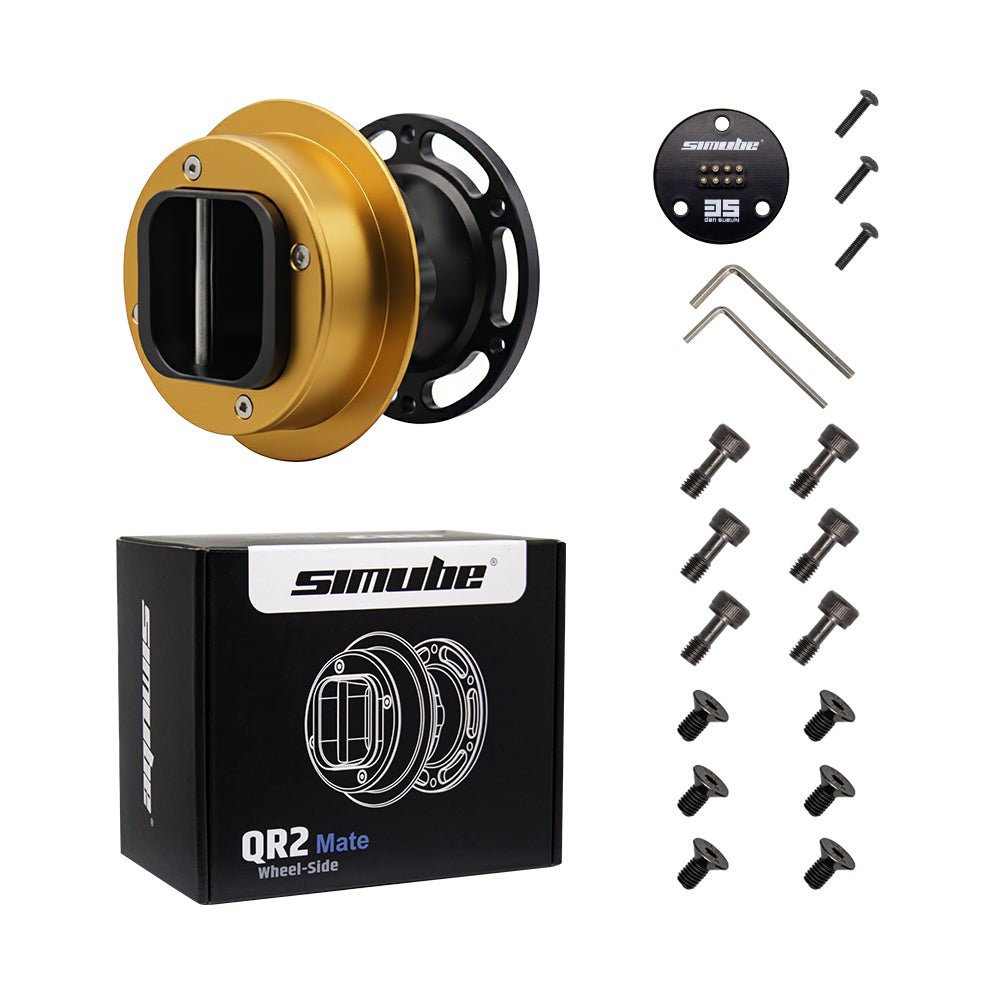
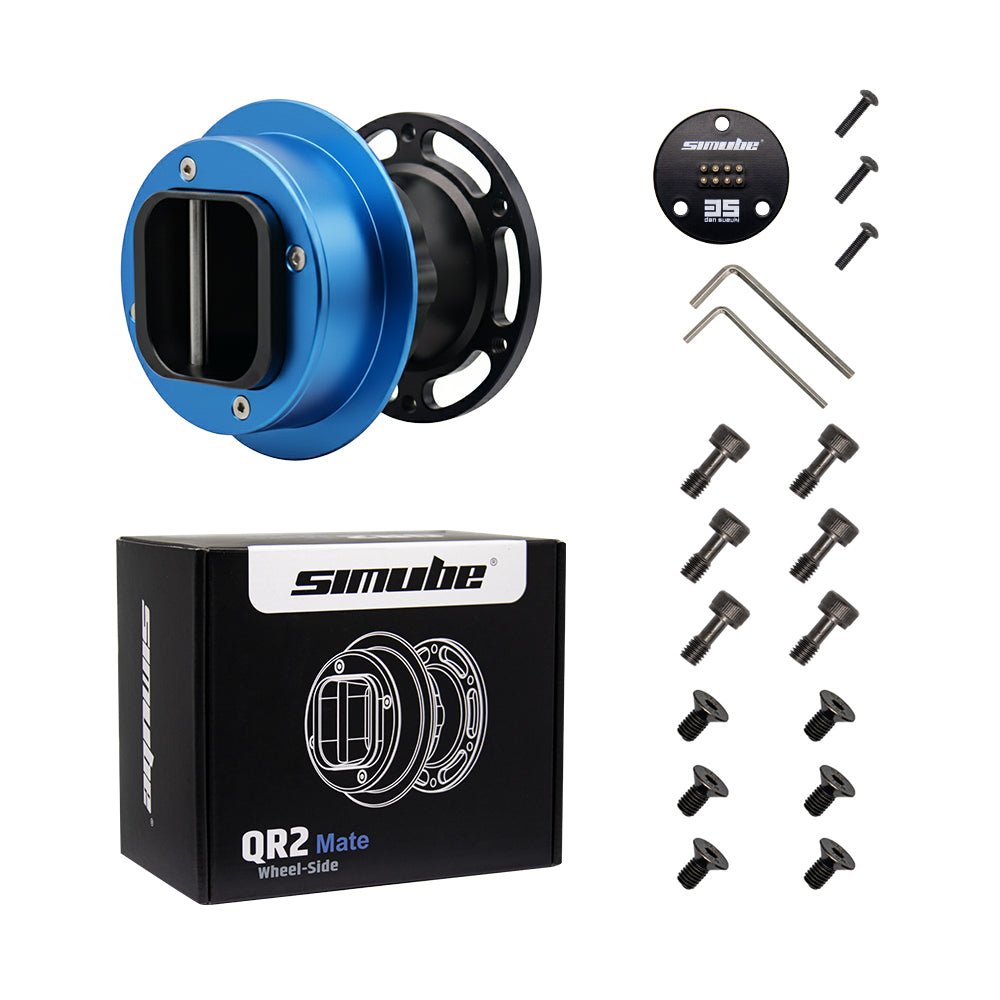
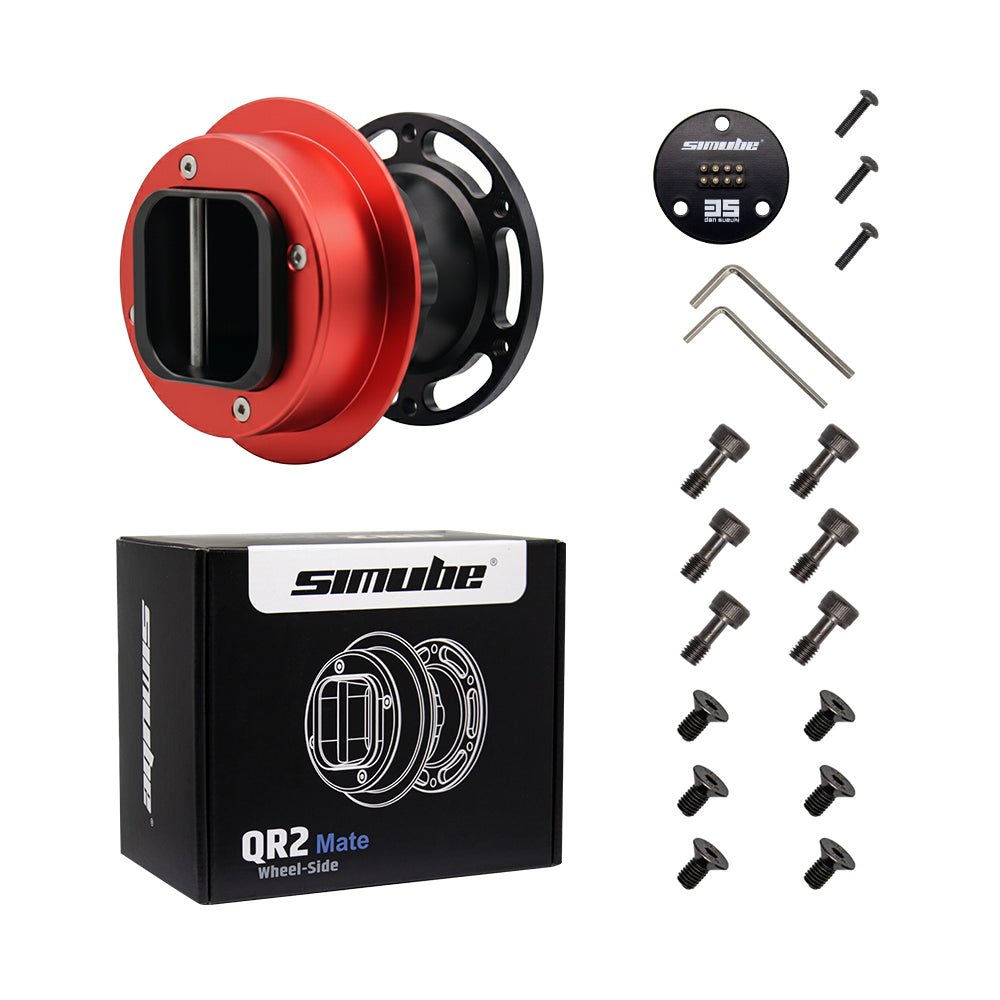
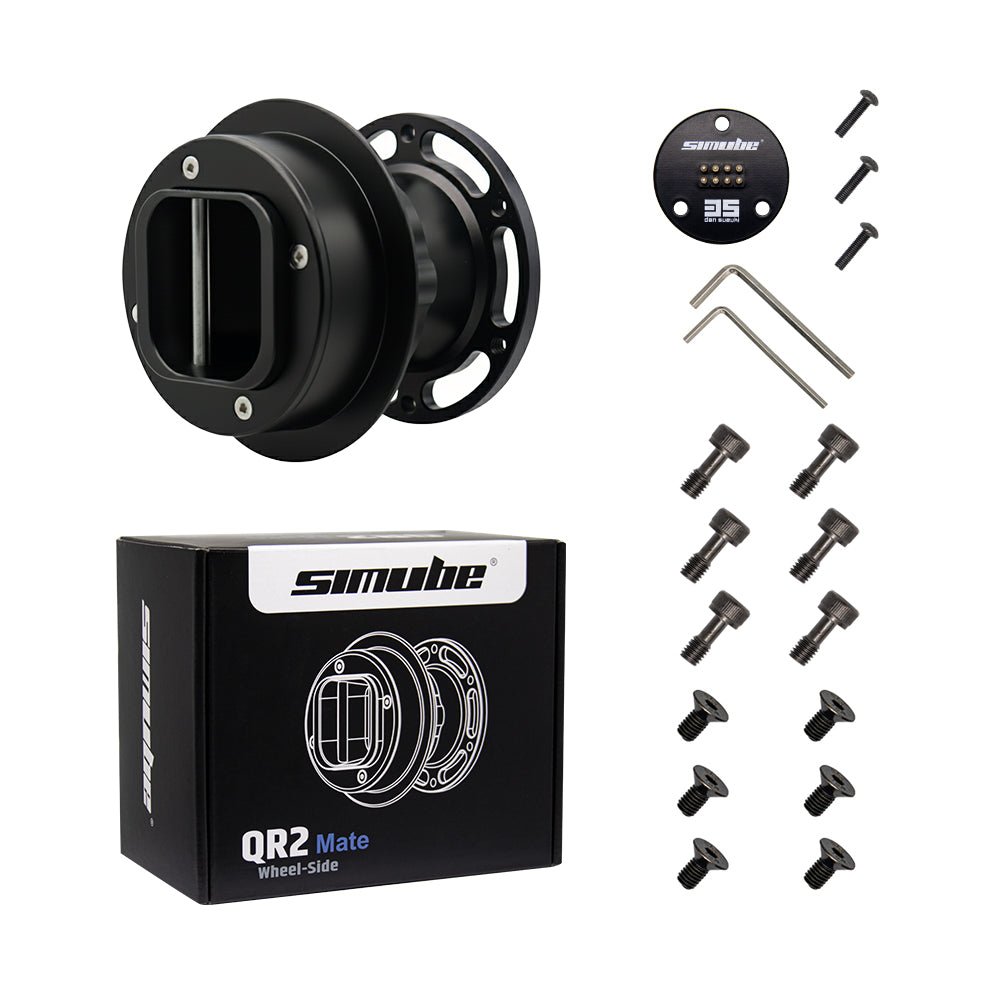
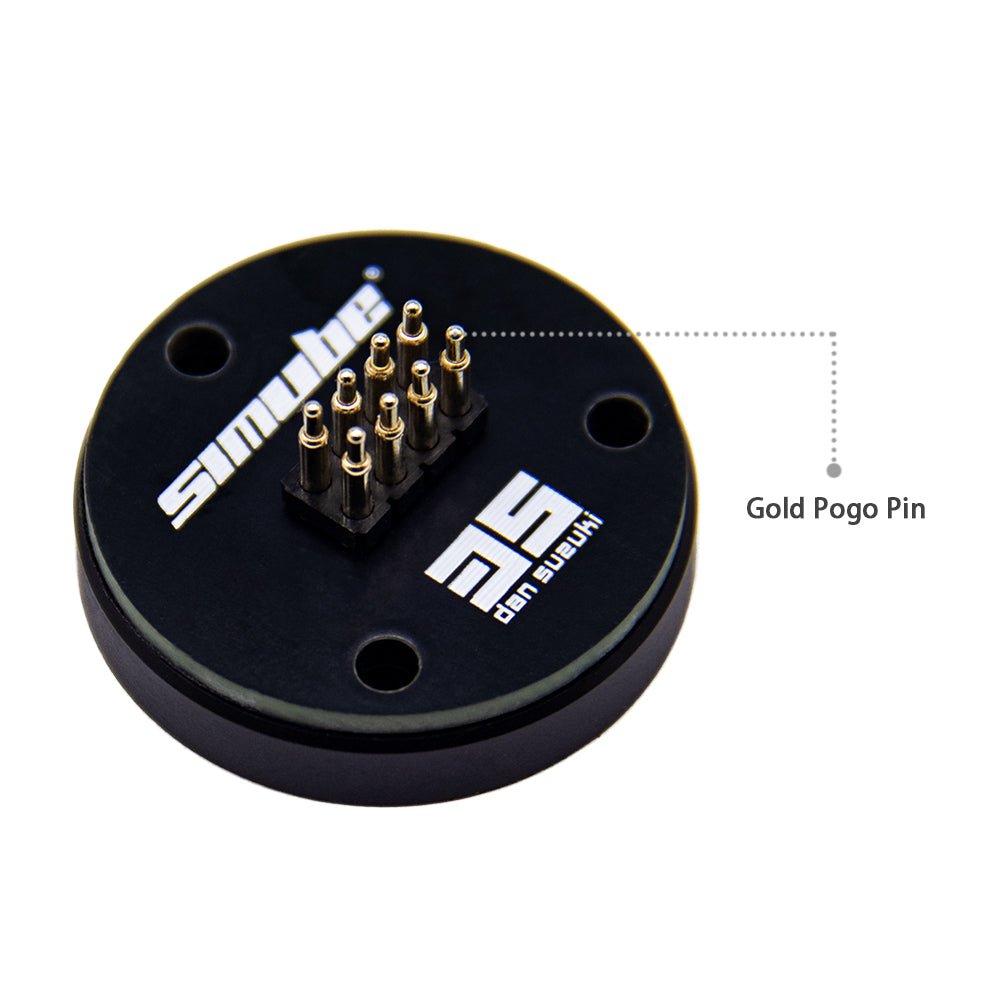
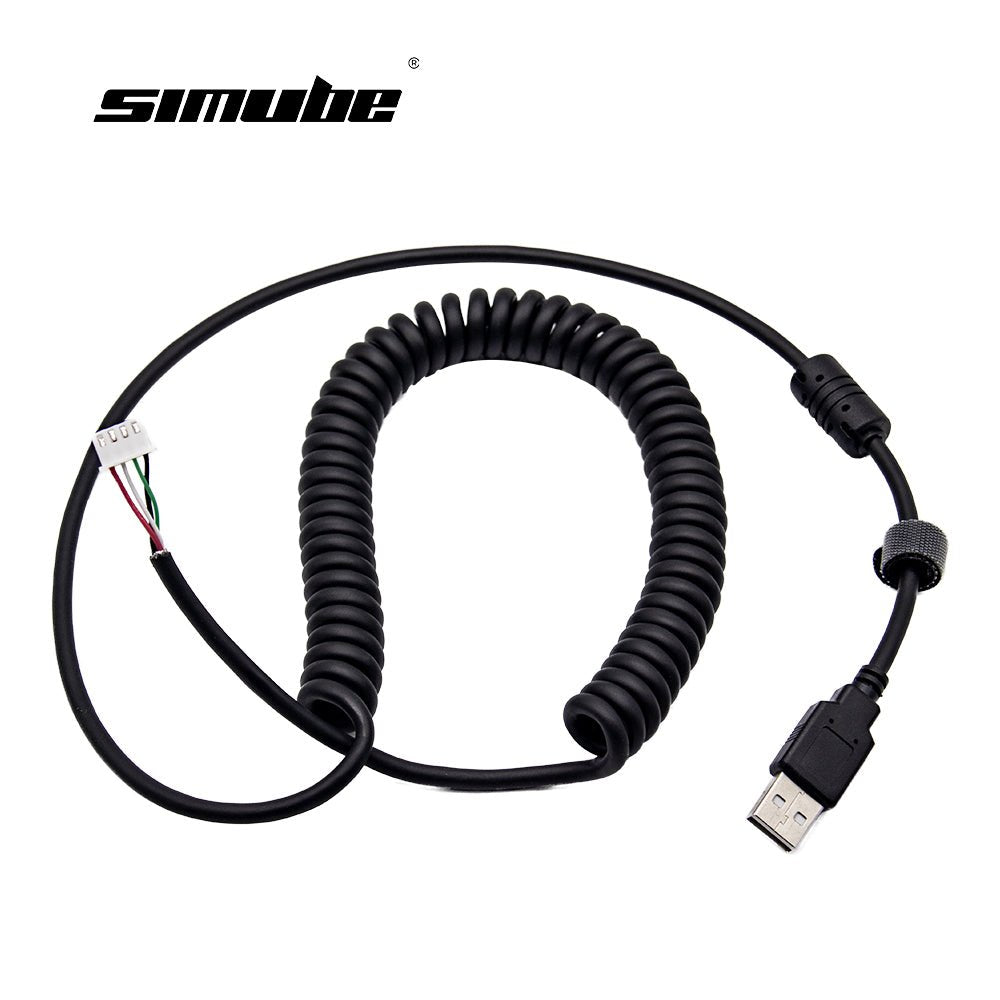
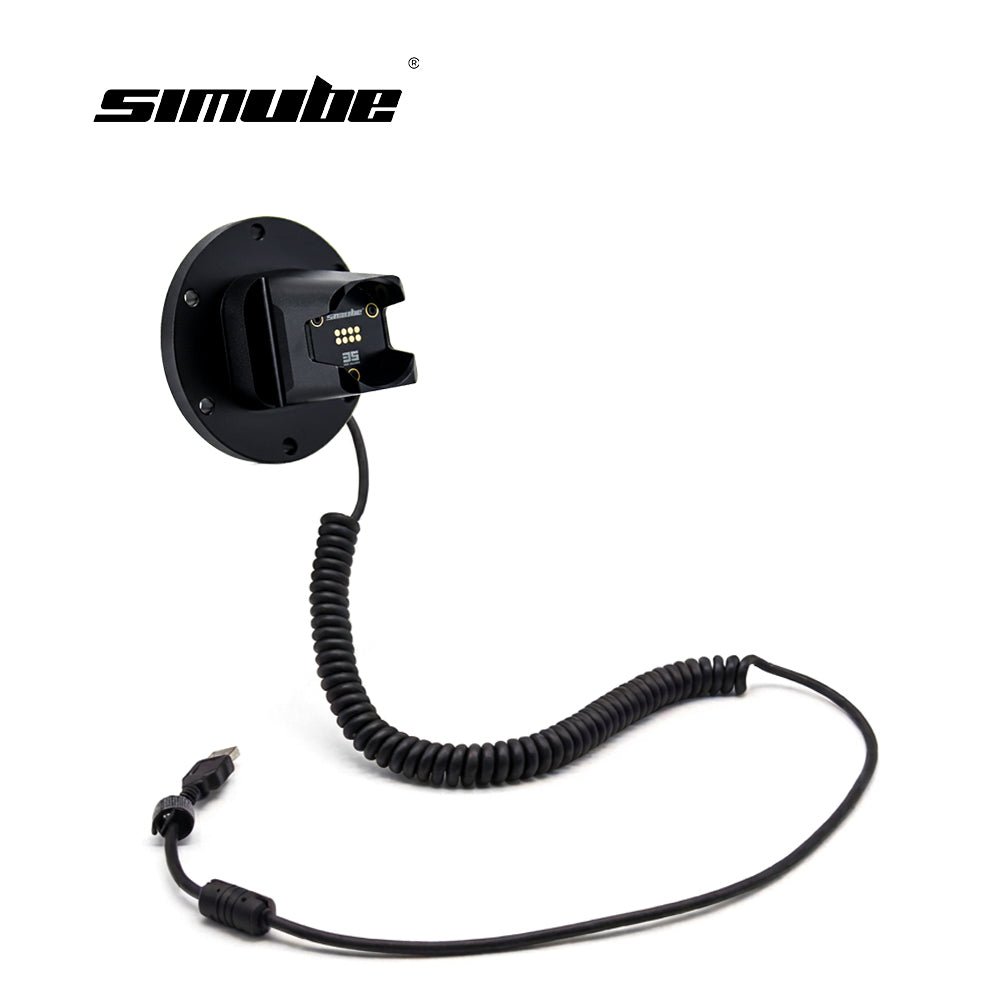
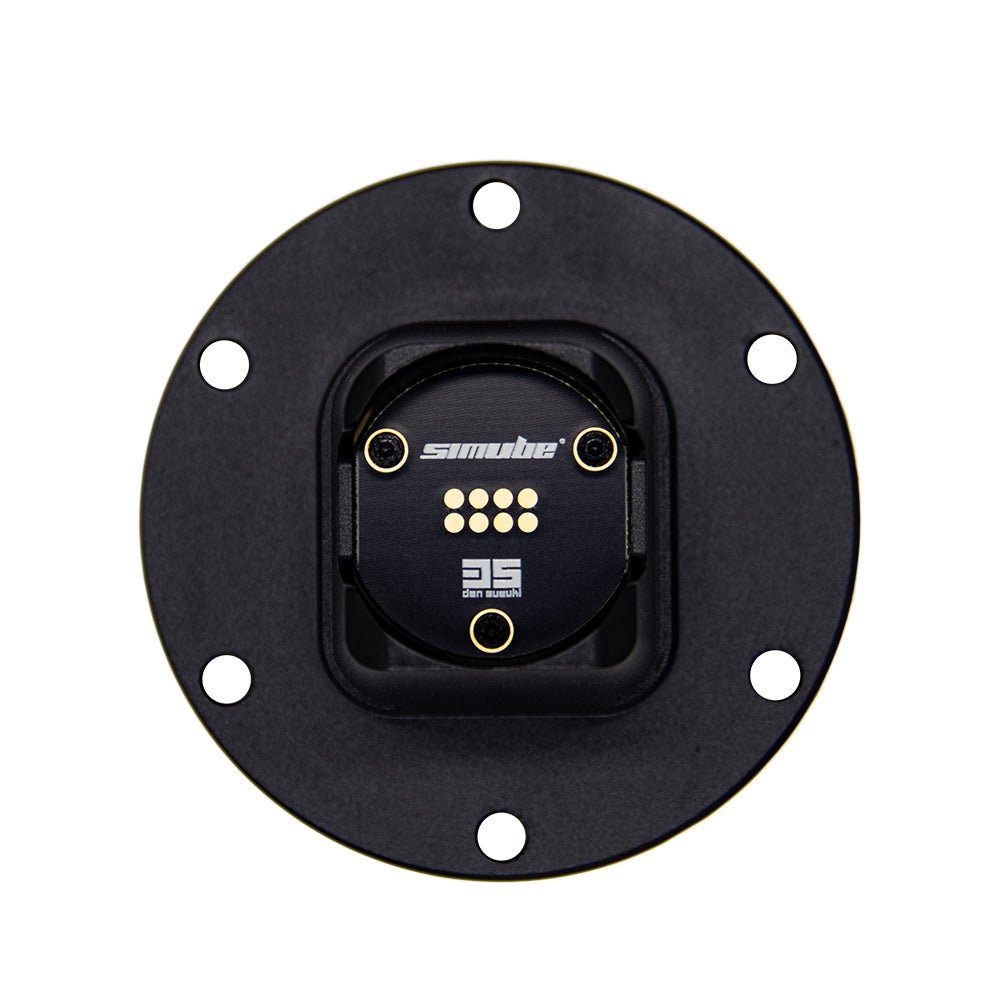
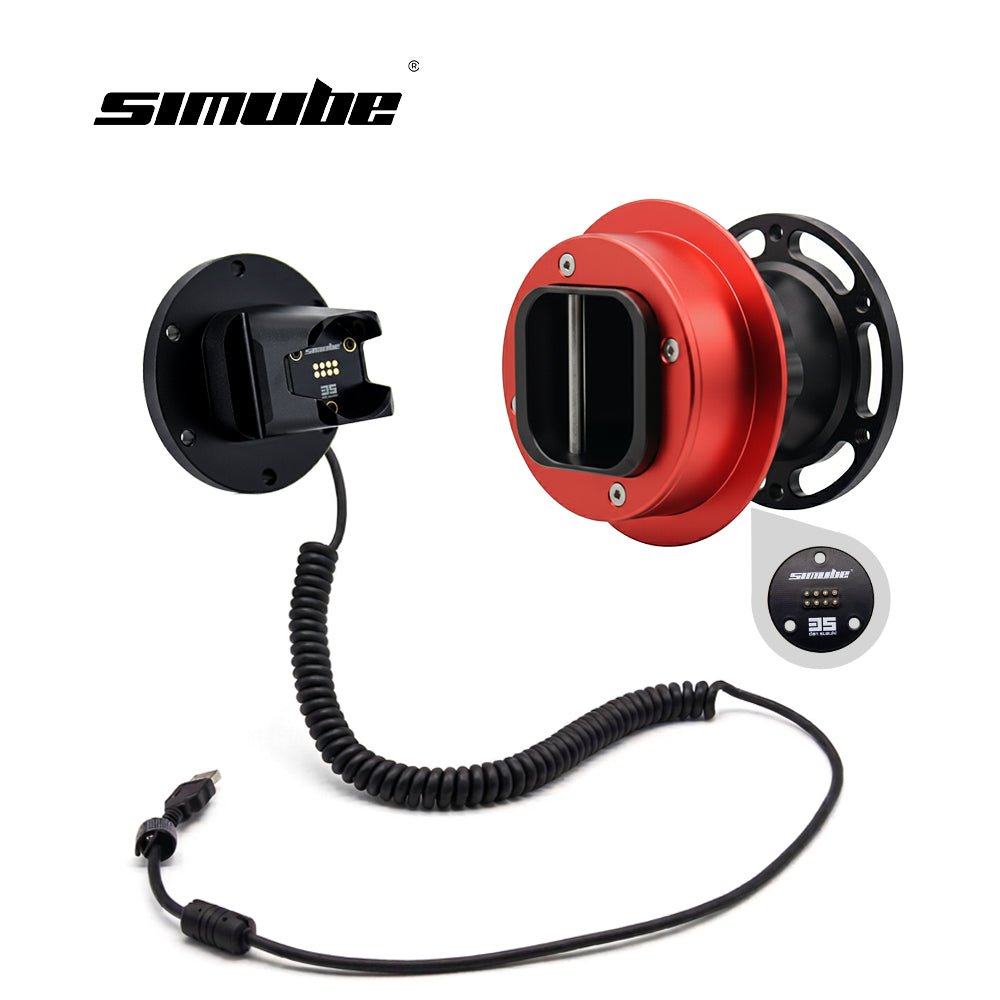
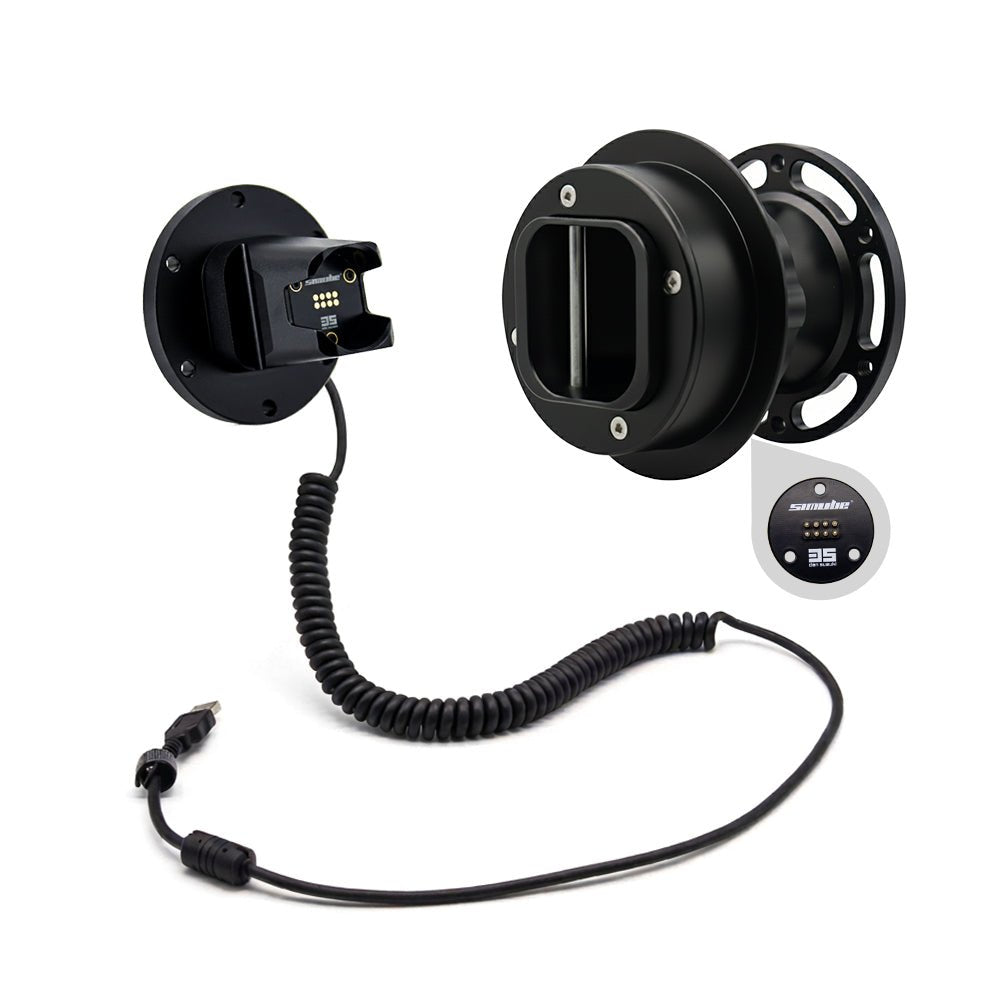
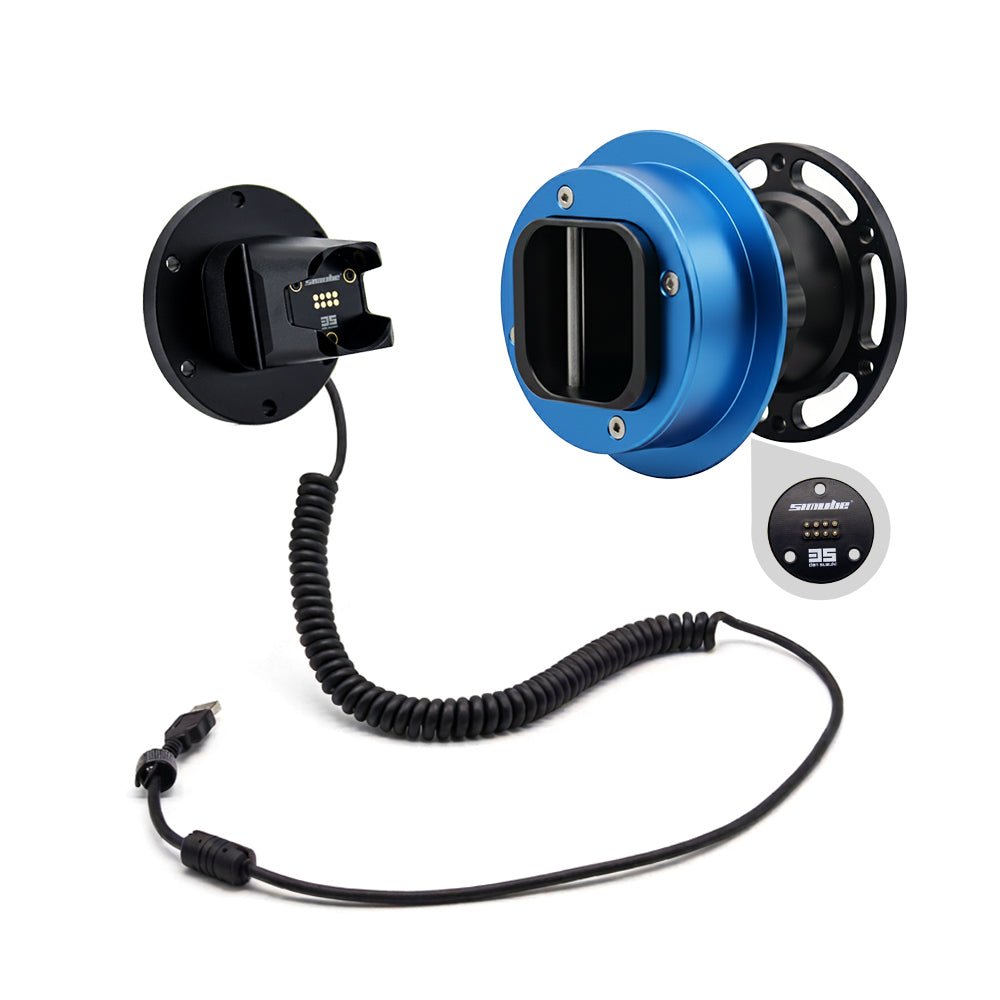
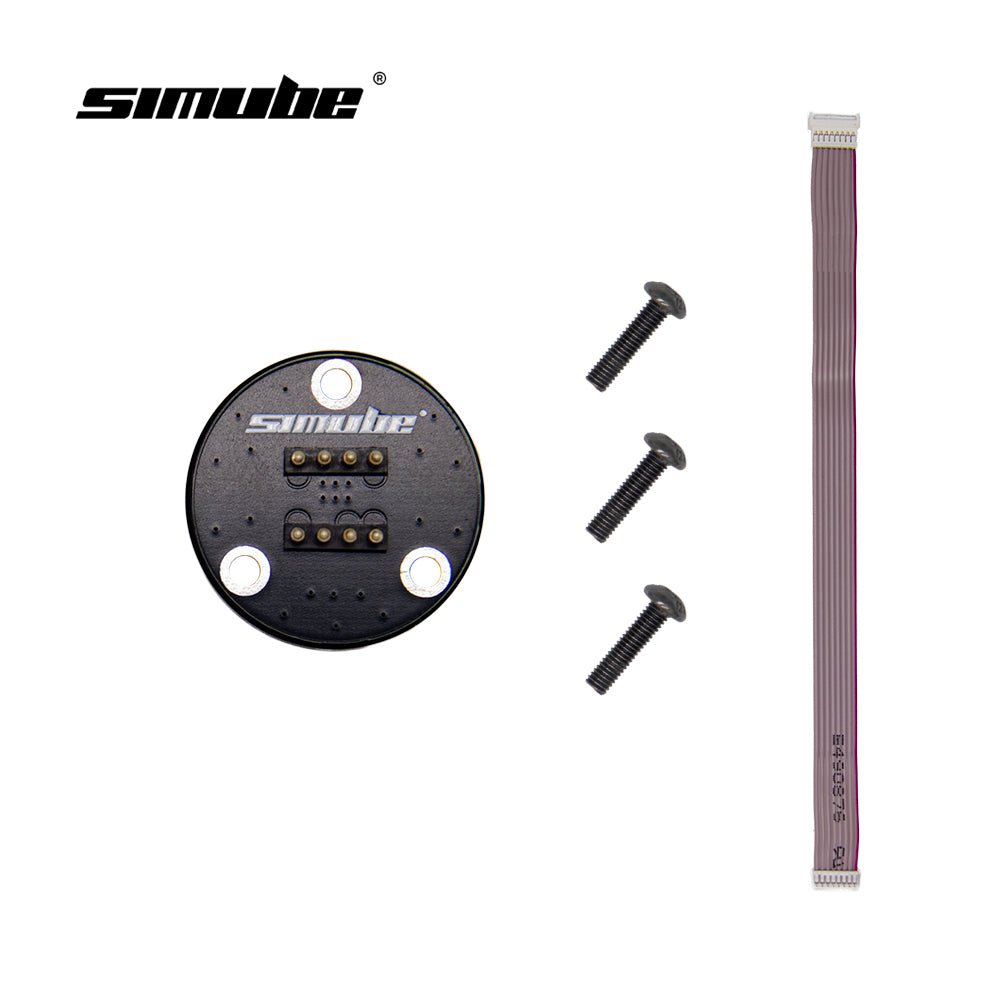
Good product and installation videos are very helpful. It comes with all necessary hardware, so you do not have to worry about finding the correct screw driver of wrench. The quality is very good and once installed, the driving feeling improves but, somehow the "clicking noise" when shifting, becomes less noticeable. In general it is an excellent mod and I highly recommend it.
Thank you for your positive feedback! We're glad the Magnetic Paddle Module has enhanced your driving experience and that the installation process was smooth. Your recommendation means a lot to us. Enjoy your mod!
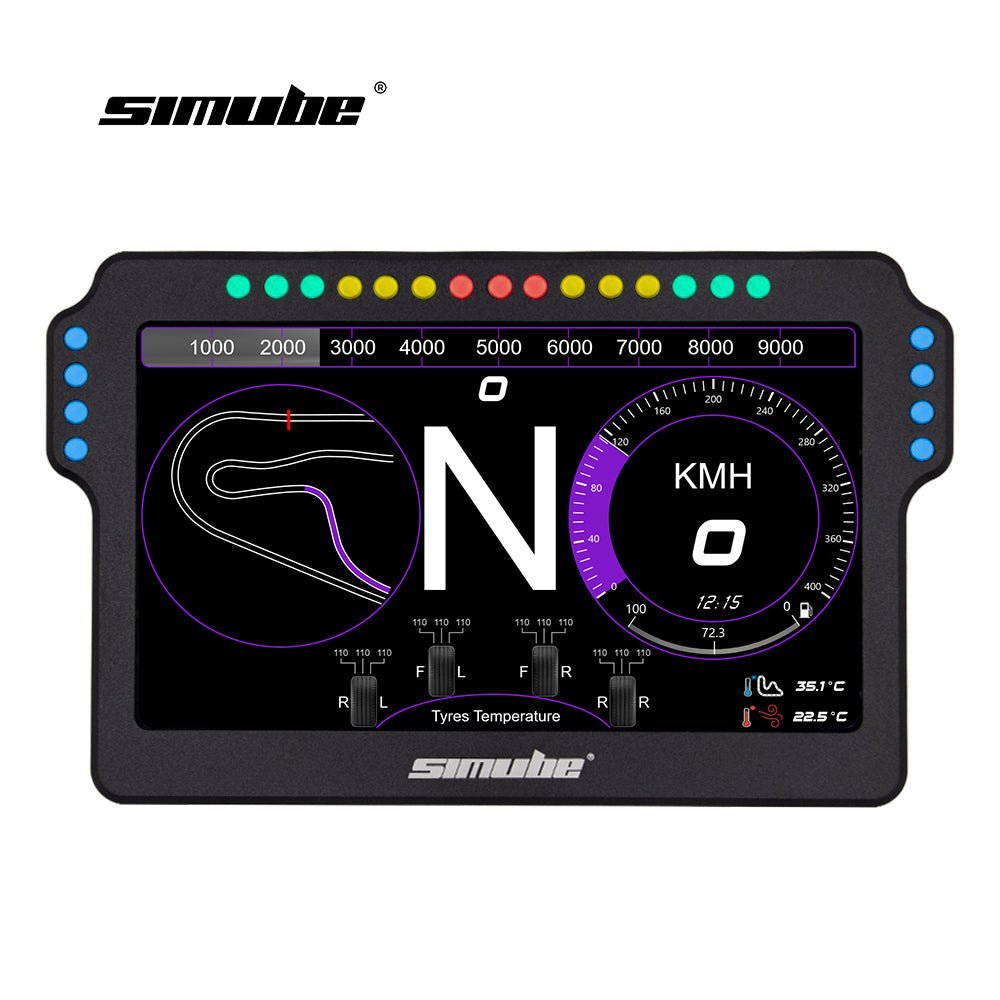
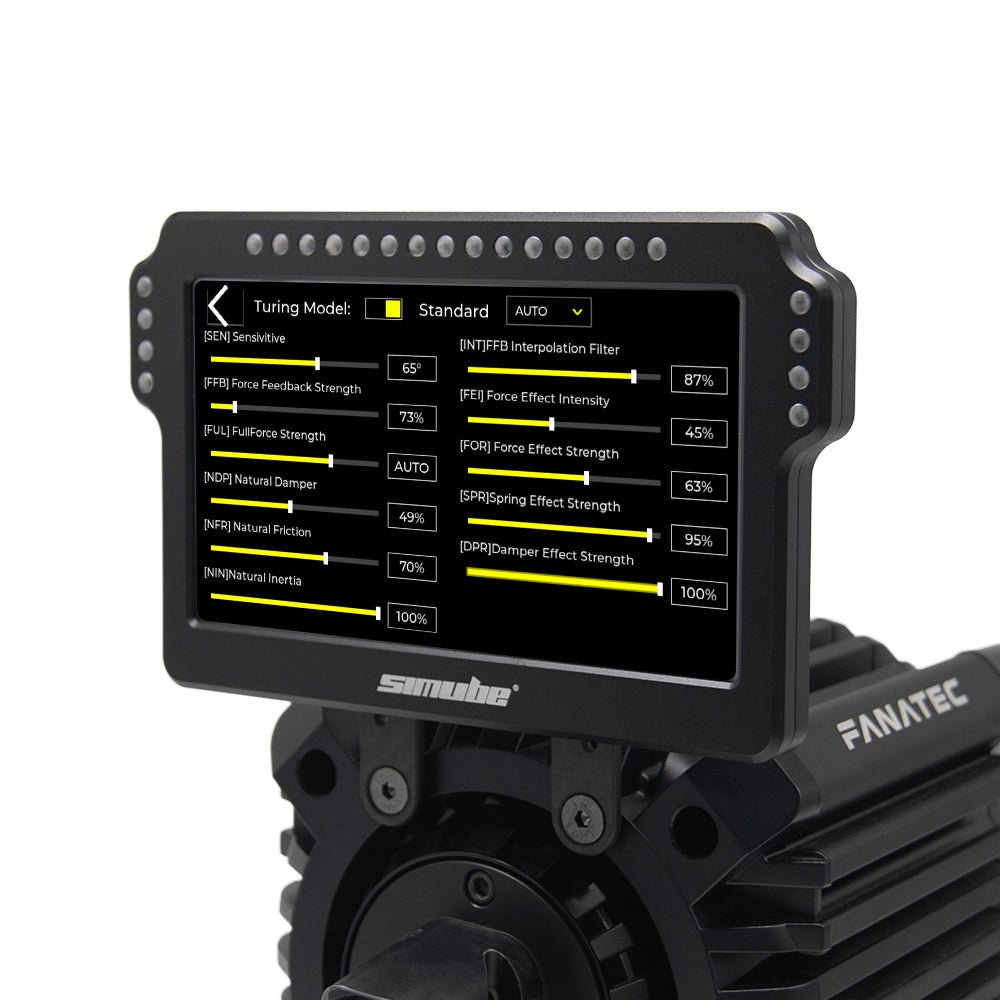
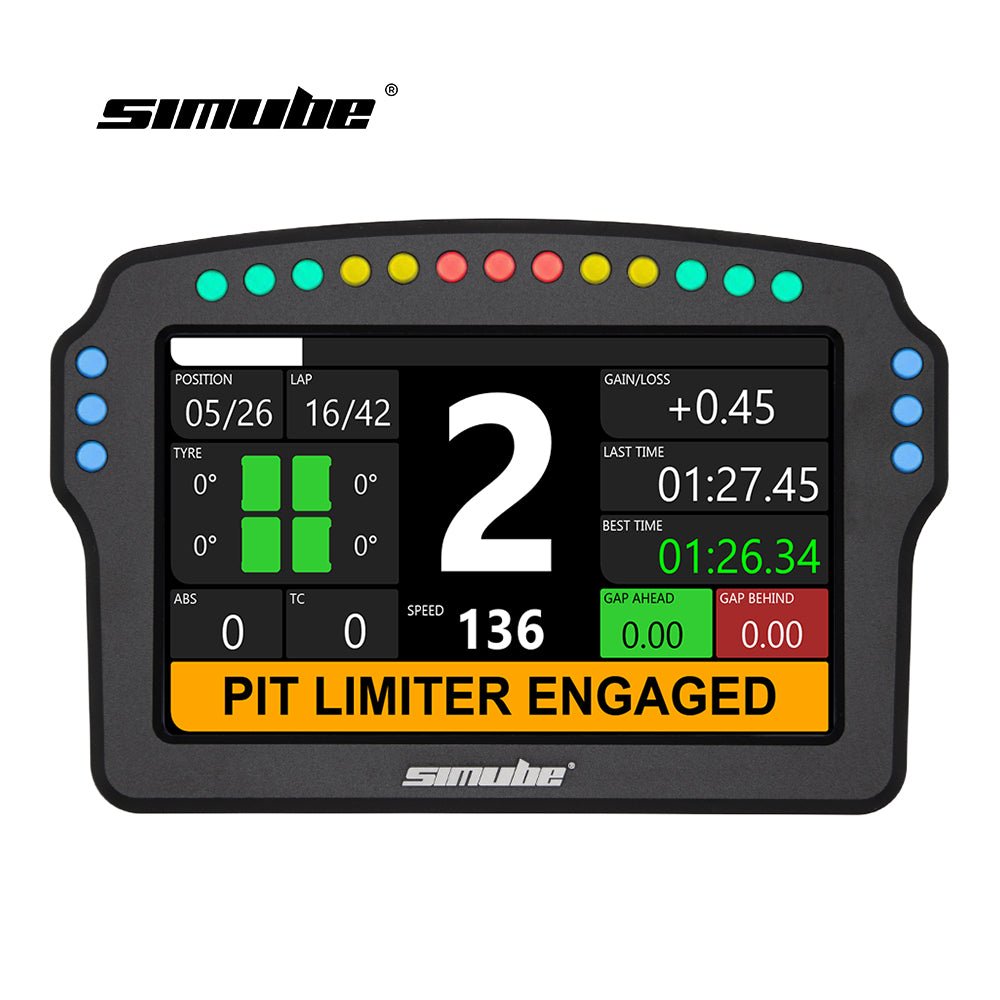
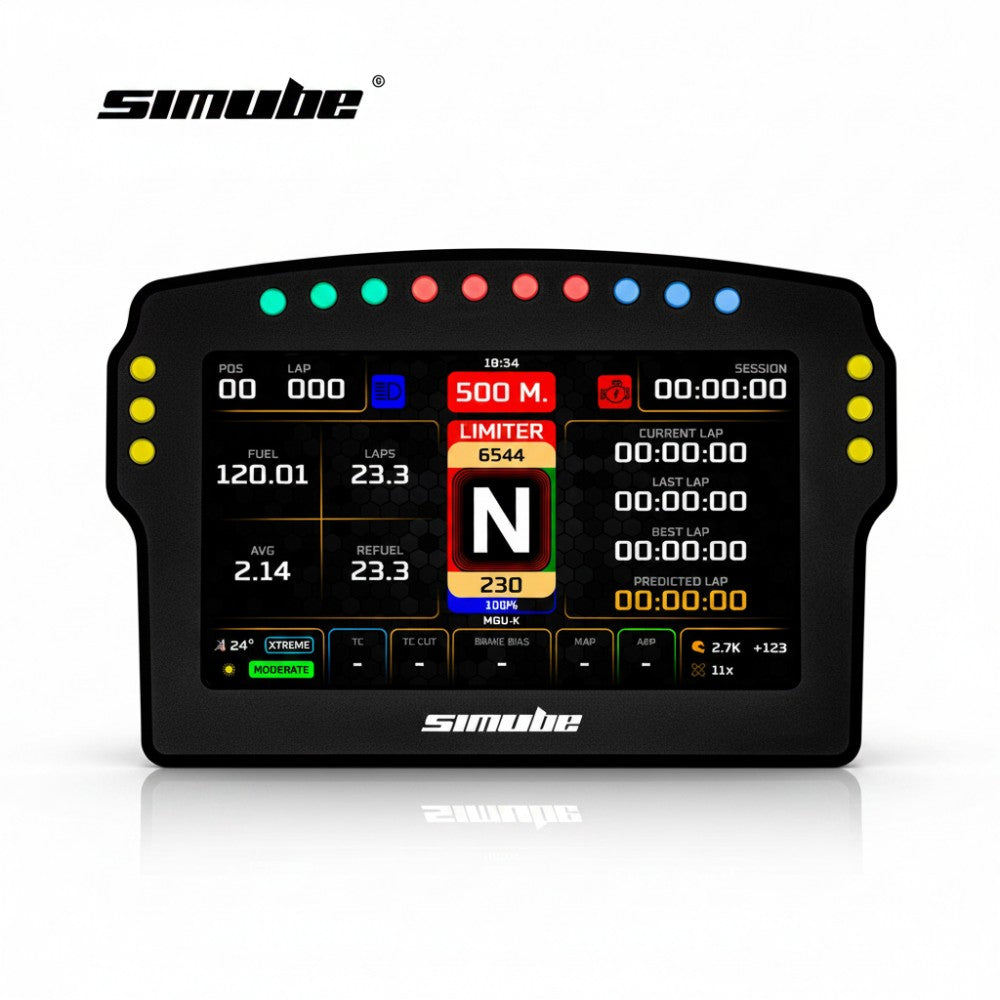
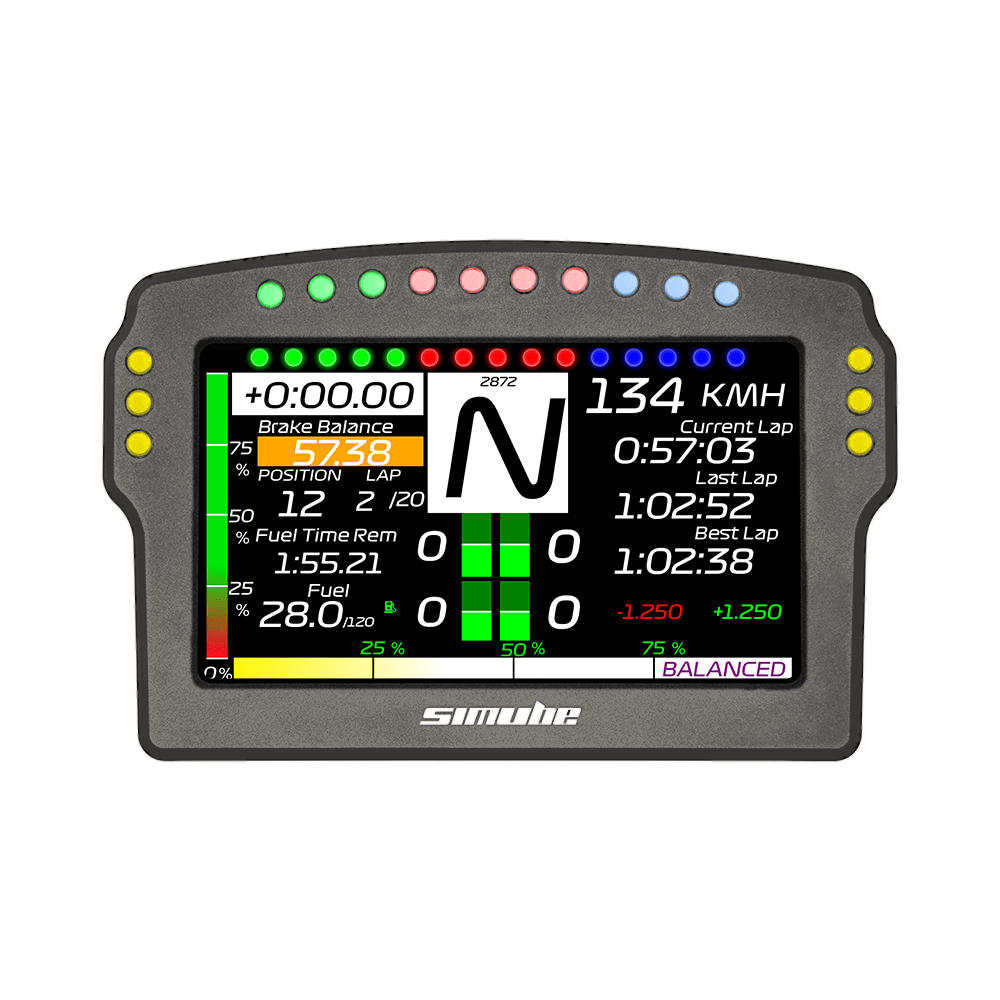
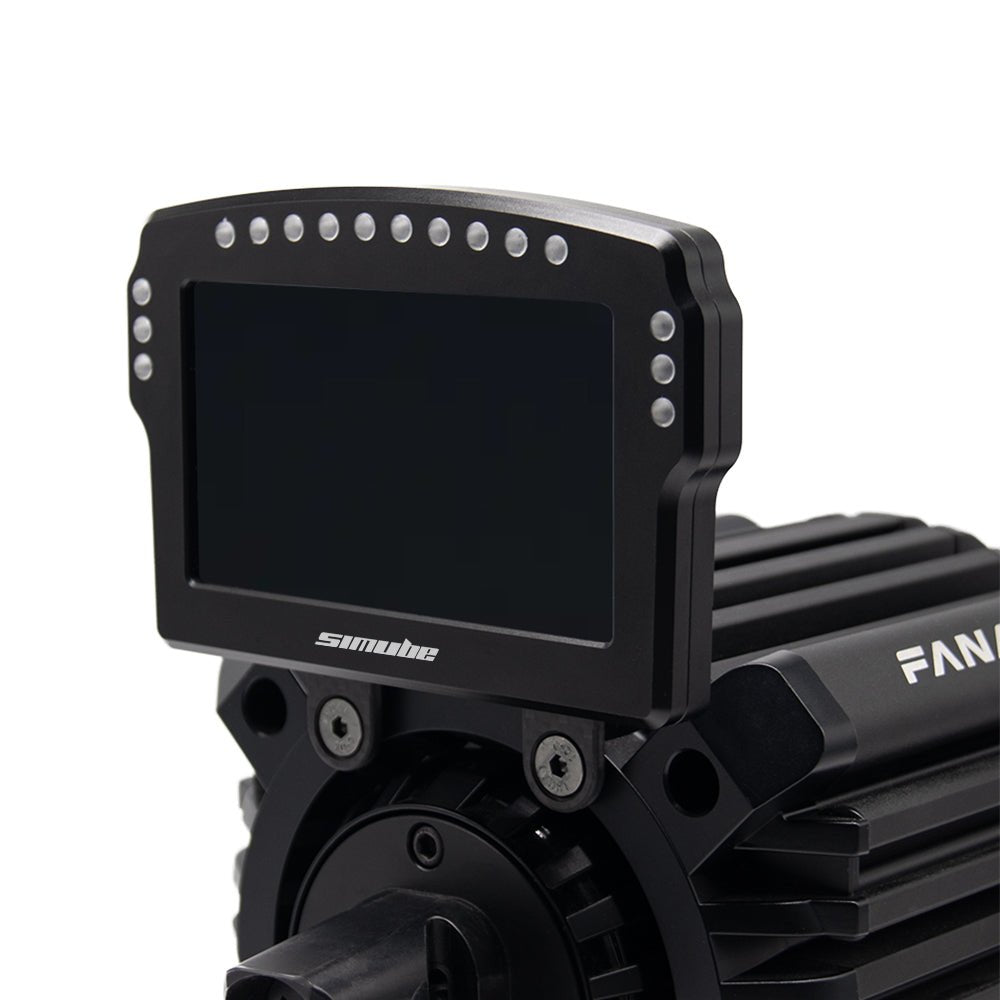
I'm really happing with Shipping to Switzerland and about the quality of the product! The screen could be a bit sharper, however, it is absolutly suficient. The LEDs are very bright, i run them at 5% brightness. Thanks Simube!
SimHub LED Brightness Tuning Guide
If your LEDs still feel too bright even at 5%, it is because the hardware baseline needs to be lowered. You can easily fix this by adjusting the advanced hardware limiter for a much softer glow.
Please follow these steps in SimHub :
1. Go to Devices: Click 'Devices' on the left menu .
2. Select Device: Click on 'Simube DDU100' .
3. Switch to LEDs: Click the 'LEDs' tab at the top.
4. Set Brightness Limiter (Crucial Step):
- Under the 'Brightness limiter and balance' section, click the blue 'Edit brightness options' link.
- In the popup window, change the telemetry/global limit to 5% – 20%. This caps the maximum hardware output.
5. Fine-tune Main Brightness: Go back up and adjust the main brightness slider . The lighting will now be perfectly soft and comfortable for night racing.
Awesome, incredible value for money! Very good, solid construction!
One note is that the leds are VEEERY bright, I have them at less than 5% brightness and they are still very bright, i would like them a bit more diffused and tinted, I can't imagine anyone using them at 100%
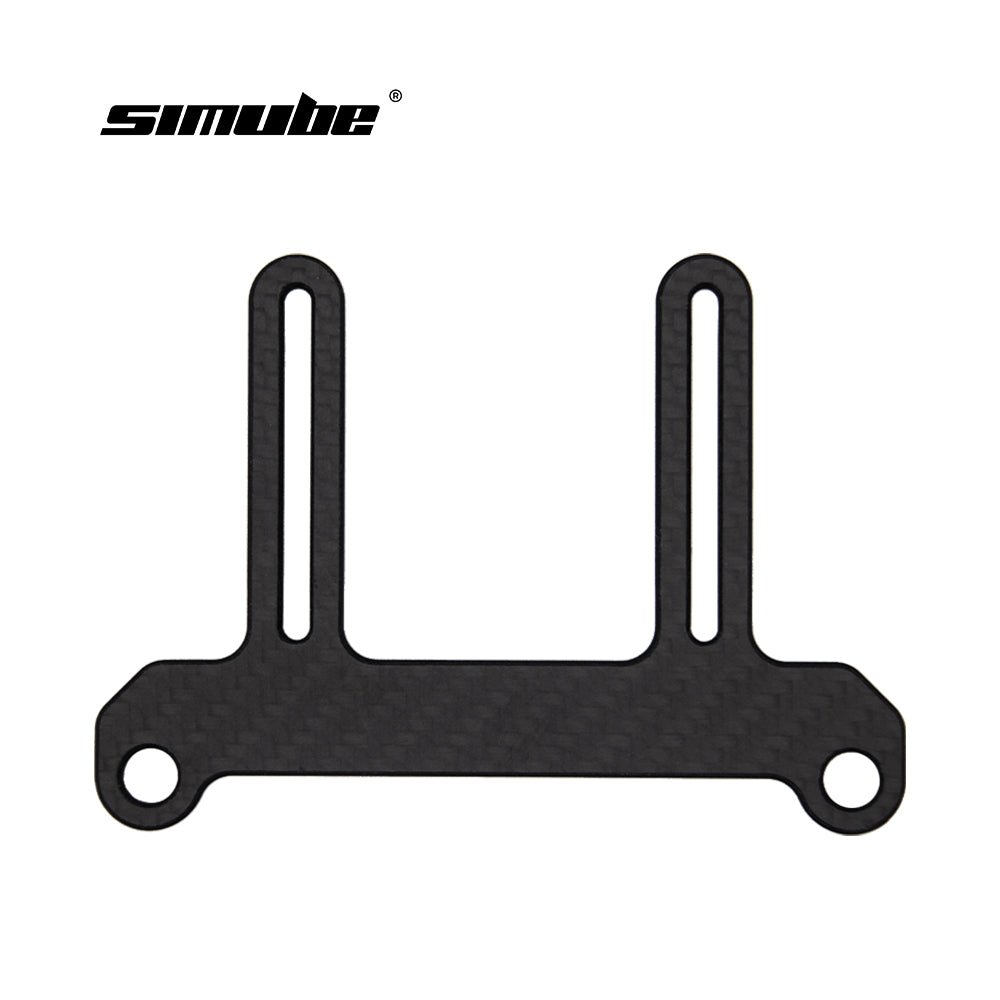
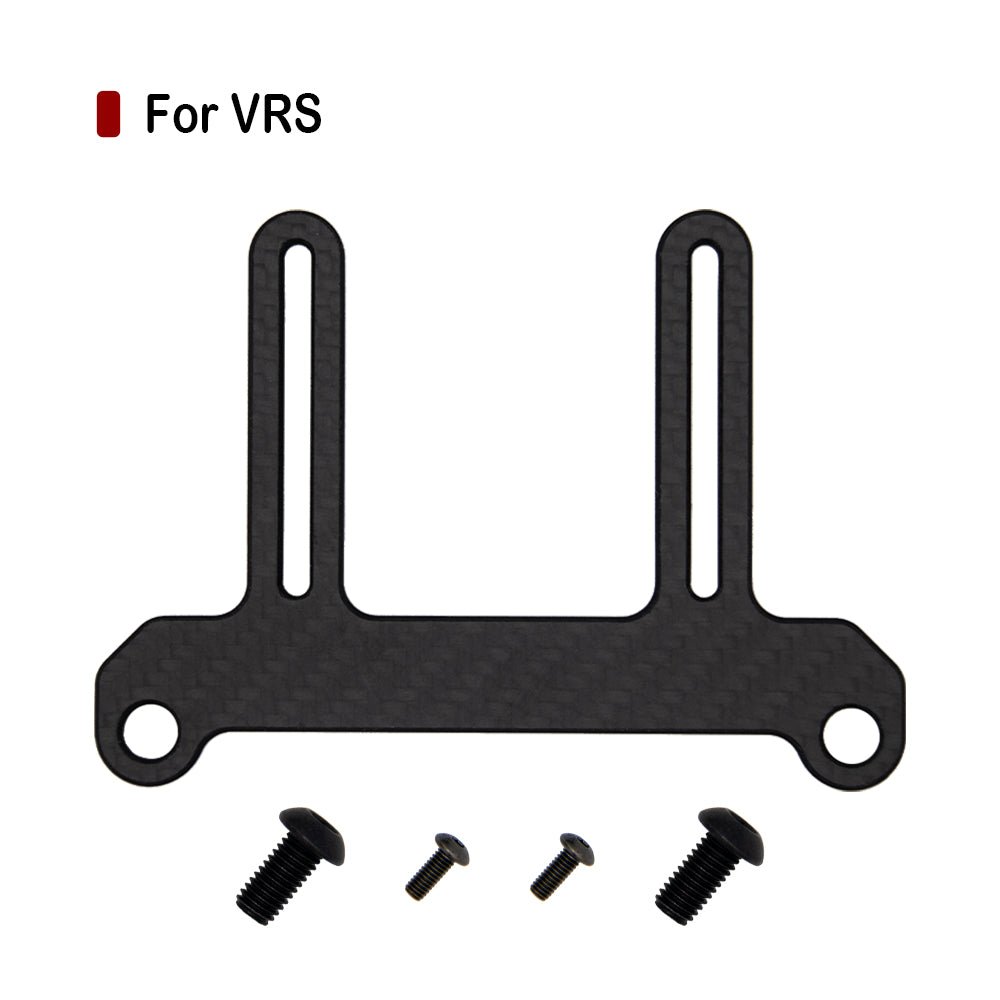
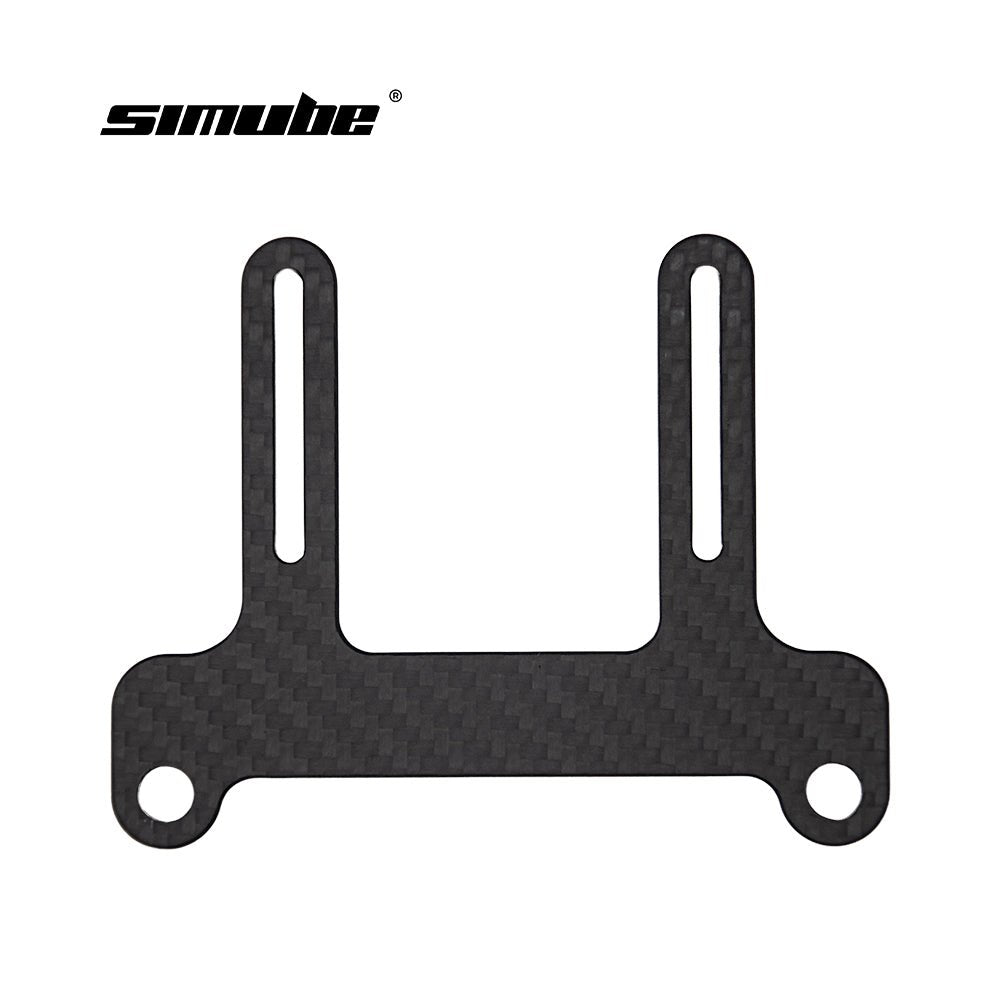
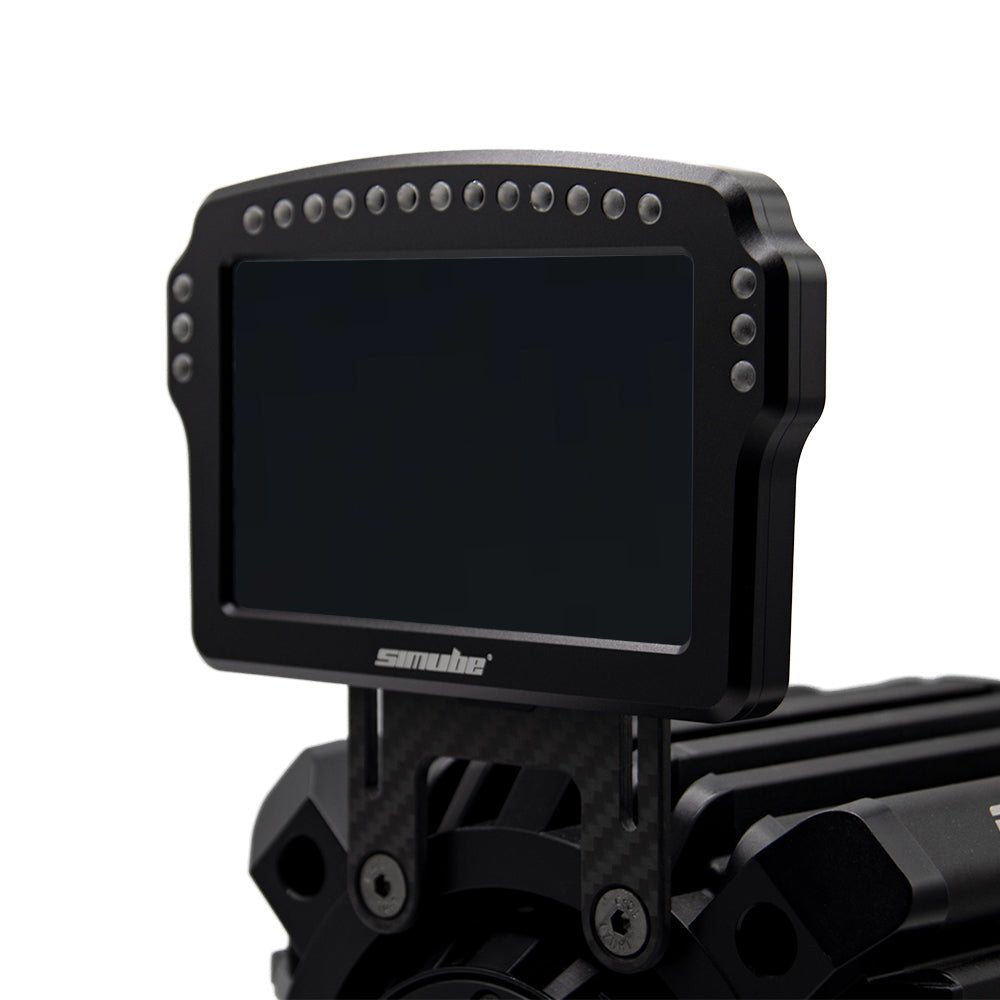
Second note is that mounting was tricky, I would like it, if it had more holes in the back.
SimHub LED Brightness Tuning Guide
If your LEDs still feel too bright even at 5%, it is because the hardware baseline needs to be lowered. You can easily fix this by adjusting the advanced hardware limiter for a much softer glow.
Please follow these steps in SimHub :
1. Go to Devices: Click 'Devices' on the left menu .
2. Select Device: Click on 'Simube DDU100' .
3. Switch to LEDs: Click the 'LEDs' tab at the top.
4. Set Brightness Limiter (Crucial Step):
- Under the 'Brightness limiter and balance' section, click the blue 'Edit brightness options' link.
- In the popup window, change the telemetry/global limit to 5% – 20%. This caps the maximum hardware output.
5. Fine-tune Main Brightness: Go back up and adjust the main brightness slider . The lighting will now be perfectly soft and comfortable for night racing.
Always bet on black, wesley snipes passenger 57.
Works, perfect. I'm glad it was so inexpensive and cool looking..
Thank you, Aaron, for your positive feedback! We're glad you find the QR2 Base-Side both affordable and stylish. We appreciate your support and look forward to serving you again.