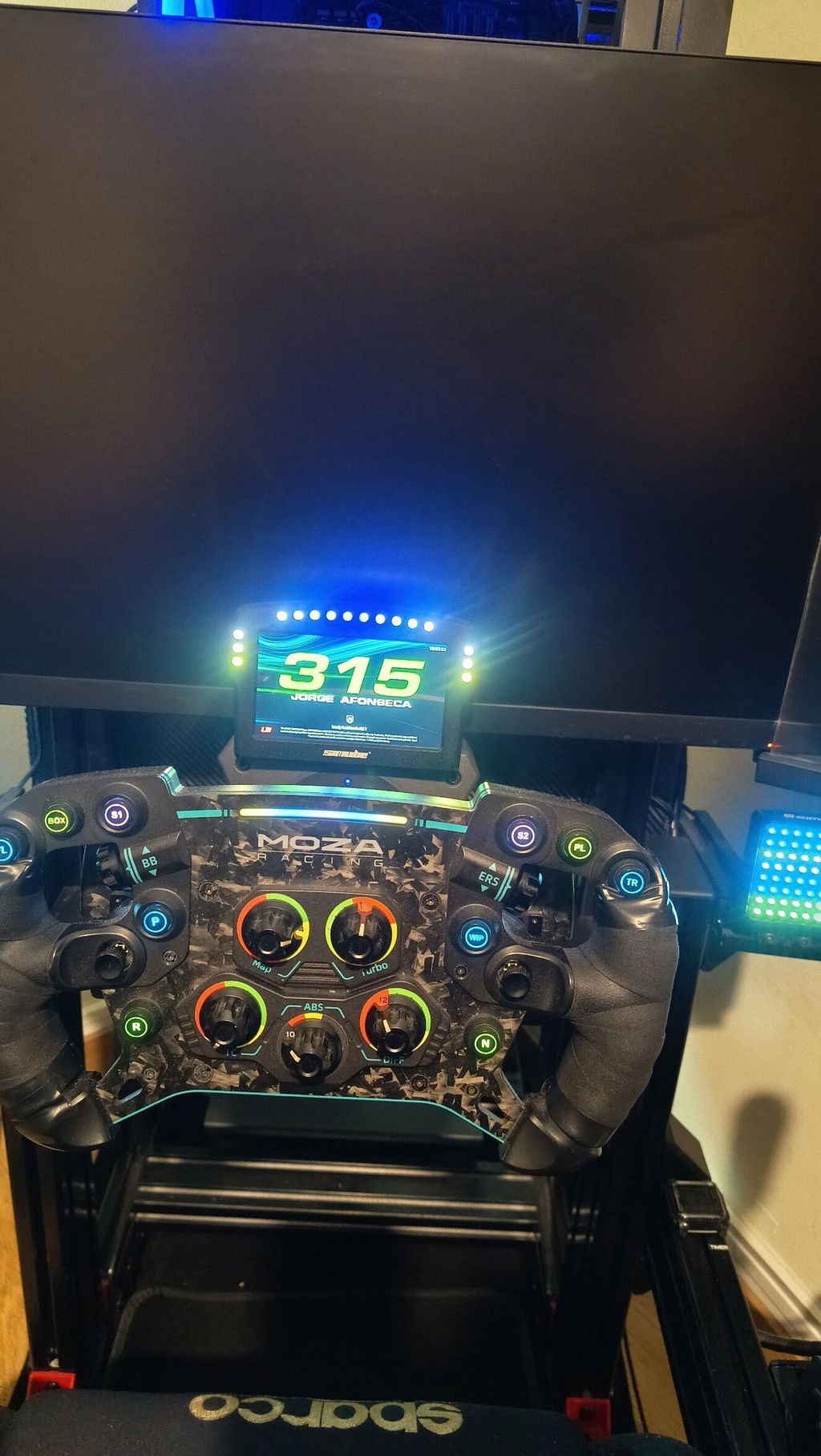
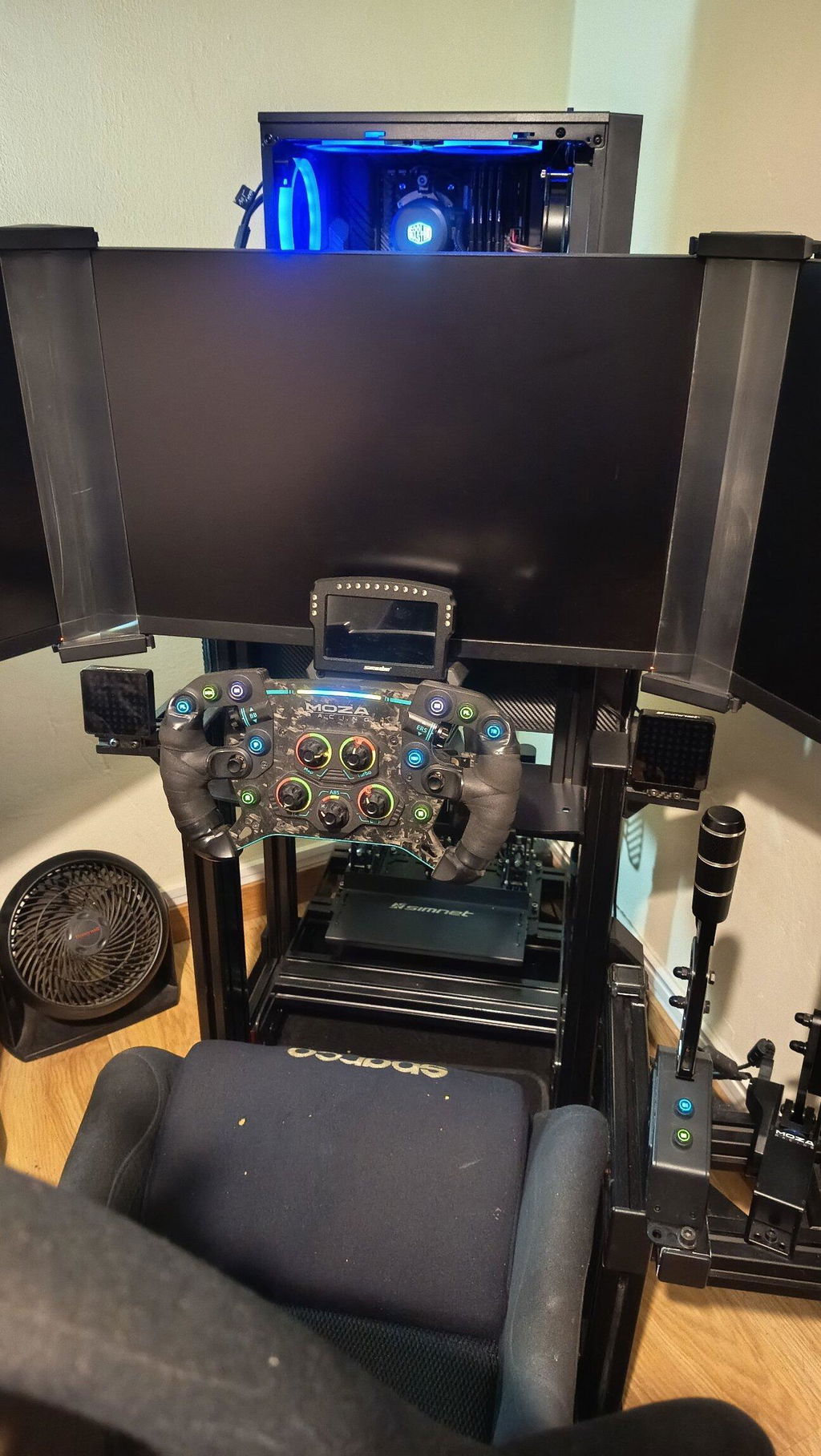
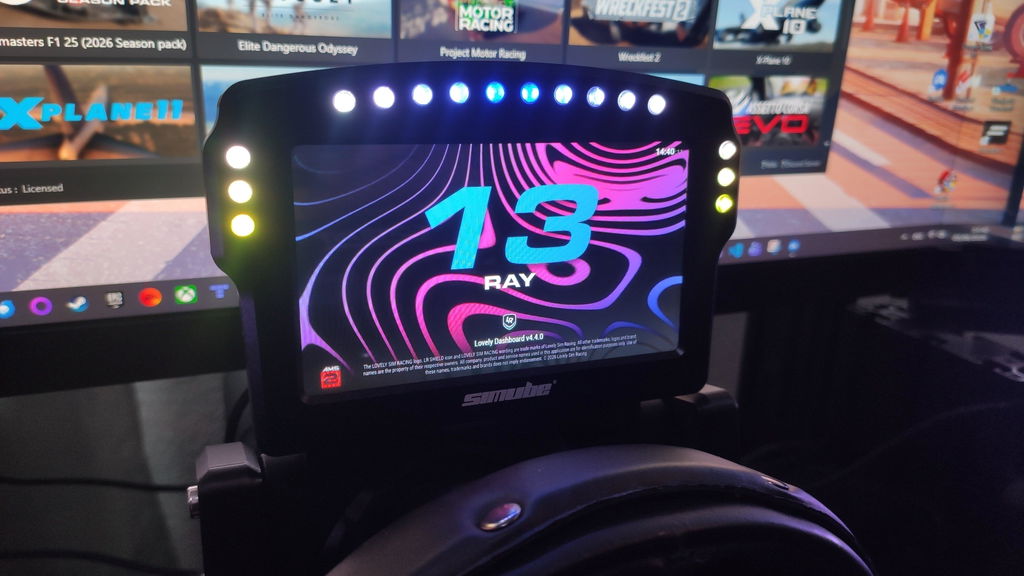
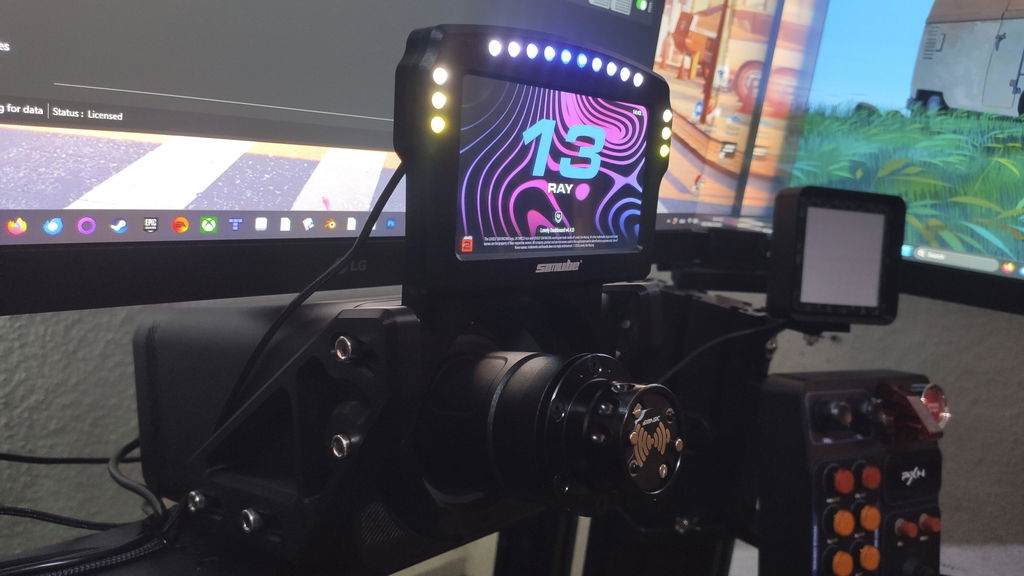
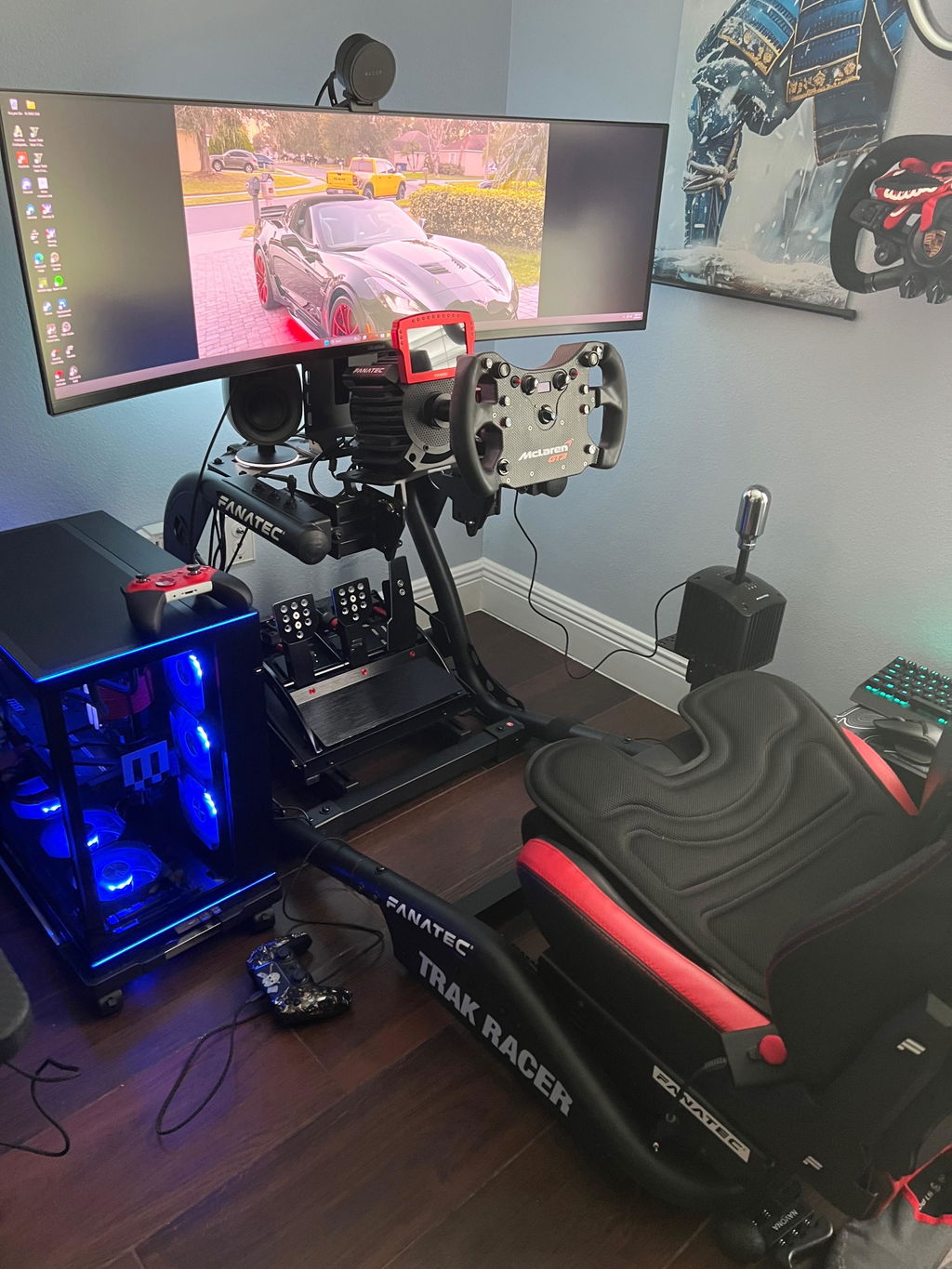
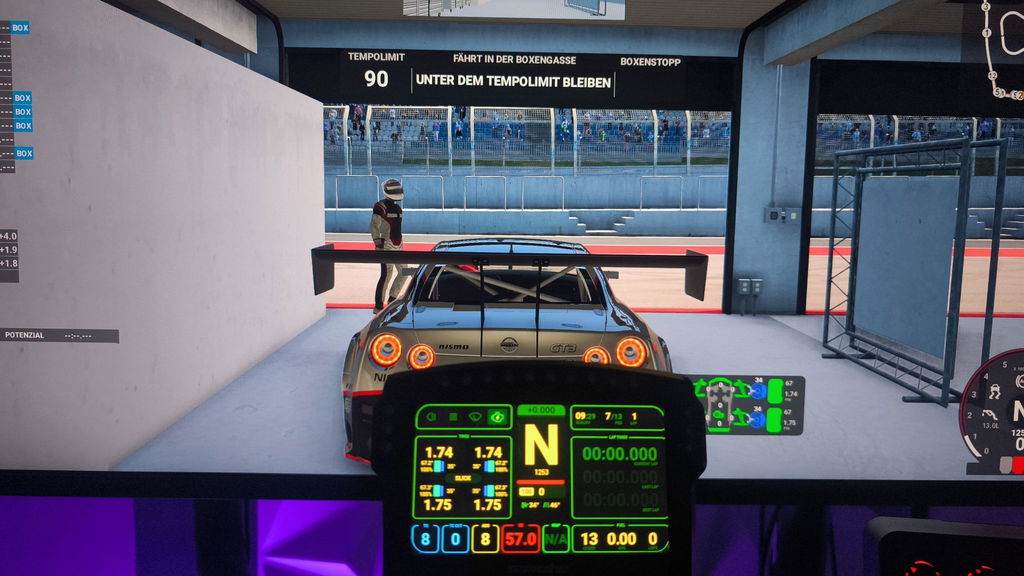
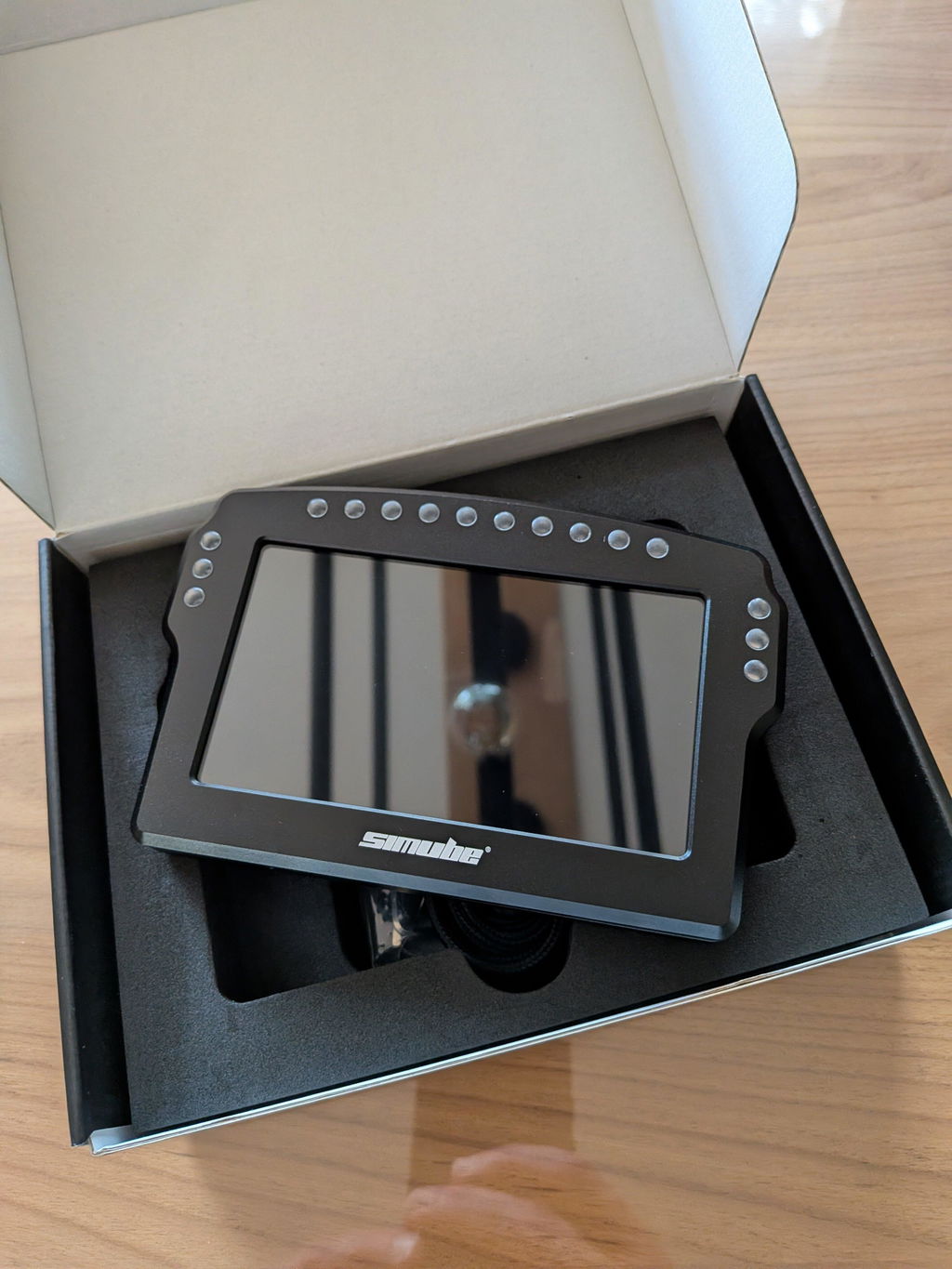
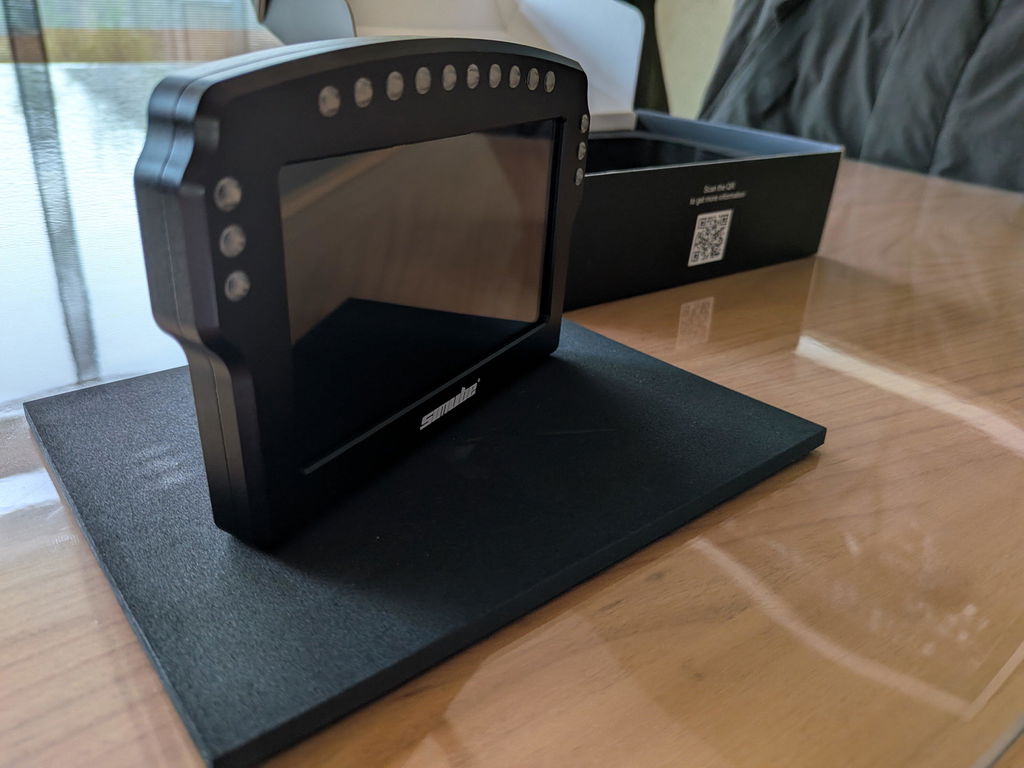
Simube DDU100
Dashboard (SDD) - Simube

Simube

Simube DDU100

Sale price$159.00 Regular price$199.00
Model:DDU100
Color:Black
Quantity:

Contact

SIMUBE DASHBOARD DISPLAY

——  Full SimHub Integration  ——

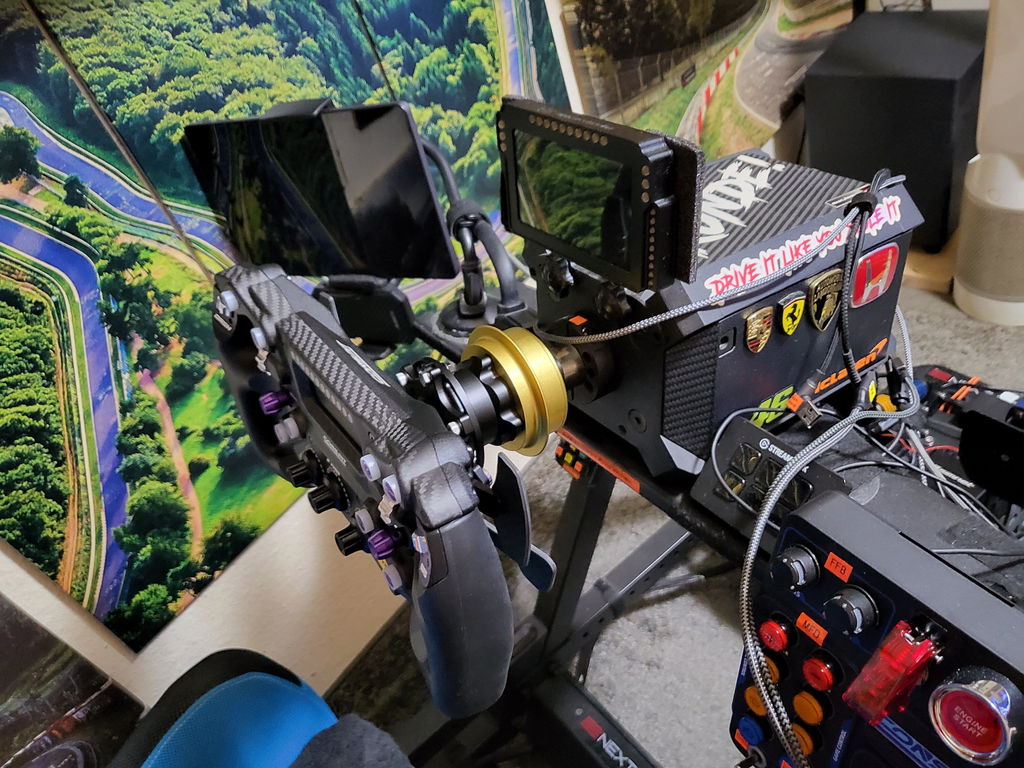
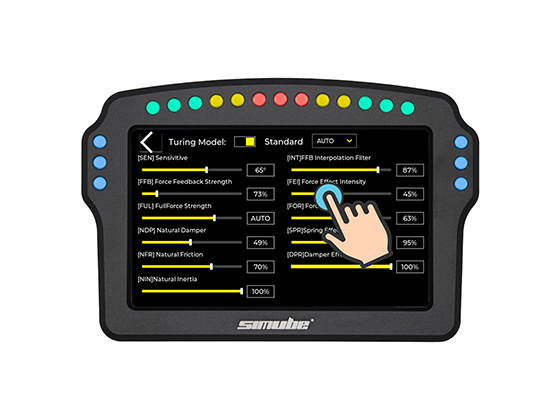
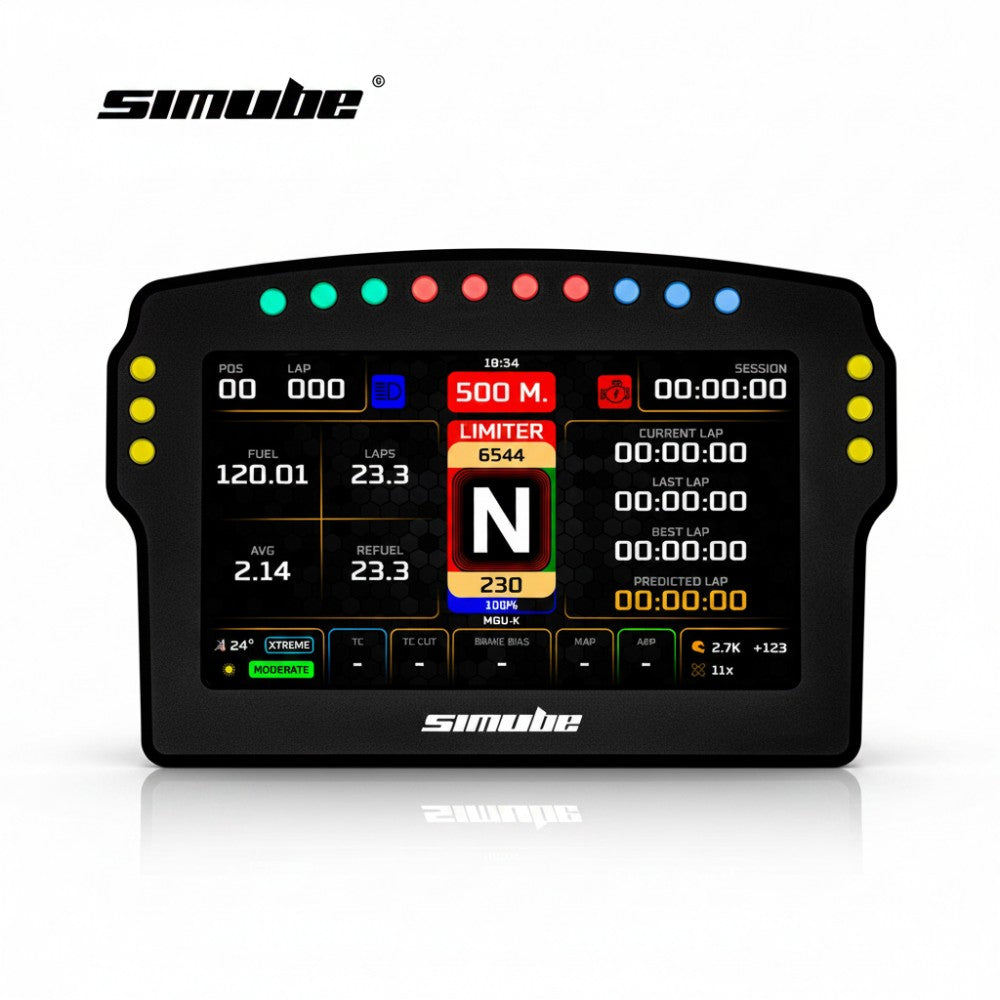
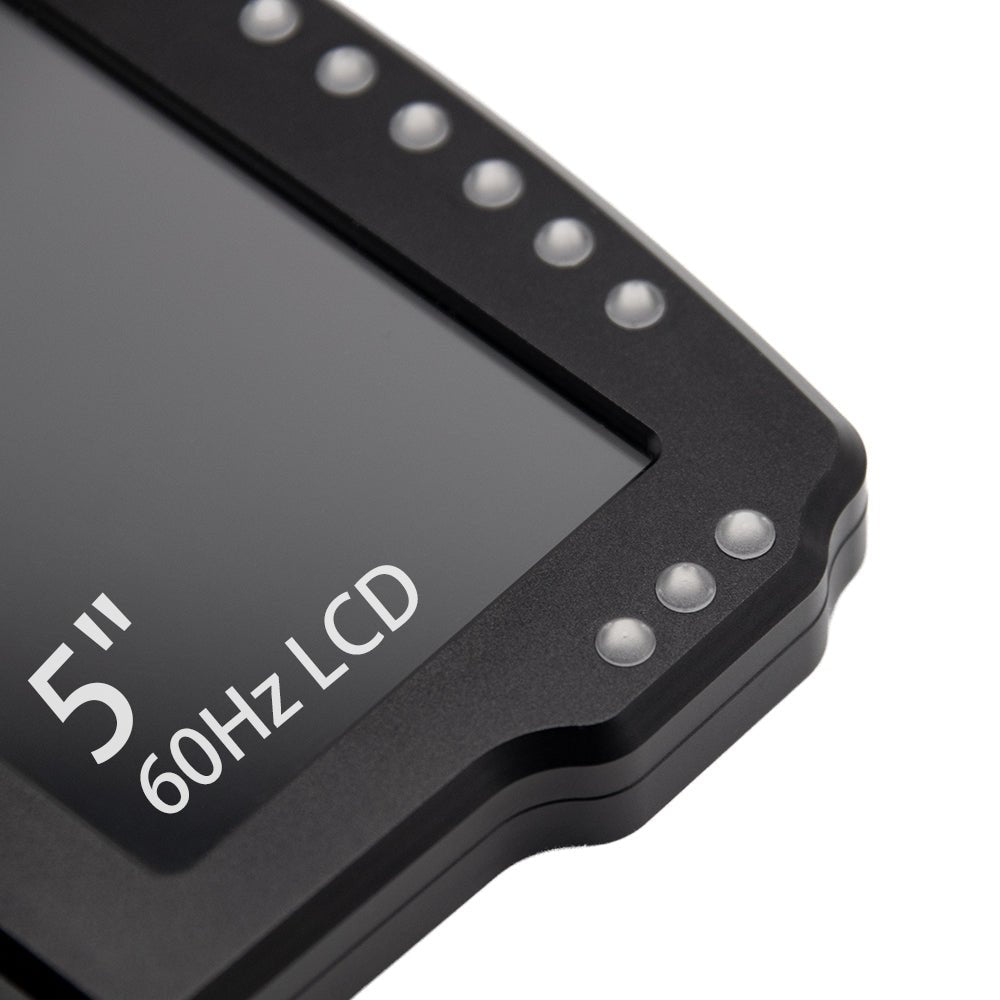
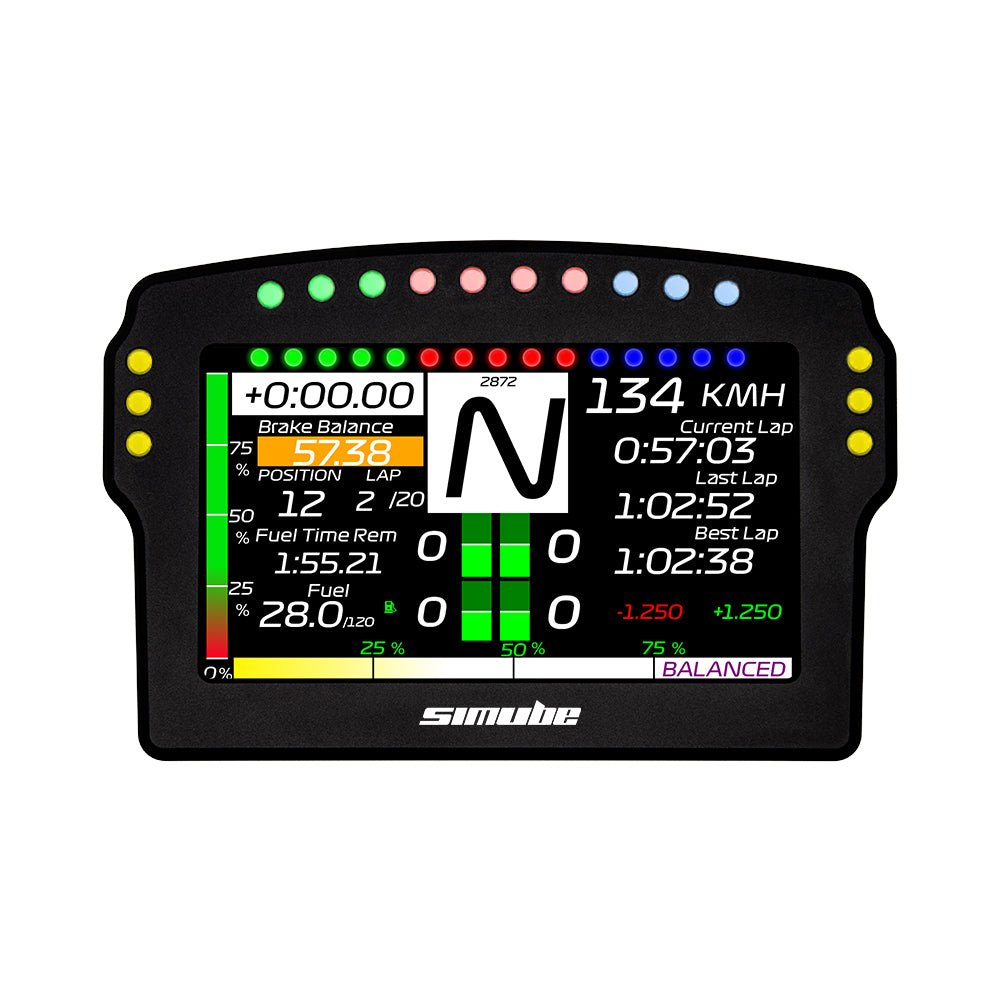
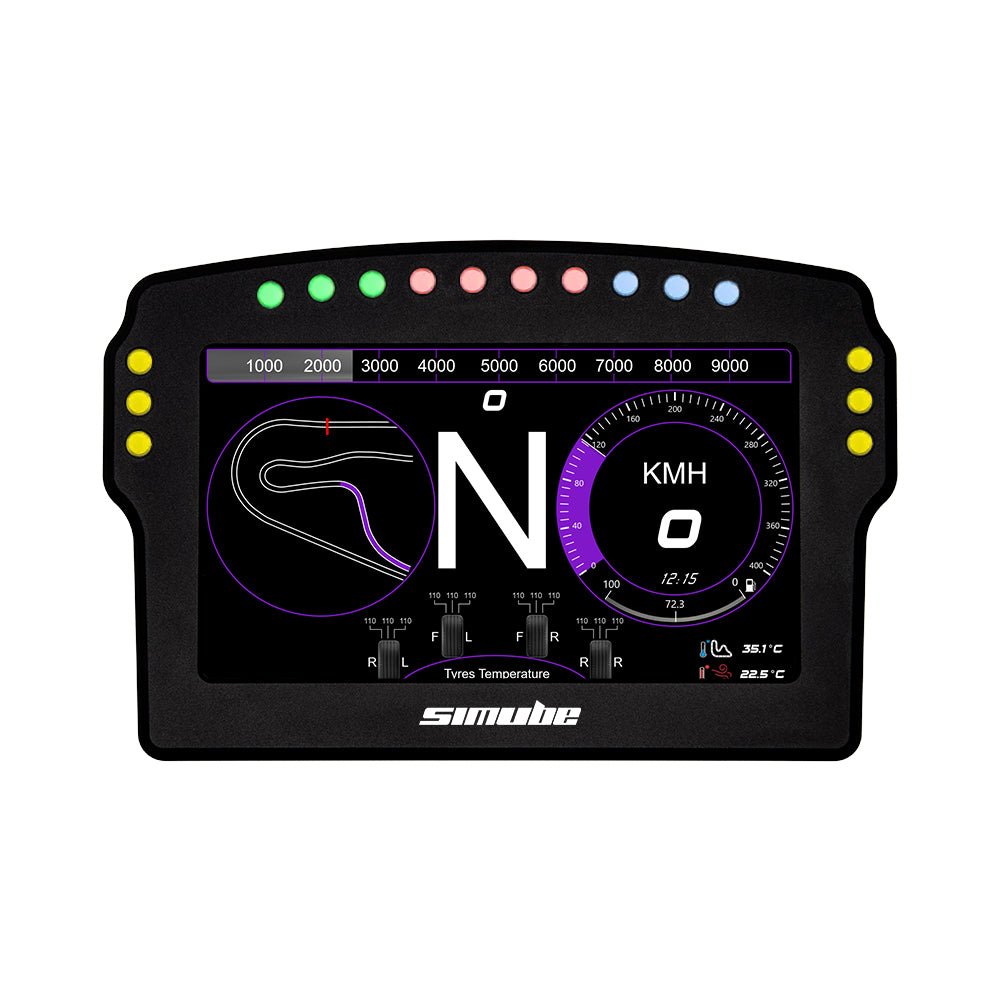
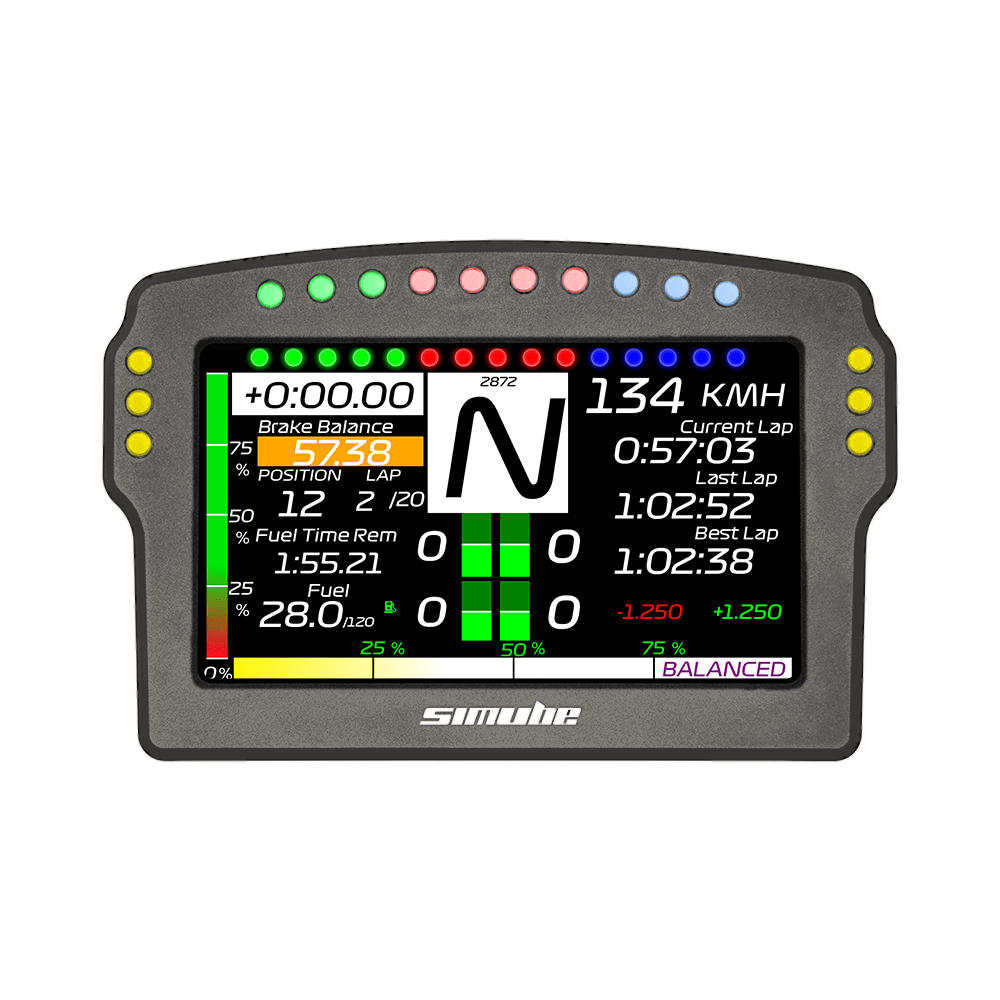
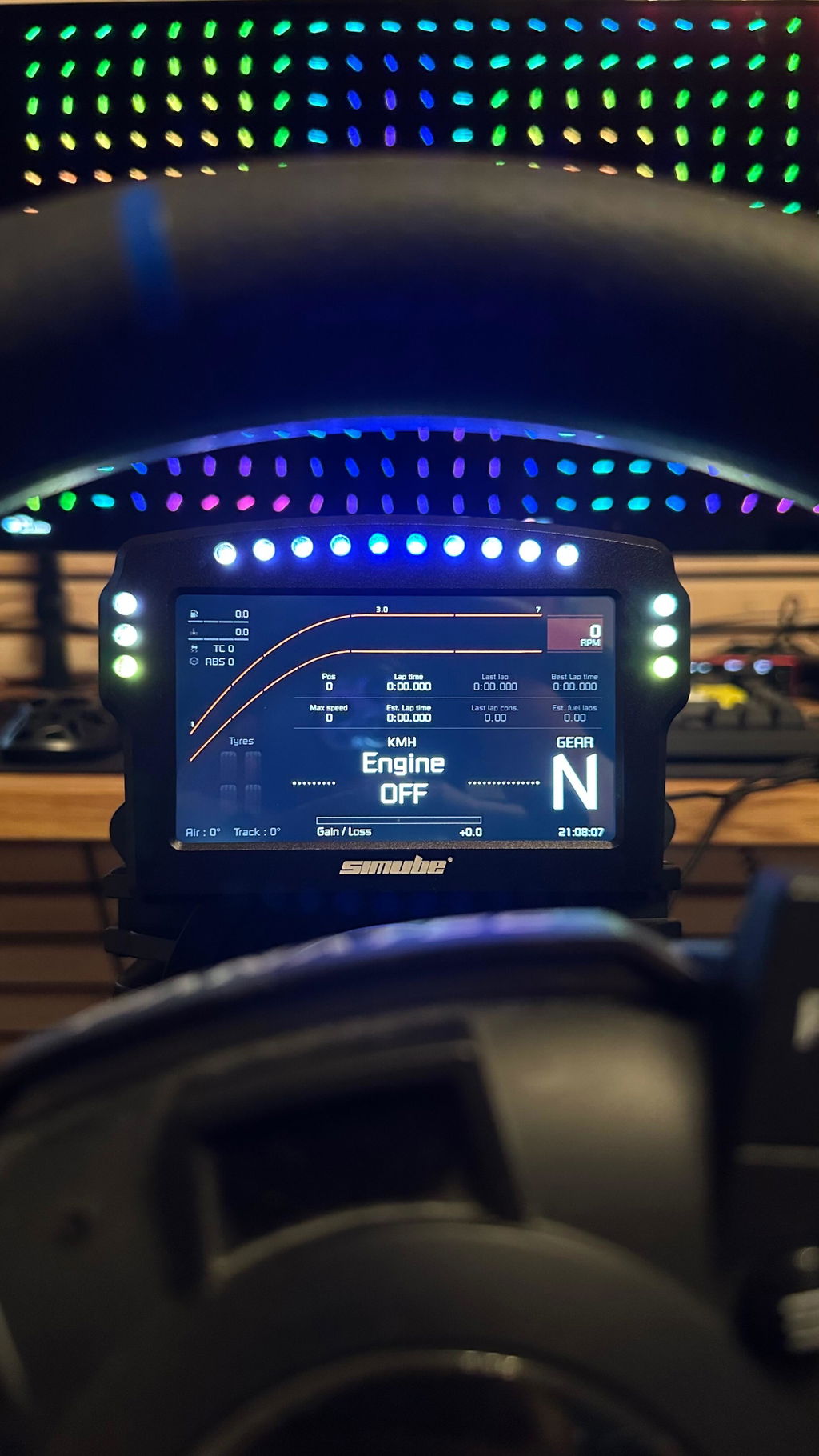
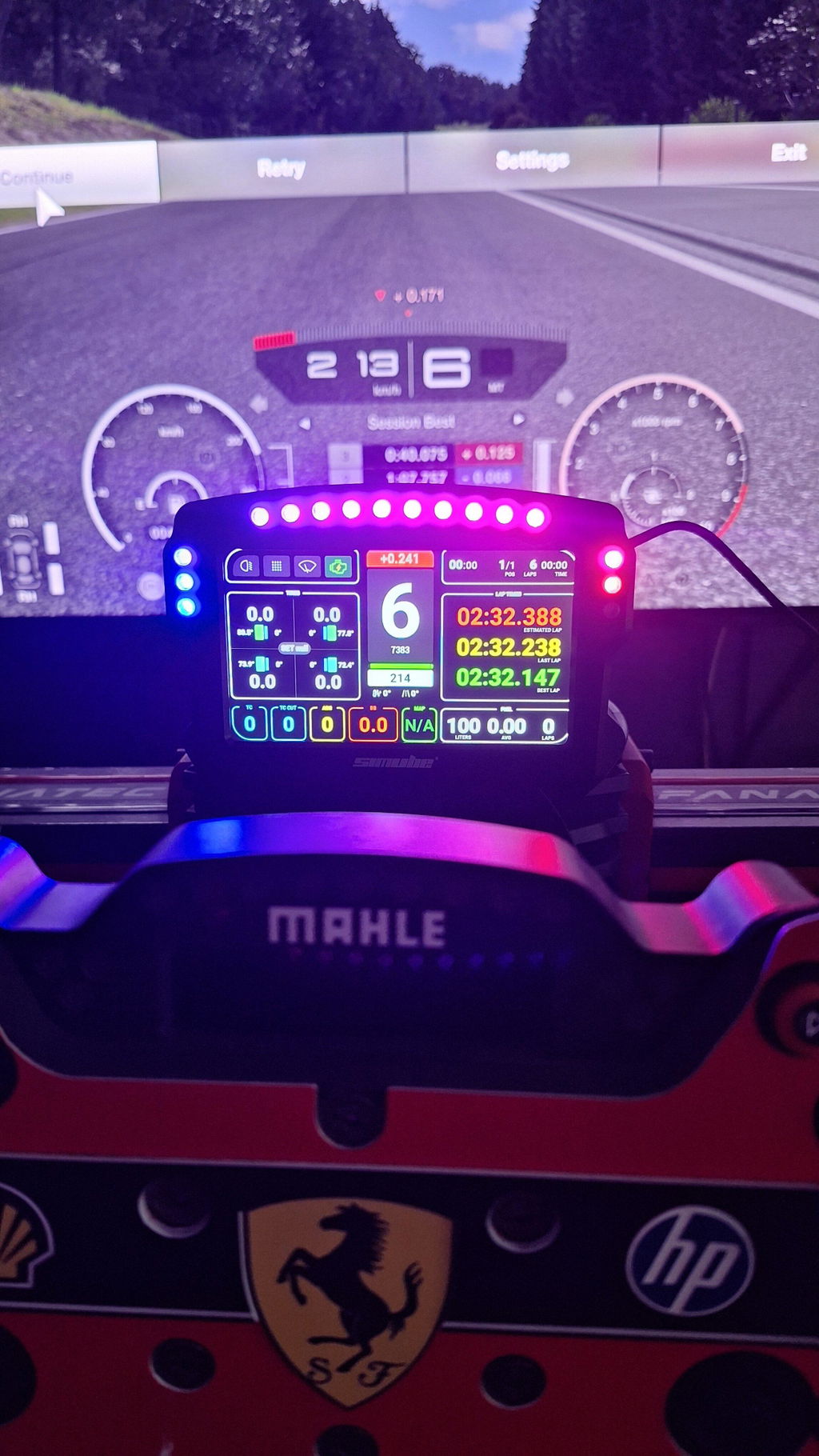
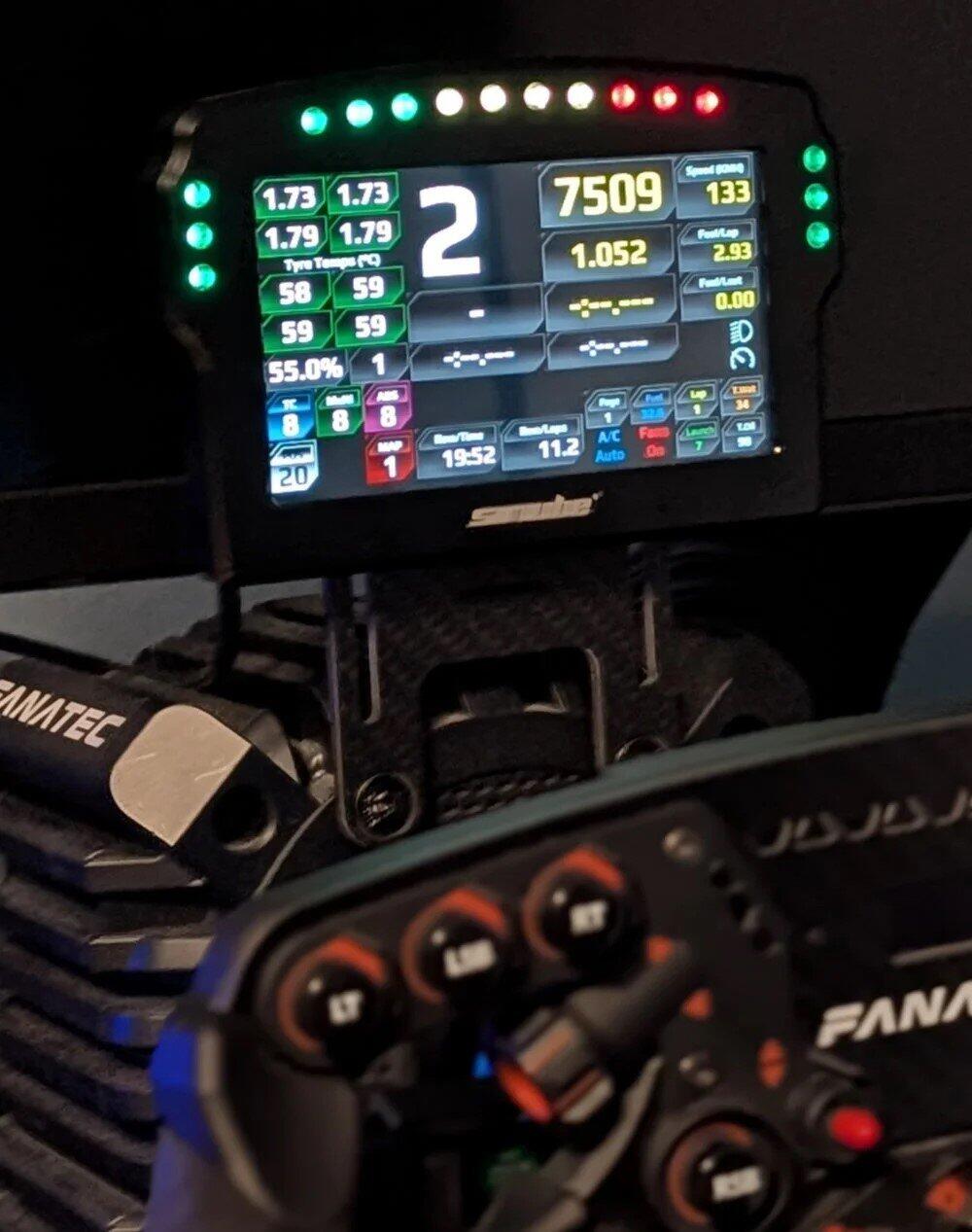
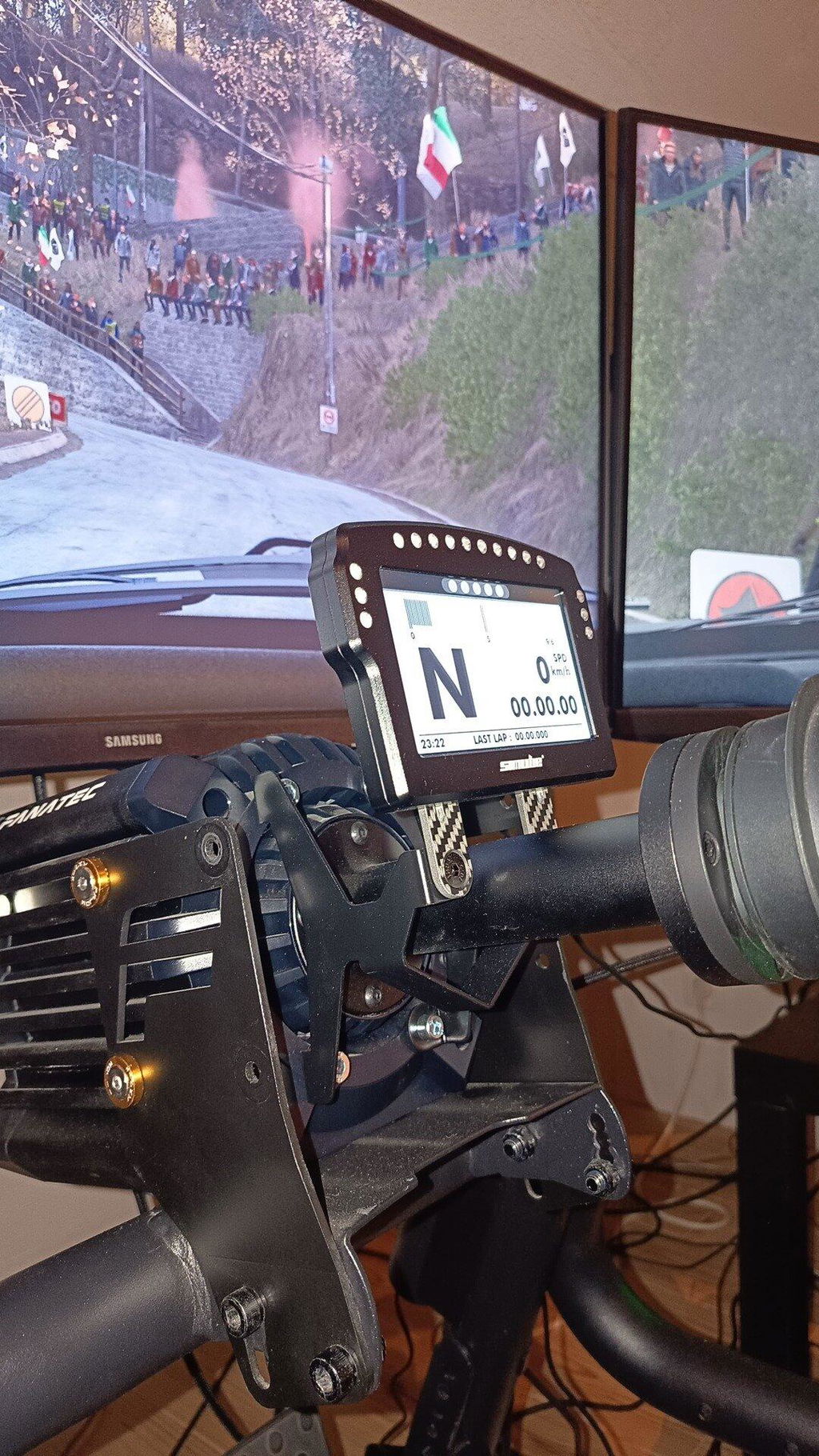
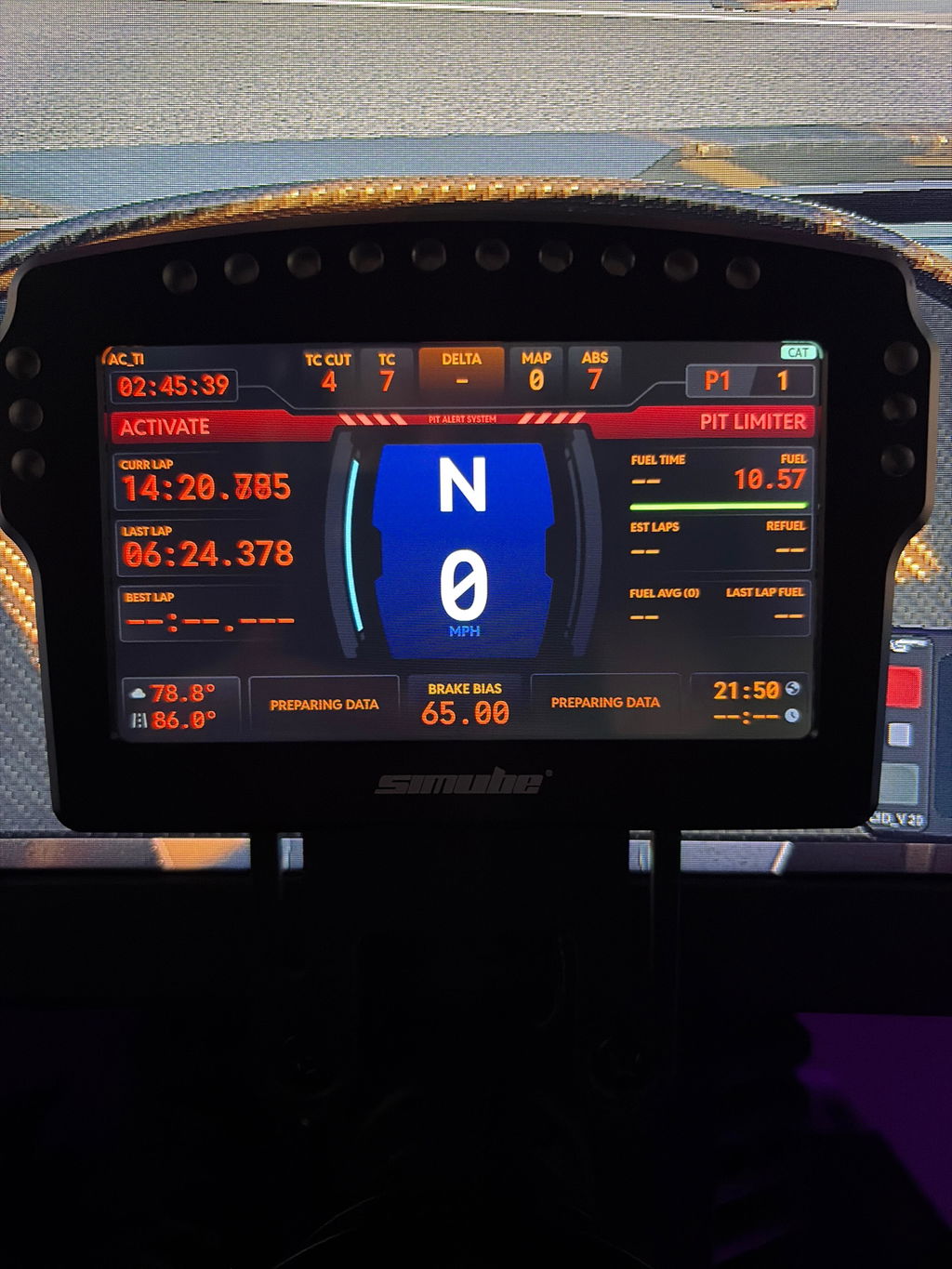
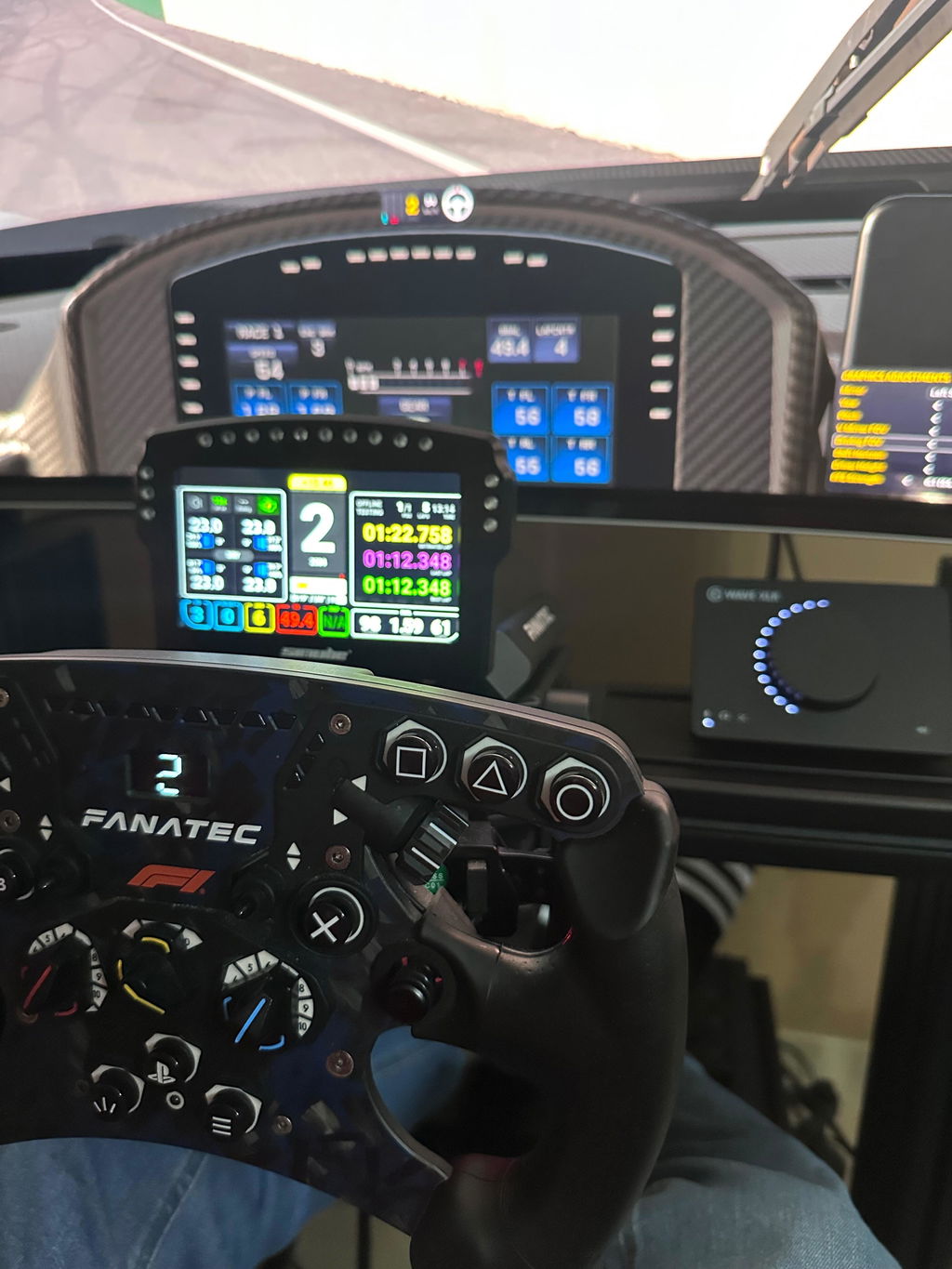
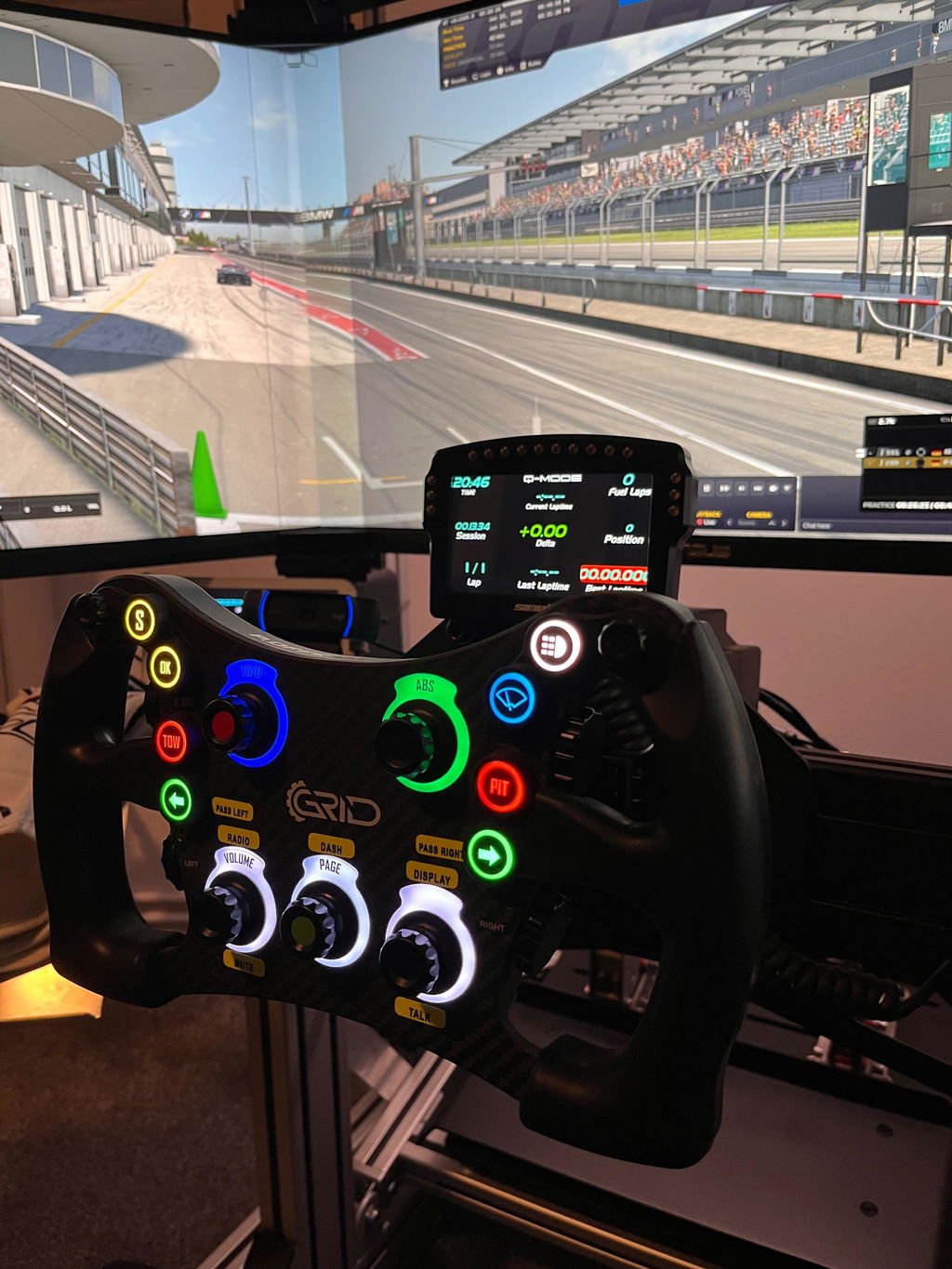
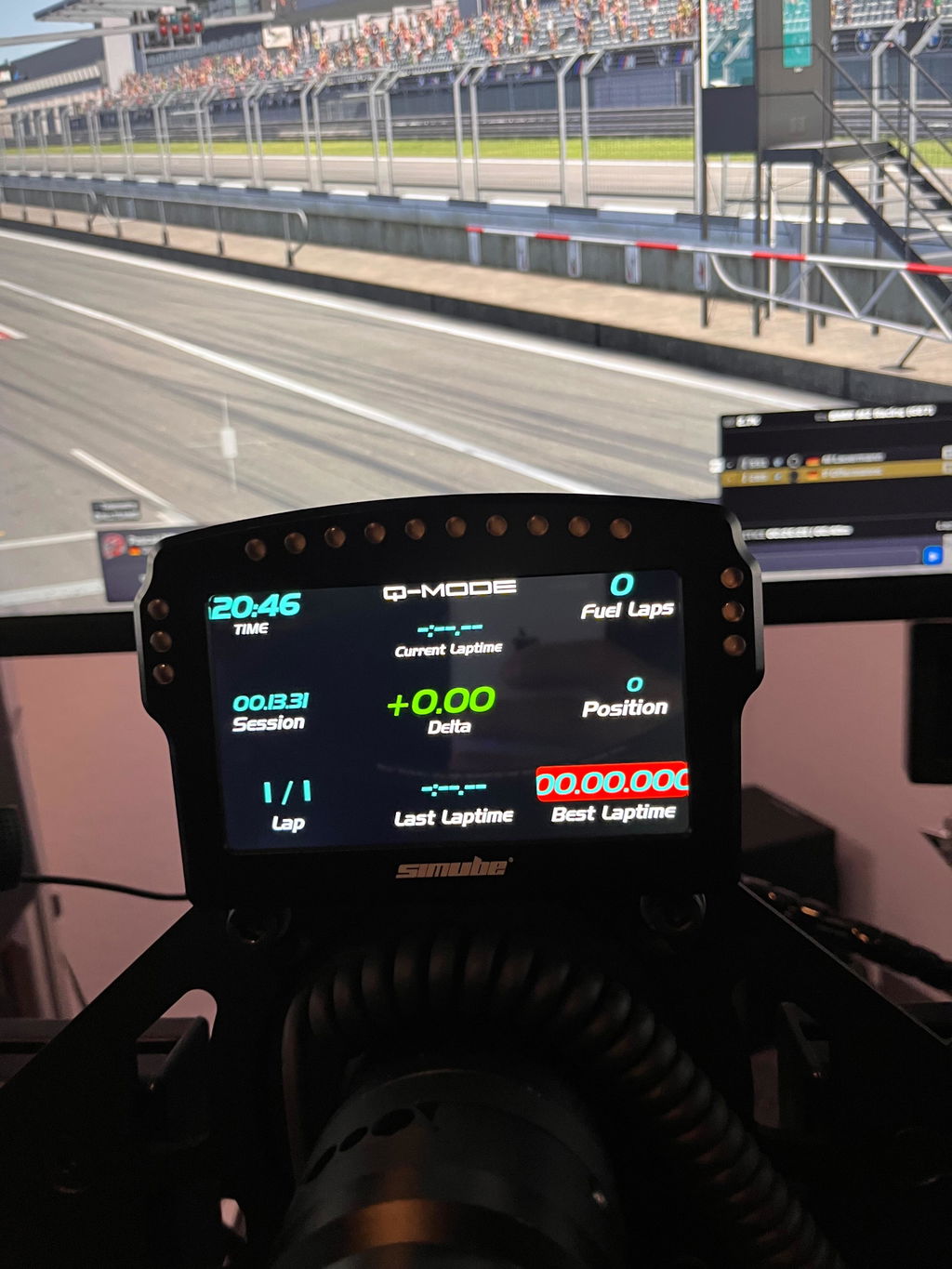
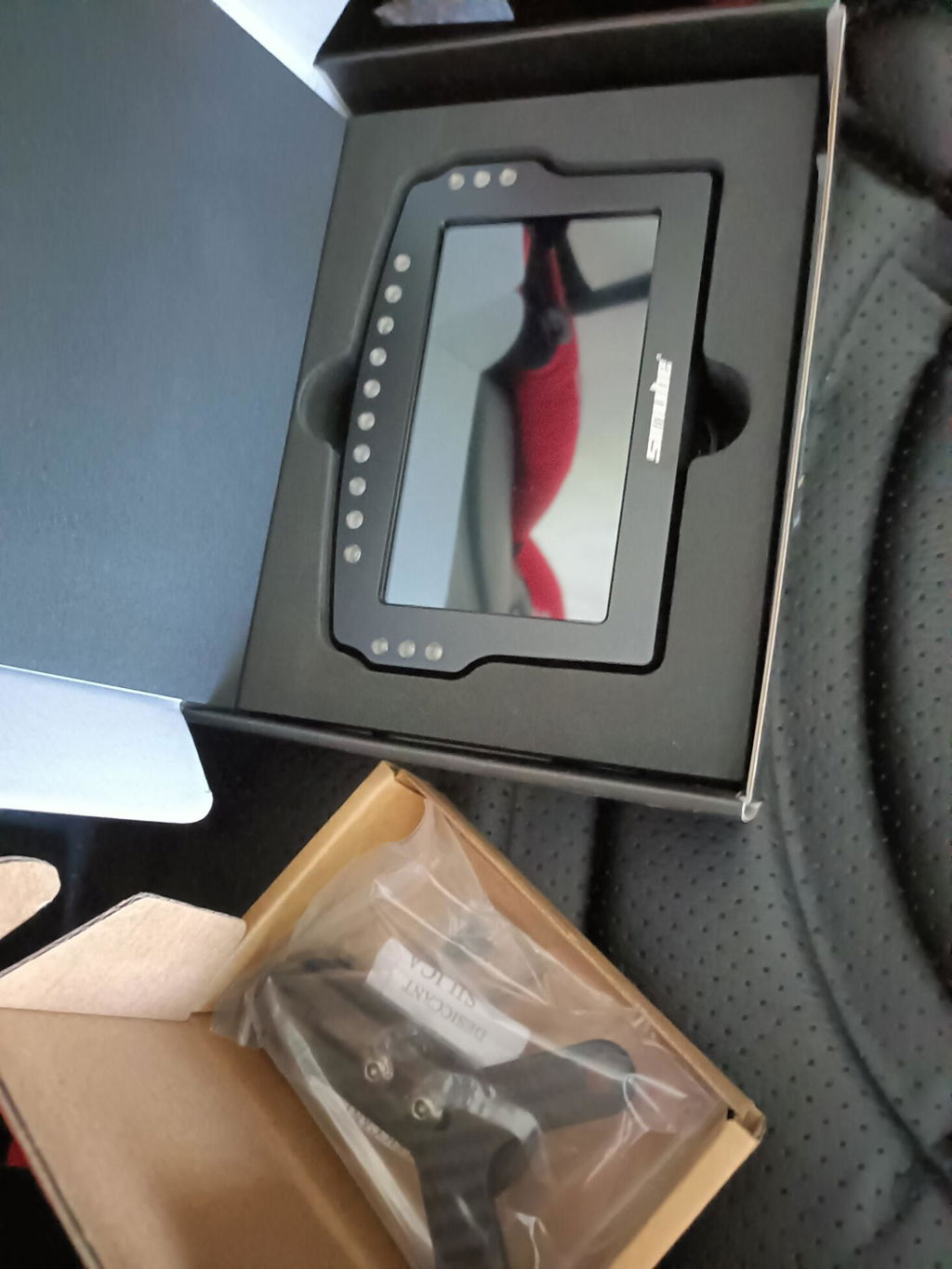
The SDD combines ergonomics, clear functionality, and premium materials in a precision display module. Built from CNC-milled 6061 aluminum with a sandblasted and anodized finish for durability and a modern look. The 5" screen delivers 854 x 480 resolution and 350 nits for sharp, vibrant visuals. Fully integrated with SimHub—dashboards, telemetry, and presets work right out of the box.

PRODUCT FEATURES :

  • Touch operation possible
  • Official SimHub integration
  • 16 bit colors, 350 lm brightness 
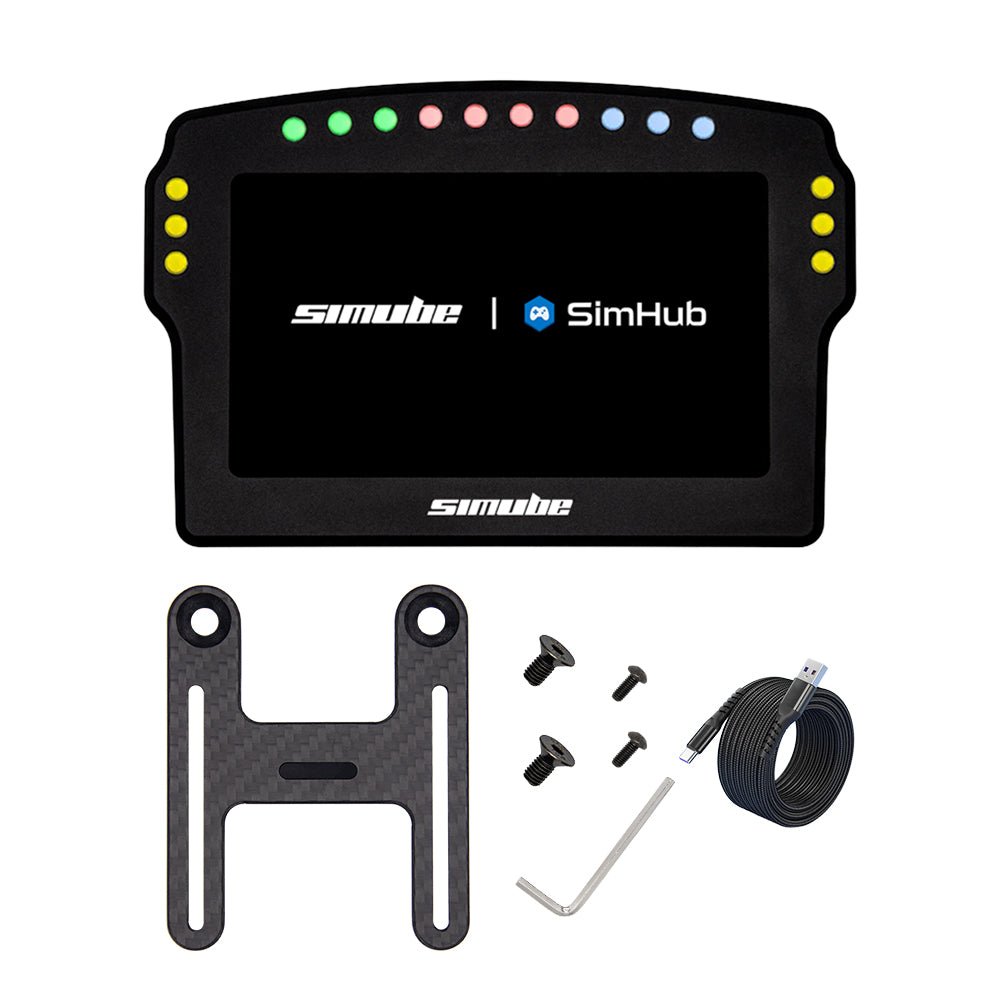
  • 16x RGB LEDs (16 million colors)
  • Screen size 5" with high resolution 
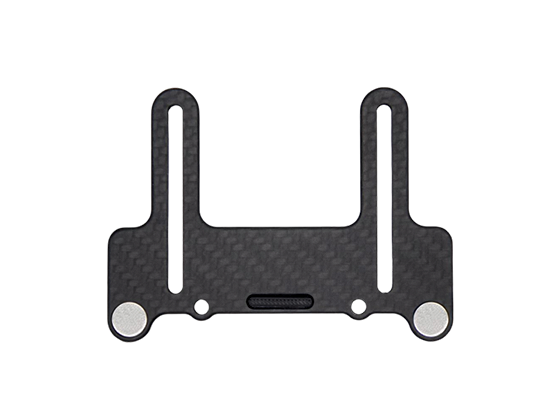
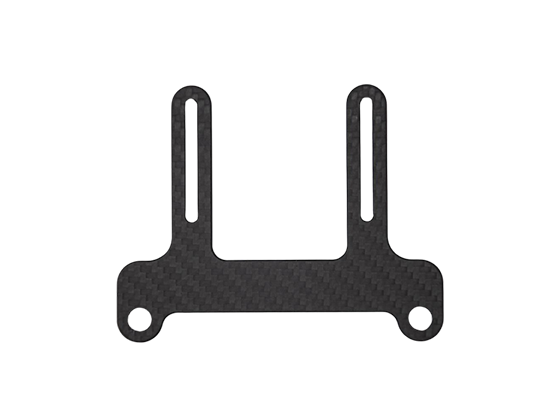
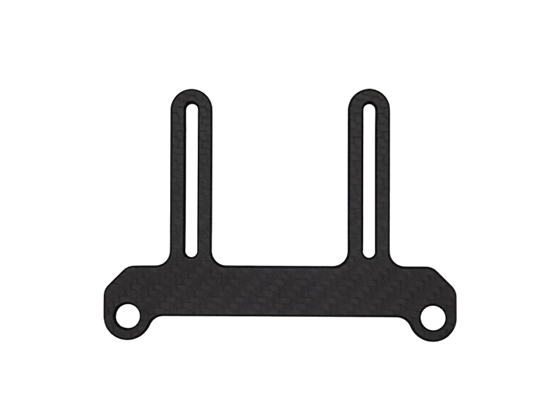
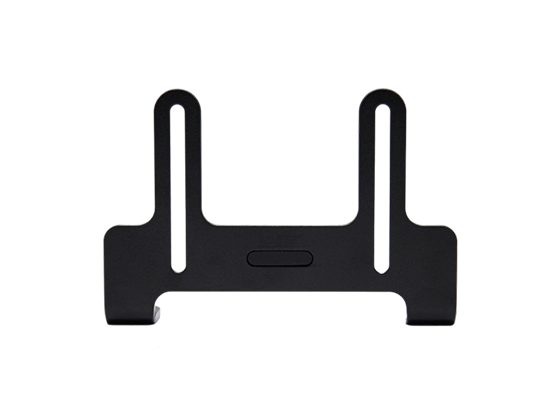
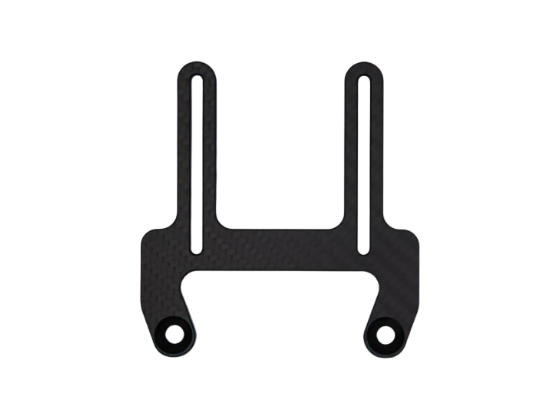
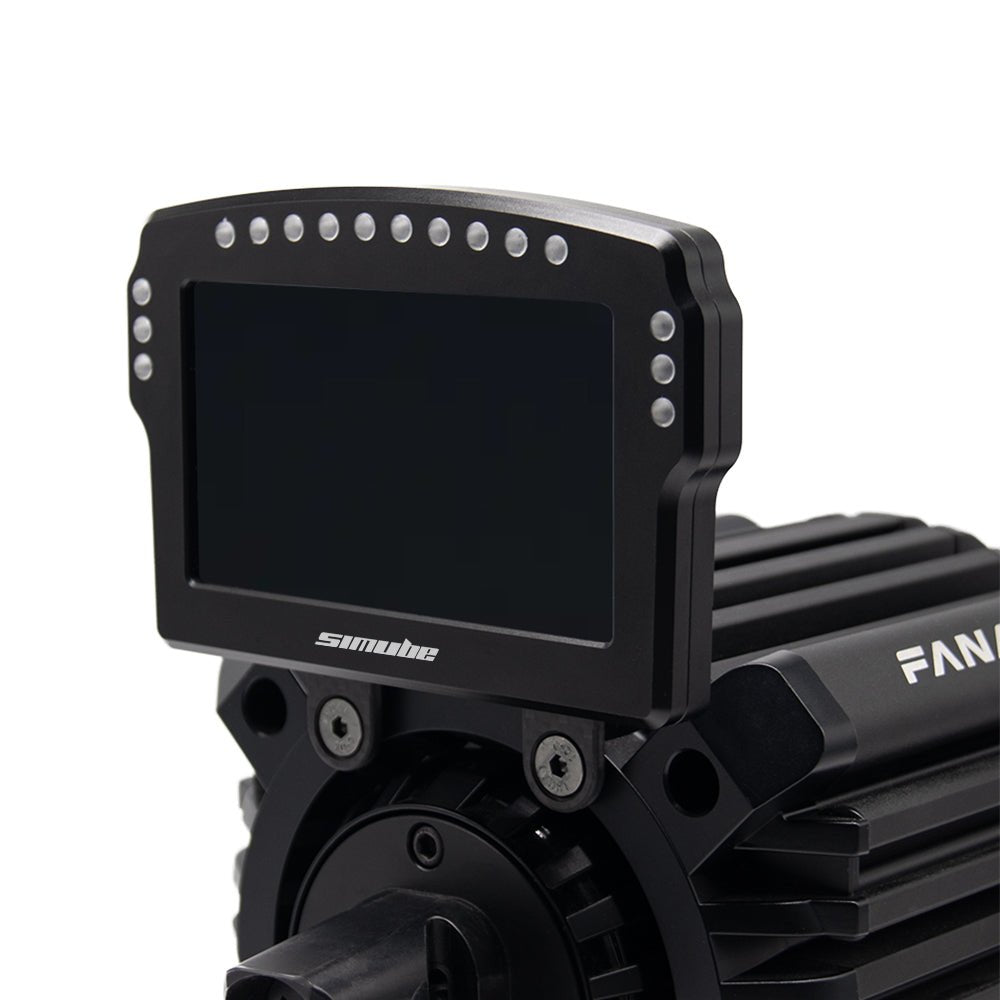
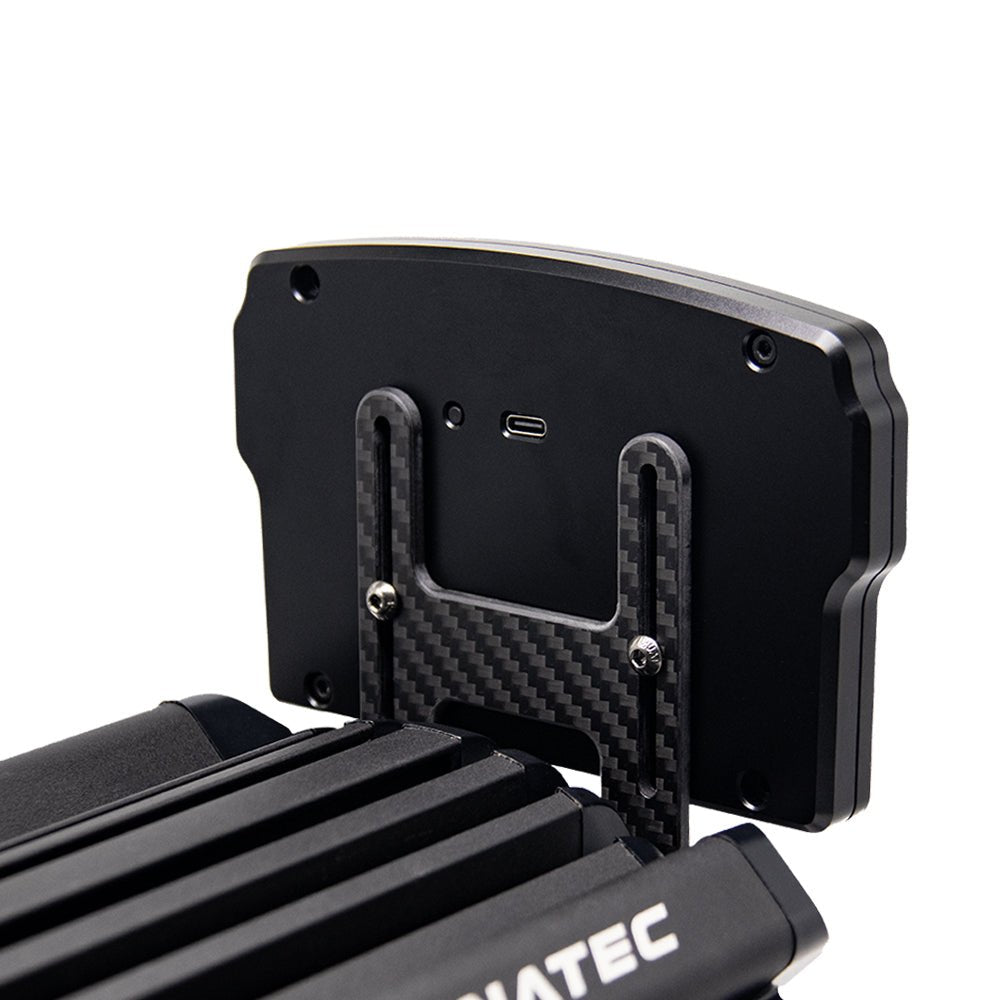
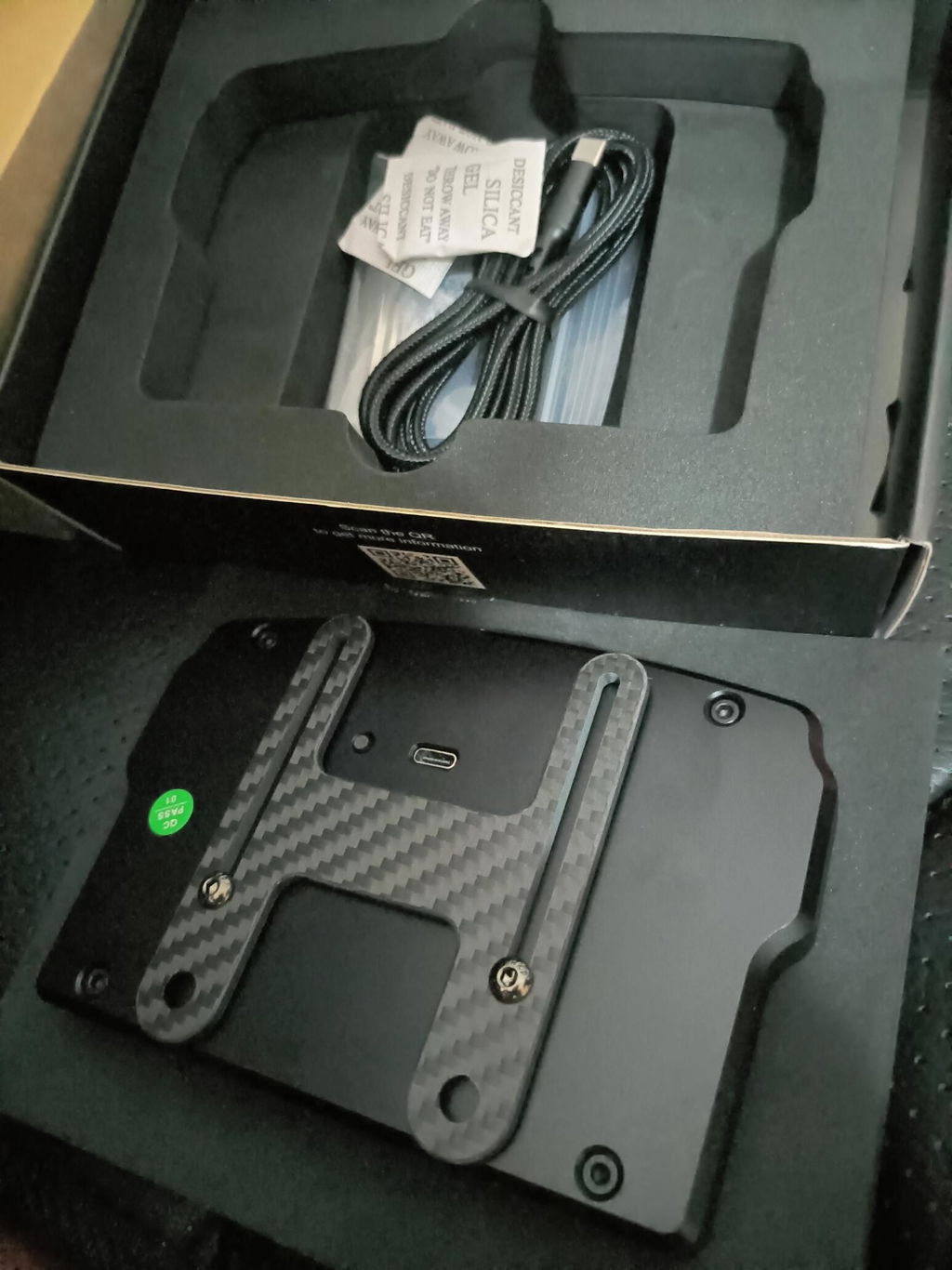
  • Incl. carbon mount (Fanatec) 
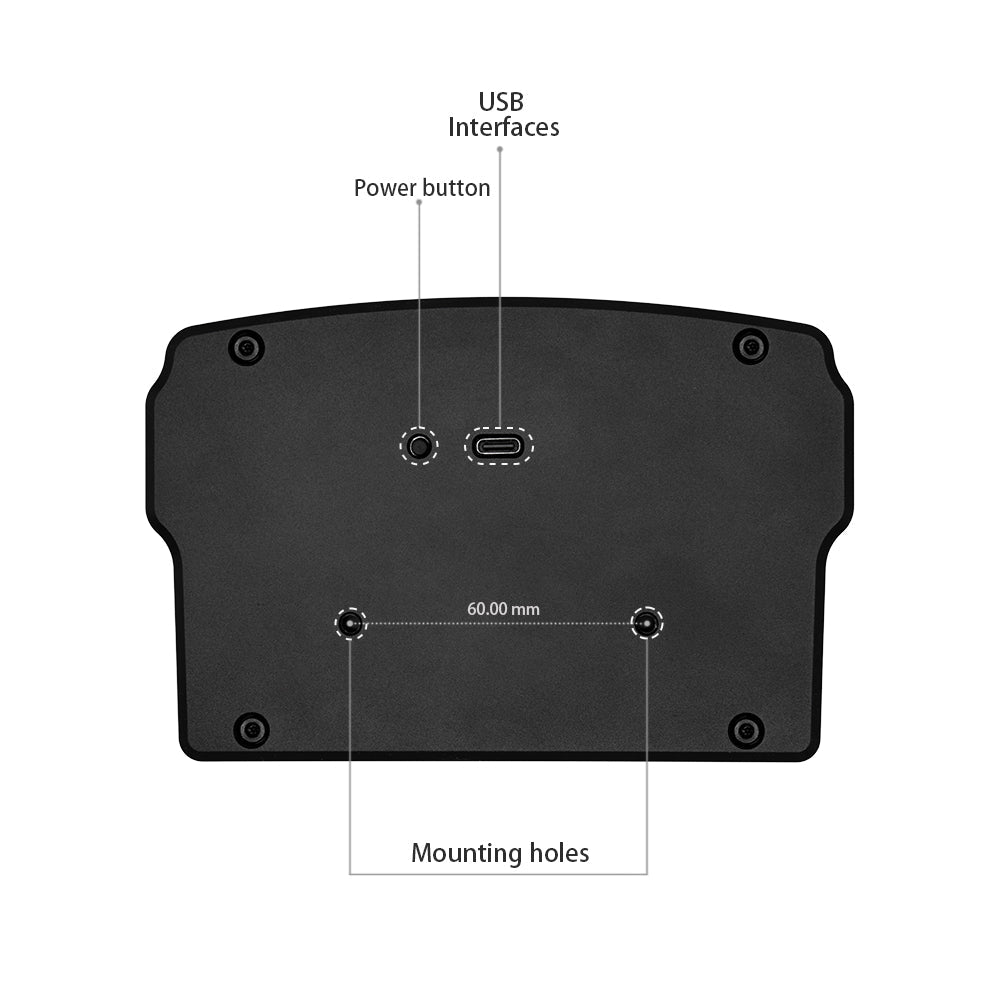
  • On/off switch on the back

COMPATIBILITY:

  • Platform:PC
  • Software:SimHub

WHAT'S INCLUDED:

  • Dashboard 5"
  • carbon mount (Fanatec) 
  • 1.5m USB-A to USB-C cable
  • Screws required for assembly

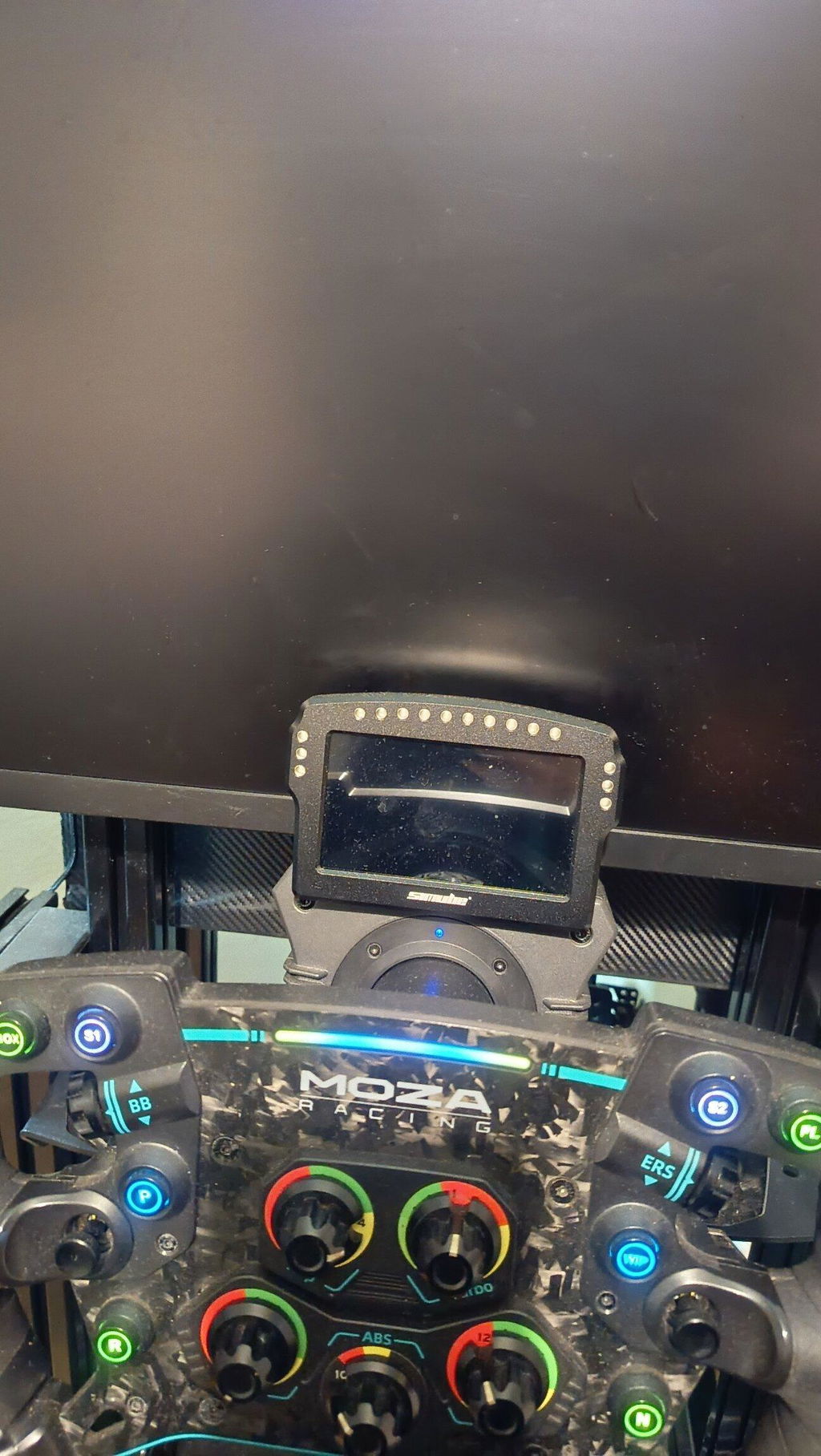
Note: The included carbon mount is for Fanatec wheelbases only. For other brands, a separate mount is available for purchase in our store.

  • 5 stars: 49 (94%)
  • 4 stars: 3 (6%)
  • 3 stars: 0 (0%)
  • 2 stars: 0 (0%)
  • 1 star: 0 (0%)
R
Ray
DDU100 / Black
Great DDU

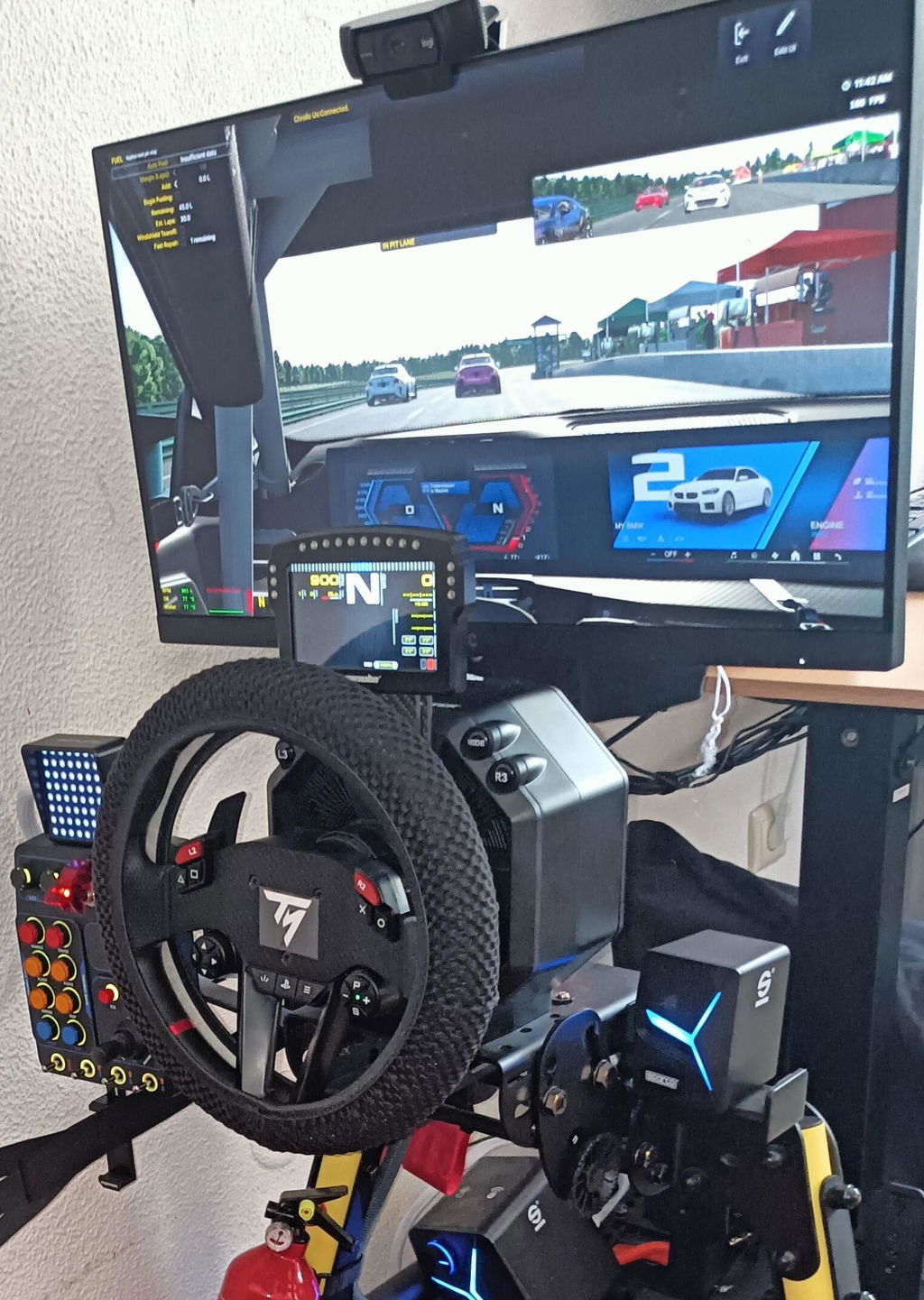
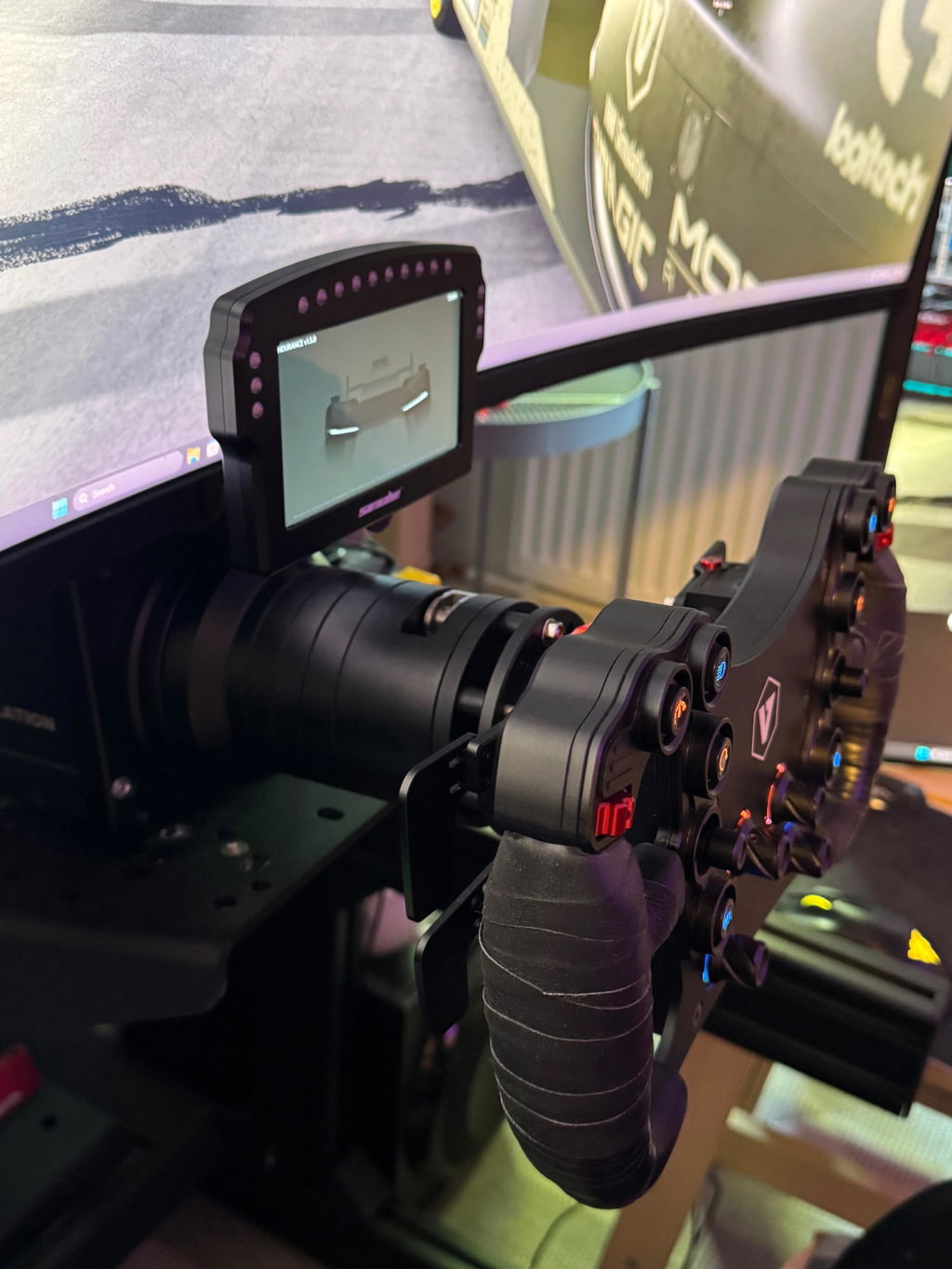
Great DDU. I'm using it on my simagic evo pro wheelbase, with my own custom DDU holder. Very Happy with the purchase!

Will buy other formfactor DDUs if simub decides to sell them.

A
Anonymous
DDU100 / Black
Setup is quick and the Quality top

Setup is quick and the Quality is on top!

C
Csaba K.
DDU100 / Black
perfect! I love it! It has everything I

perfect! I love it! It has everything I need

R
Robert D.
DDU100 / Black
Nothing to fault

Nothing to fault. Maybe the white logo on the front is distracting. Taped it off. Excellent product.

S
Steve D.
Amazing Dashboard

As all Simube products the dashboard is really high quality for the low price. The screen itself is really displays dashboards crisp and in great colors. The LEDs are really strong so you can really tune them how bright you want they to be to easily recognize when they are on in your field of view.

I even created a bunch of new Simhub Dashboards with GT3 replicas for AMS2 for this Dashboard, you can find it as "Aces AMS2 Dashboard Bundle"

B
Bertrand C.
DDU100 / Black
Dashboard

Perfect, incredible quality for this price.

A
Anonymous
DDU100 / Black
Amazing

Amazing piece of kit, well worth the wait

F
FABIO F.
Premium Dashboard

Fiquei muito surpreendido com o embalamento e a qualidade de construção da do produto e do cabo obrigado

U
Ulises
Dashboard

Dashboard

D
Daniel
Nice

Nice Dispaly

R
RaKiMaJe
DDU100 / Black
U do not need another

Without having experience with other DDU's I truely doubt if you need a more expensive one. Hardware and packaging is very good and the look and feel is good. For me a lower placement of the USB-c, at the back, would be preferable. For me it is a bit in the way for monitor placement.
The LEDs are very bright. Turned them down to 3% in simhub. Which is plug and play btw.
I see people in general commenting 60 fps is too low, but I don't know why. I do not experience 60 fps as a limitation.

For racing the DDU realizes a possibility to remove all on screen hud's, which contributes to immersion.

Also my experience with customer services. I experienced an issue during the payment flow, but got response within a couple of hours.

Hope my review is helpful.

SimHub LED Brightness Tuning Guide

If your LEDs still feel too bright even at 3%, it is because the hardware baseline needs to be lowered. You can easily fix this by adjusting the advanced hardware limiter for a much softer glow.

Please follow these steps in SimHub :

1. Go to Devices: Click 'Devices' on the left menu .

2. Select Device: Click on 'Simube DDU100' .

3. Switch to LEDs: Click the 'LEDs' tab at the top.

4. Set Brightness Limiter (Crucial Step):

- Under the 'Brightness limiter and balance' section, click the blue 'Edit brightness options' link.

- In the popup window, change the telemetry/global limit to 5% – 20%. This caps the maximum hardware output.

5. Fine-tune Main Brightness: Go back up and adjust the main brightness slider . The lighting will now be perfectly soft and comfortable for night racing.

P
Pasi730
GREAT DASH !!

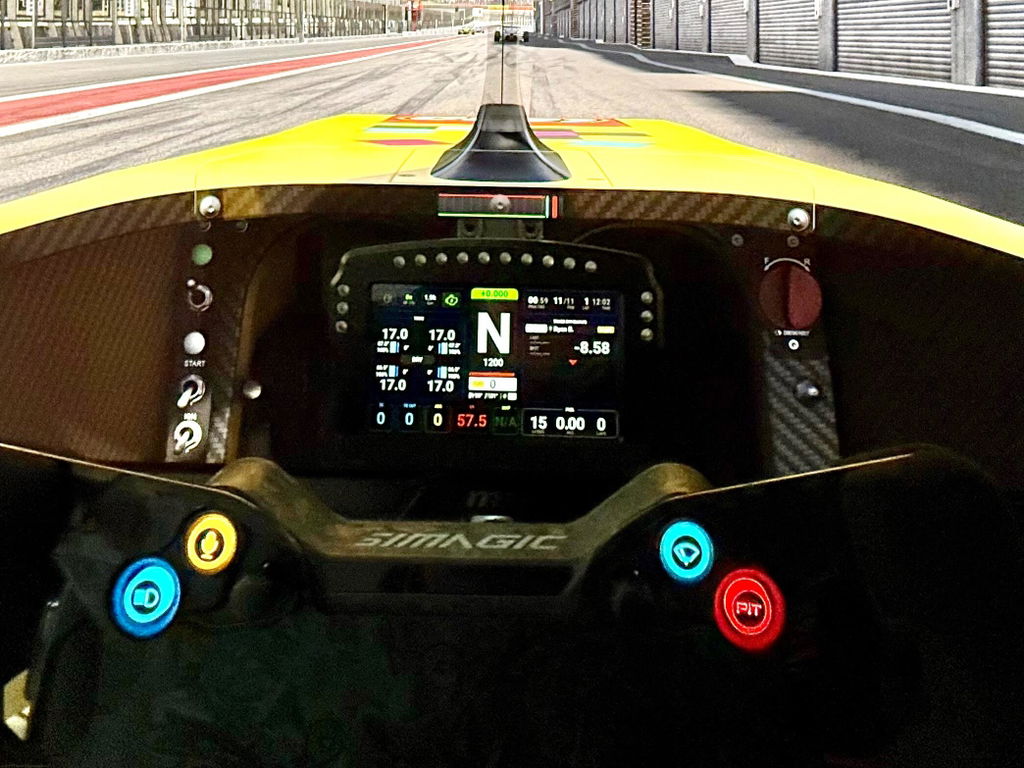
Great dash—unbeatable value for money. It’s integrated into SimHub and ready to use right away! It’s just as good as the dash from a well-known brand. You really ought to offer mounts for other wheelbase manufacturers, too.

J
Joaquim V.
DDU100 / Black
Primeiras impressões

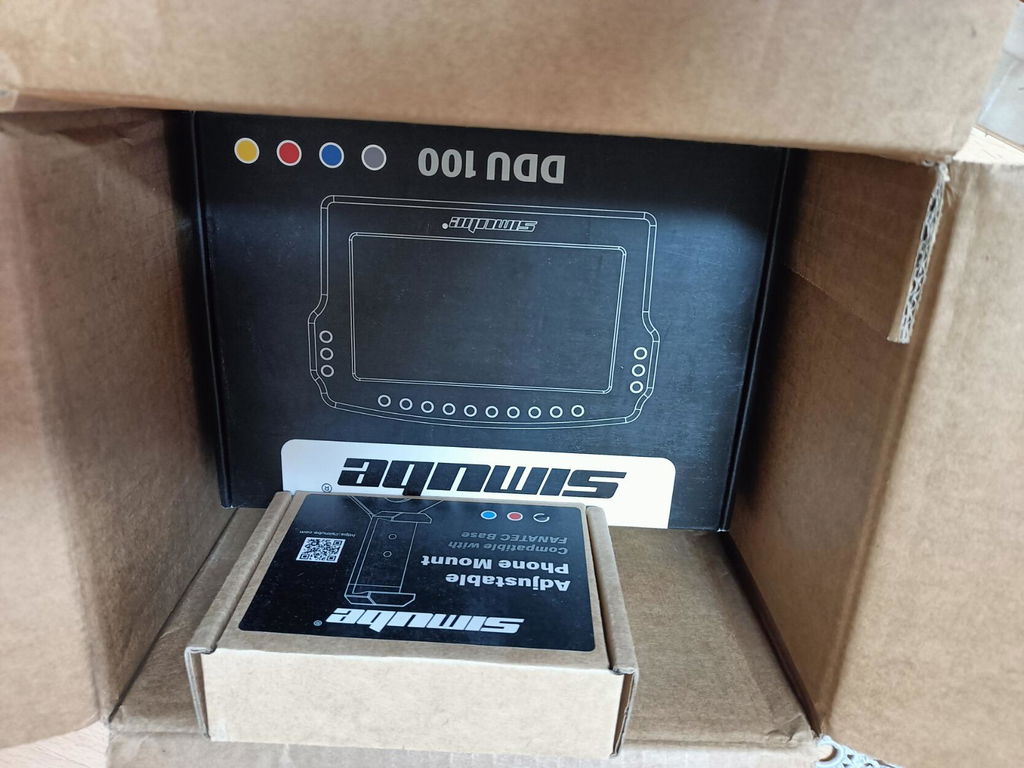
As primeiras impressões são bastante positivas, a encomenda chegou bem embalada e em perfeitas condições, a qualidade dos materiais nota-se imediatamente, a dashboard transmite uma sensação refinada. No entanto, penso que o interior da caixa da encomendada poderia incluir plástico-bolha para aumentar a proteção durante o transporte, apesar que o interior da caixa da dashboard é bem moldada ao redor do produto.

Outro ponto positivo é o cabo USB incluído com excelente revestimento ao longo de todo o cabo, transmite maior durabilidade e estética ao simulador. Além disso, é possível utilizar um extensor USB entre a dashboard e a porta de entrada do computador sem perder o sinal ou problemas de funcionamento, o que é uma mais-valia para quem têm o simulador mais afastado do PC e com as portas do HUB externo já ocupadas de outros periféricos, pois ligar ao monitor não funciona o sinal, o que é normal.

Como pontos a melhorar, será útil incluir um botão de desligar/ligar físico, possui um mas é apenas para reiniciar, no windows dá para ejetar o dispotivio. Uma película de proteção para o visor será perfeito!

Bastante satisfeito! por agora tudo ótimo ;)

Olá Joaquim,

Agradecemos imensamente pelo seu feedback detalhado e positivo. Ficamos felizes que a Simube DDU100 tenha atendido às suas expectativas e que esteja satisfeito com a qualidade e funcionalidades do produto. Sua sugestão de incluir um botão físico de ligar/desligar e uma película protetora será considerada para futuras melhorias.

Agradecemos por compartilhar suas observações e por confiar na nossa loja. Estamos à disposição para quaisquer futuras necessidades.

Atenciosamente,
Equipe Simube

A
Anonymous
DDU100 / Black
Great dash! Doing its job perfectly

Great dash! Doing its job perfectly. Quality for the price will be hard to beat.

K
Karl
DDU100 / Black
Amazing dashboard

Amazing dashboard, love The RGB lighting for revs and cautions. The DDU integrates perfectly into Simhub software but I with there were more
default layouts available.

As with every time I’ve ordered from simhub it has taken about a month to get to me in Florida but the quality and packaging once it arrives is top notch.

A
Anonymous
DDU100 / Black
Just right!

Excellent value! This is the only dash I have owned, so I have no comparison. The aluminum shell is very nice, screen is plenty bright and responsive. The best part is that it works with simhub right out of the box. I did apply the update immediately before using, so not sure about the firmware it shipped with. Pairs perfectly with Lovely Dash to give you all the critical information you need at a glance.

I ordered this a day before they released the DDU500, but this is everything I needed. I don't think the DDU500 adds enough to justify the price difference, and I have a fanatec wheel base to take advantage of the wheel base settings screen.

Thank you for sharing your positive experience with the Simube DDU100. We're delighted to hear it meets your expectations and integrates well with your setup. Your feedback is appreciated, and we're glad the product provides everything you need. If you have any further questions or need assistance, feel free to reach out.

T
Thomas V.
DDU100 / Black
Happy with Shipping to Switzerland and Product as itself

I'm really happing with Shipping to Switzerland and about the quality of the product! The screen could be a bit sharper, however, it is absolutly suficient. The LEDs are very bright, i run them at 5% brightness. Thanks Simube!

SimHub LED Brightness Tuning Guide

If your LEDs still feel too bright even at 5%, it is because the hardware baseline needs to be lowered. You can easily fix this by adjusting the advanced hardware limiter for a much softer glow.

Please follow these steps in SimHub :

1. Go to Devices: Click 'Devices' on the left menu .

2. Select Device: Click on 'Simube DDU100' .

3. Switch to LEDs: Click the 'LEDs' tab at the top.

4. Set Brightness Limiter (Crucial Step):

- Under the 'Brightness limiter and balance' section, click the blue 'Edit brightness options' link.

- In the popup window, change the telemetry/global limit to 5% – 20%. This caps the maximum hardware output.

5. Fine-tune Main Brightness: Go back up and adjust the main brightness slider . The lighting will now be perfectly soft and comfortable for night racing.

T
Thanos V.
DDU100 / Black
Awesome, incredible value for money! solid construction

Awesome, incredible value for money! Very good, solid construction!
One note is that the leds are VEEERY bright, I have them at less than 5% brightness and they are still very bright, i would like them a bit more diffused and tinted, I can't imagine anyone using them at 100%
Second note is that mounting was tricky, I would like it, if it had more holes in the back.

SimHub LED Brightness Tuning Guide

If your LEDs still feel too bright even at 5%, it is because the hardware baseline needs to be lowered. You can easily fix this by adjusting the advanced hardware limiter for a much softer glow.

Please follow these steps in SimHub :

1. Go to Devices: Click 'Devices' on the left menu .

2. Select Device: Click on 'Simube DDU100' .

3. Switch to LEDs: Click the 'LEDs' tab at the top.

4. Set Brightness Limiter (Crucial Step):

- Under the 'Brightness limiter and balance' section, click the blue 'Edit brightness options' link.

- In the popup window, change the telemetry/global limit to 5% – 20%. This caps the maximum hardware output.

5. Fine-tune Main Brightness: Go back up and adjust the main brightness slider . The lighting will now be perfectly soft and comfortable for night racing.

M
Michele S.
DDU100 / Black
Excellent product

Excellent product at a third of the cost of competitors. It also includes the mounting bracket for direct-drive bases.

Thank you, Michele, for your positive feedback! We're delighted to hear you're satisfied with the Simube DDU100 and its value. We appreciate your support and look forward to serving you again.

F
Francesco
DDU100 / Black
Fantastic

The screen looks so good!

Hi Francesco, we're thrilled to hear you love the screen! Thanks for sharing your feedback.